
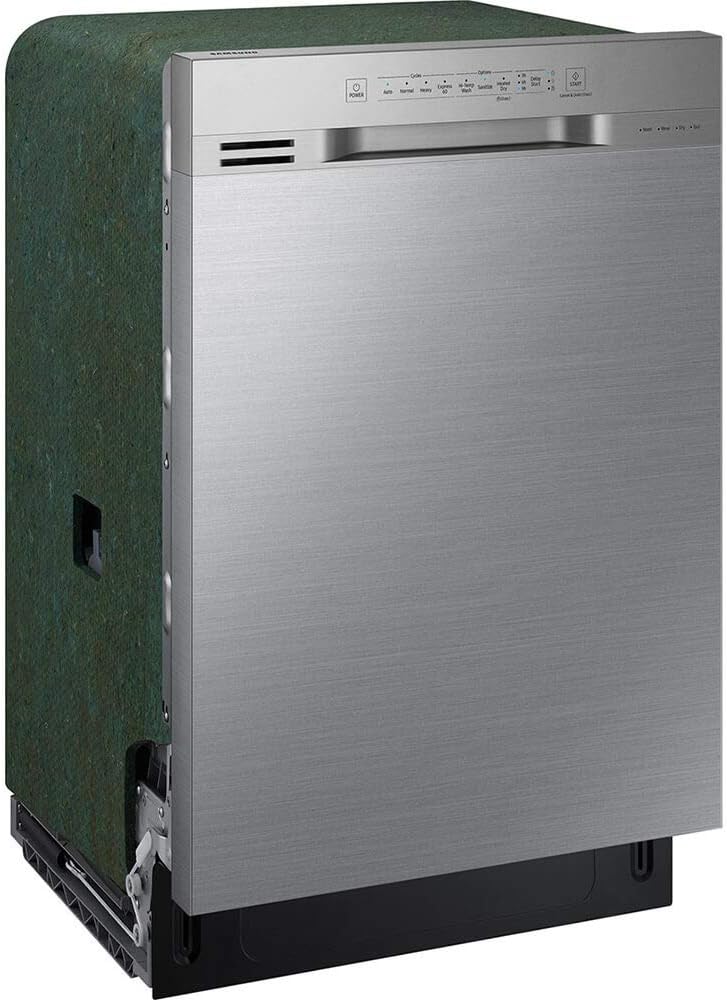
A Samsung dishwasher is designed to make kitchen cleanup effortless. But when it stops draining, leaves dishes dirty, or flashes an unfamiliar error code, it can quickly become a source of frustration. Before calling for service, many common issues can be diagnosed—and sometimes fixed—at home.
This comprehensive guide walks you through the most frequent Samsung dishwasher problems and how to troubleshoot them safely and effectively.
Before You Begin: Safety First
Before performing any troubleshooting:
- Turn off and unplug the dishwasher, or switch off the circuit breaker.
- Shut off the water supply if you’re inspecting hoses.
- Keep towels handy in case of water spills.
If you’re uncomfortable performing any step, contact a qualified technician.
1. Dishwasher Won’t Start
Possible Causes:
- Door not fully closed or latched
- Child Lock activated
- Tripped circuit breaker
- Faulty control panel
What to Do:
- Ensure the door clicks securely into place.
- Check for the Child Lock indicator on the display and disable it (usually by holding a specific button for 3 seconds—refer to your manual).
- Inspect your home’s breaker panel.
- Try a soft reset: turn off the breaker for 5 minutes, then restore power.
If the unit still doesn’t power on, the control board or power supply may need professional service.
2. Dishwasher Won’t Drain
Standing water at the bottom of the tub is a common issue.
Possible Causes:
- Clogged filter
- Blocked drain hose
- Garbage disposal knockout plug not removed (new installations)
- Faulty drain pump
What to Do:
- Remove and clean the bottom filter assembly.
- Check the drain hose for kinks or clogs.
- If recently installed, confirm the dishwasher drain line plug in the garbage disposal was removed.
- Listen for a humming sound during the drain cycle—this may indicate a jammed or failing pump.
Persistent drainage issues may require pump replacement.
3. Dishes Aren’t Getting Clean
Possible Causes:
- Overloading
- Dirty spray arms
- Low water temperature
- Improper detergent use
What to Do:
- Avoid blocking spray arms with large dishes.
- Remove and rinse spray arms; clear clogged holes with a toothpick.
- Run hot water at the sink before starting the dishwasher to ensure it fills with hot water.
- Use fresh, high-quality detergent and the correct amount.
Running a dishwasher cleaning cycle with a dishwasher-safe cleaner monthly can also improve performance.
4. Dishwasher Is Leaking
Leaks can occur from several areas.
Possible Causes:
- Damaged door gasket
- Loose hose connections
- Overfilled detergent
- Cracked tub (rare)
What to Do:
- Inspect the door gasket for cracks, debris, or warping.
- Tighten hose connections under the sink.
- Avoid overfilling the detergent compartment.
- Ensure the dishwasher is level—tilting can cause leaks.
If water pools underneath the unit, professional inspection may be necessary.
5. Error Codes Explained
Samsung dishwashers display error codes to identify problems. Some common ones include:
- 4C / 4E – Water supply issue
- Check that the water valve is open and hoses aren’t kinked.
- 5C / 5E – Drainage problem
- Clean the filter and inspect the drain hose.
- LC / LE – Leak detected
- Inspect for visible leaks; the unit may have triggered a safety shutoff.
- OC / OE – Overflow error
- Often caused by excessive detergent or a faulty water level sensor.
If resetting the dishwasher doesn’t clear the error, service may be required.
6. Dishwasher Is Noisy
Some noise is normal, but unusual sounds may indicate trouble.
Common Sounds and Causes:
- Grinding – Debris in the pump
- Rattling – Dishes touching or loose spray arm
- Buzzing – Normal during draining, unless unusually loud
Rearrange dishes and check internal components if abnormal noise persists.
7. Dishwasher Smells Bad
Odors are usually caused by trapped food particles.
How to Fix:
- Clean the filter and spray arms.
- Wipe down door seals.
- Run a hot cleaning cycle with white vinegar (place a cup in a dishwasher-safe bowl on the top rack).
- Follow up with baking soda sprinkled on the bottom and run a short hot cycle.
Regular cleaning prevents buildup and keeps your dishwasher fresh.
When to Call for Service
Contact a professional if you notice:
- Electrical burning smells
- Repeated breaker trips
- Persistent error codes
- Water leaking into the base (triggering constant drain pump operation)
- Mechanical failure (motor not running)
If your unit is under warranty, avoid disassembly that could void coverage.
Preventive Maintenance Tips
Keep your Samsung dishwasher running smoothly with these habits:
- Clean the filter weekly.
- Use the recommended detergent type.
- Avoid overloading.
- Run hot water before each cycle.
- Perform a monthly cleaning cycle.
Final Thoughts
Many Samsung dishwasher problems have simple solutions that homeowners can handle themselves. With regular maintenance and a bit of troubleshooting knowledge, you can extend the life of your appliance and avoid unnecessary repair costs.
When in doubt, consult your user manual or contact Samsung support for model-specific guidance. A little proactive care goes a long way toward keeping your kitchen running efficiently.





