
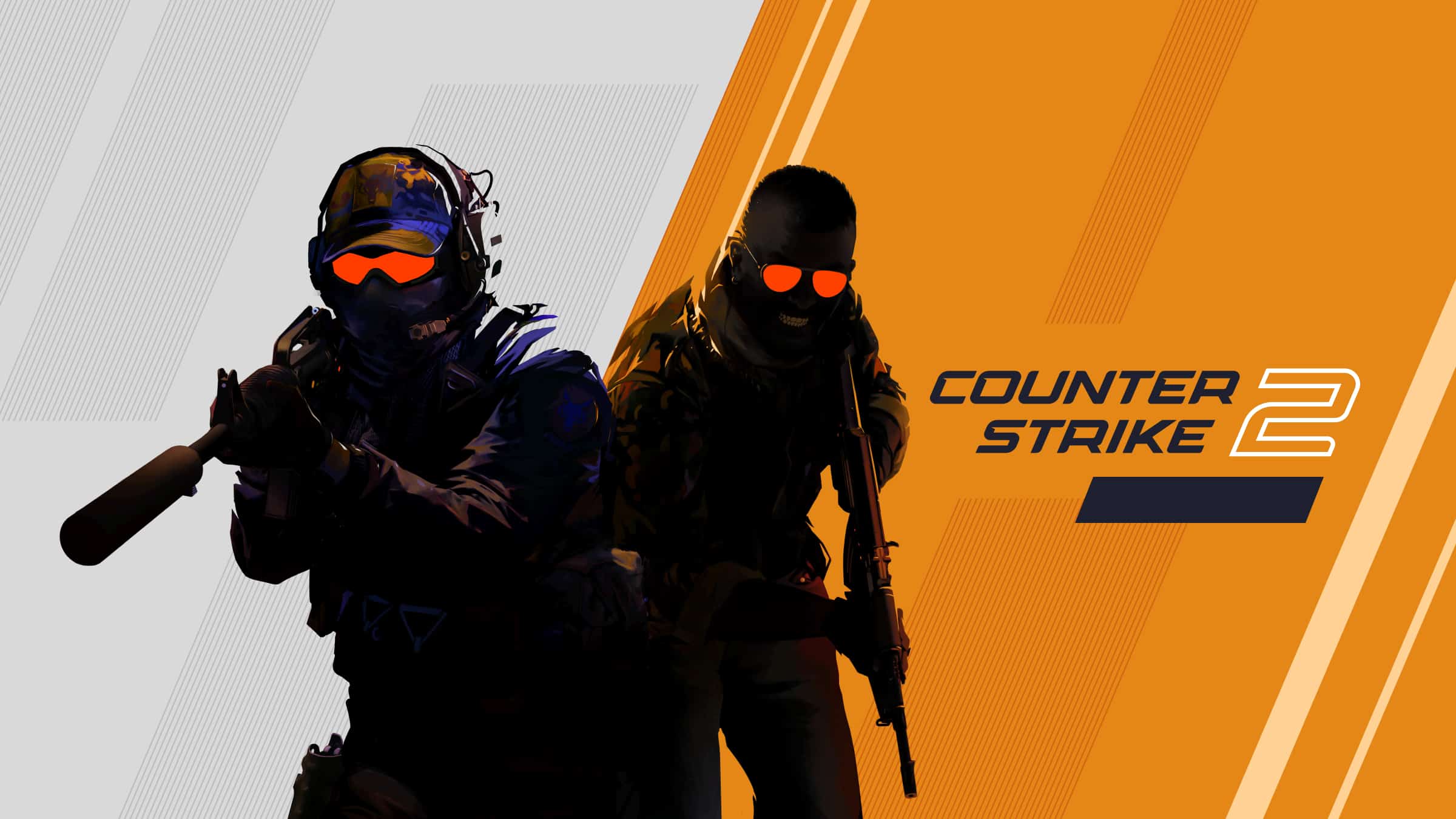
Counter-Strike 2 (CS2) delivers the same intense tactical FPS experience that made the franchise legendary, now powered by the Source 2 engine. Whether you’re warming up your aim, learning new maps, or enjoying casual matches with friends, playing with bots and private lobbies is one of the best ways to sharpen your skills and have fun without the pressure of ranked matchmaking.
In this guide, we’ll walk through how to play CS2 with bots, how to set up matches with friends, and tips to get the most out of both experiences.
Why Play with Bots in CS2?
Bots are more than just practice targets. They’re useful for:
- Learning new maps without competitive pressure
- Practicing utility (smokes, flashes, molotovs)
- Improving aim and recoil control
- Testing strategies and callouts
- Warming up before ranked matches
CS2 bots can simulate realistic movement and shooting patterns, making them useful training partners for players of all skill levels.
How to Play with Bots in CS2
1. Start an Offline Match
- Launch Counter-Strike 2.
- Click Play.
- Select Practice or Offline Mode.
- Choose your preferred map.
- Enable bots in the settings.
- Start the match.
You can select the number of bots and their difficulty level (Easy, Normal, Hard, Expert).
2. Customize Bots Using Console Commands
To unlock advanced bot controls:
- Go to Settings > Game > Enable Developer Console (~).
- Press the ~ key to open the console.
- Use the following commands:
Add or remove bots:
bot_add
bot_kick
Control teams:
bot_add_t
bot_add_ct
Adjust difficulty:
bot_difficulty 0  (Easy)
bot_difficulty 1  (Normal)
bot_difficulty 2  (Hard)
bot_difficulty 3  (Expert)
Stop bots from moving (great for aim practice):
bot_stop 1
Make bots use knives only:
bot_knives_only 1
These commands are especially helpful for aim training and utility practice.
Playing CS2 with Friends
Playing with friends is where CS2 truly shines. You can create private lobbies, queue together competitively, or set up custom matches.
1. Create a Party
- Open CS2.
- Click the Friends icon in the main menu.
- Invite friends from your Steam friends list.
- Once everyone joins, select your preferred game mode (Competitive, Premier, Casual, Wingman, etc.).
- Click Start Matchmaking.
2. Private Matches with Friends
If you want to play only with your friends (no random players):
- Create a Practice or Private match.
- Invite friends to your lobby.
- Adjust bot settings or remove them entirely.
- Start the match.
This setup is perfect for:
- 1v1 aim duels
- 2v2 Wingman-style games
- Strategy testing
- Friendly tournaments
Best Ways to Practice with Bots
Here are some effective training routines:
Aim Training
- Use
bot_stop 1to freeze bots. - Practice headshots with different weapons.
- Focus on crosshair placement.
Recoil Control
- Pick an AK-47 or M4.
- Spray at a wall to learn recoil patterns.
- Practice transferring spray between bots.
Utility Practice
- Turn on infinite ammo:
sv_infinite_ammo 1 - Practice smoke lineups repeatedly.
- Test flash effectiveness in different angles.
Clutch Scenarios
- Add multiple enemy bots.
- Reduce your teammates.
- Practice 1v2 or 1v3 situations.
Tips for Playing with Friends
- Use voice communication (Discord or in-game voice).
- Practice real callouts for better team coordination.
- Assign roles (entry fragger, AWPer, support).
- Review demos together to improve teamwork.
- Mix serious practice with fun modes to avoid burnout.
Bots vs Real Players: What’s the Difference?
While bots are helpful, they don’t fully replicate real player unpredictability. Human opponents:
- Adapt to your strategies
- Use mind games and fake plays
- Communicate and coordinate
- Punish repeated mistakes
Think of bots as training tools — not a replacement for real competitive matches.
Final Thoughts
Counter-Strike 2 offers flexibility for every type of player. Whether you’re grinding your aim against bots or coordinating executes with friends, there’s always room to improve and have fun.
Use bots to sharpen your mechanics. Use friends to build chemistry and teamwork. And when you’re ready — jump into competitive matches with confidence.
See you on the server. 🔫





