
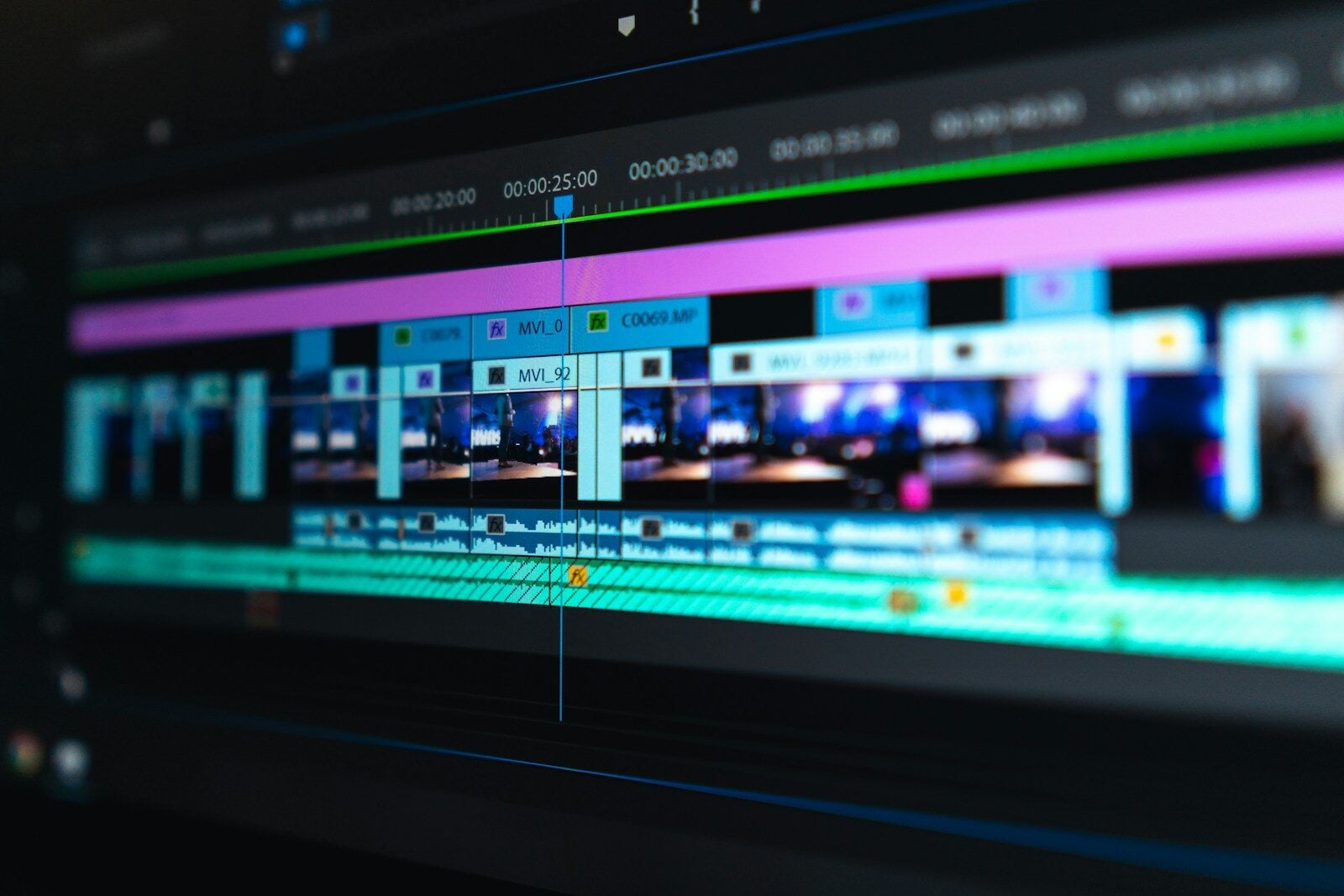
Looking to create professional videos without spending a fortune? You’re in luck. As of 2026, free video editing software has evolved dramatically, offering features that were once exclusive to expensive premium applications. DaVinci Resolve 19 stands out as the top choice for free video editing, providing professional-grade tools without any cost barriers.
The landscape of free video editors now includes impressive options like Blender, OpenShot, and Lightworks, all offering robust capabilities without watermarks. For beginners, user-friendly options such as Adobe Express and Canva provide drag-and-drop functionality that makes video creation accessible to everyone, regardless of technical skill.
Whether you’re creating content for social media, putting together a short film, or editing business videos, today’s free editing software delivers remarkable versatility. These tools now support high-definition editing, special effects, color grading, and audio enhancement—features that used to require significant investment in specialized software.
Free Video Editing Software Options in 2026
Whether you’re editing YouTube videos, social media clips, school projects, or short films, there are more free video editing tools available in 2026 than ever before. The key is choosing the right one for your skill level and workflow.
Below is a practical guide to the best free options — including a comparison table to help you decide quickly.
✅ What to Look for in Free Video Editing Software
Before choosing, consider:
- Watermarks – Does it export without one?
- Resolution limits – Can you export in 1080p or 4K?
- System compatibility – Windows, macOS, Linux, web-based?
- Ease of use – Beginner-friendly or pro-level?
- Advanced features – Color grading, motion tracking, effects, AI tools?
🎬 Best Free Video Editing Software (2026)
1. DaVinci Resolve (Free Version)
Best for: Advanced users and creators who want pro tools
- Professional-grade color correction
- Fusion VFX tools
- Multi-track editing
- 4K export support
- No watermark
✅ Extremely powerful
❌ Steeper learning curve
2. CapCut (Desktop & Web)
Best for: Social media creators
- Very beginner-friendly
- Built-in templates
- Auto captions
- AI background removal
- Fast exports
✅ Easy to use
❌ Less control for complex projects
3. Shotcut
Best for: Open-source flexibility
- Wide format support
- Cross-platform (Windows, Mac, Linux)
- No watermark
- Fully free
✅ Lightweight and customizable
❌ Interface feels dated
4. OpenShot
Best for: Beginners who want simple timeline editing
- Drag-and-drop interface
- Basic transitions and effects
- Open-source
✅ Easy to start
❌ Can be unstable with large projects
5. iMovie (Mac Only)
Best for: Apple users
- Clean interface
- Optimized for macOS
- Great for beginners
- 4K support
✅ Smooth performance on Mac
❌ Limited advanced tools
6. Clipchamp (Windows/Web)
Best for: Quick edits on Windows
- Browser-based option
- Templates included
- Direct export for social platforms
✅ Convenient
❌ Some advanced features require paid plan
📊 Comparison Table: Free Video Editors in 2026
| Software | Platform | Watermark | 4K Export | Best For | Skill Level |
|---|---|---|---|---|---|
| DaVinci Resolve | Windows / Mac | No | Yes | Professional & YouTube creators | Advanced |
| CapCut | Windows / Mac / Web | No | Yes | Social media videos | Beginner |
| Shotcut | Windows / Mac / Linux | No | Yes | Open-source flexibility | Intermediate |
| OpenShot | Windows / Mac / Linux | No | Limited | Simple editing | Beginner |
| iMovie | macOS / iOS | No | Yes | Apple users | Beginner |
| Clipchamp | Windows / Web | No* | 1080p Free | Quick online edits | Beginner |
*Clipchamp’s free plan may limit resolution or features depending on export settings.
🎯 Which One Should You Choose?
Choose DaVinci Resolve if:
- You want professional tools for free
- You edit long-form YouTube content
- You care about advanced color grading
Choose CapCut if:
- You create TikTok, Reels, or Shorts
- You want fast, template-based editing
- You prefer AI-powered features
Choose Shotcut or OpenShot if:
- You prefer open-source software
- You’re on Linux
- You want a lightweight install
Choose iMovie if:
- You use a Mac
- You want simplicity
- You don’t need advanced effects
💡 Final Thoughts
In 2026, you no longer need to pay for powerful editing software. Free tools now offer:
- 4K exporting
- Multi-track timelines
- AI features
- Advanced color correction
- No watermarks
The best option depends on your goals — quick social clips or cinematic productions.
Key Takeaways
- Free video editing software in 2025 offers professional-quality tools without financial barriers or watermarks.
- User-friendly options like Adobe Express and Canva make video editing accessible for beginners with drag-and-drop capabilities.
- Advanced free tools such as DaVinci Resolve provide features comparable to premium software, including HD editing and color grading.
Overview of Free Video Editing Software
Free video editing software has evolved significantly, offering powerful tools that rival paid options. These programs allow creators to edit videos with professional-quality effects without spending money, making video creation accessible to everyone.
Key Features and Capabilities
Most free video editors include essential tools like timeline editing, transitions, and basic video effects. Programs like DaVinci Resolve stand out by offering professional-grade color correction tools that were once only available in expensive software.
Many free editors now include AI-powered features that simplify complex tasks. Auto-stabilization helps fix shaky footage, while smart trimming can identify and remove silent gaps automatically.
Audio editing capabilities vary across free options. Some provide basic volume adjustment, while others offer noise reduction and audio effects libraries.
Multi-track editing is available in most free editors, allowing users to layer video clips, add text overlays, and create picture-in-picture effects.
Export options typically include presets for social media platforms, making it easier to create content specifically for YouTube, Instagram, or TikTok.
Supported Video Formats
Compatibility with various video formats is crucial when choosing a free video editor. Most support common formats like MP4, AVI, and MOV, ensuring users can work with footage from smartphones, DSLRs, and action cameras.
More advanced free editors like DaVinci Resolve handle professional formats such as ProRes and DNxHD, appealing to serious content creators.
Format conversion is another valuable feature. Many free editors can convert between formats, allowing users to optimize videos for different platforms or devices.
Some limitations exist in free versions. Certain editors may restrict output to specific formats or add watermarks to exported videos.
For older or less common formats like VOB, MPEG, or FLV, compatibility varies. It’s worth checking specific format support before committing to a particular free video editor.
Advancements in Editing Technology
Video editing technology has evolved dramatically in recent years, with new tools making professional-level editing accessible to everyone. AI-powered features and seamless social platform integration have transformed how creators produce and share content.
Innovative Editing Effects and Tools
AI-powered editing tools have revolutionized the video creation process. DaVinci Resolve, one of the leading free platforms, now offers advanced color correction capabilities that previously required expensive software. These tools allow creators to apply cinematic color grading with just a few clicks.
Motion tracking has become more intuitive across free platforms, enabling users to attach text or graphics to moving objects with minimal effort. This technology was once limited to high-end production houses but is now available in many free applications.
Automated transitions and effects libraries have expanded significantly. CapCut has emerged as a popular option for creators seeking depth in their edits without complexity. Its pre-built motion graphics templates help beginners create professional-looking content quickly.
Integration with Social Media Platforms
Modern editing software now includes direct publishing options for various social platforms. This streamlined workflow allows creators to format videos appropriately for YouTube, Instagram, and TikTok without manually adjusting dimensions for each platform.
Adobe Premiere Rush stands out for its cross-platform capabilities. Users can start editing on mobile devices and seamlessly continue on desktop computers. This flexibility supports on-the-go content creation for video marketing campaigns.
Built-in analytics tools help creators track performance across social media channels. These insights allow for data-driven decisions about content strategy and audience preferences.
Platform-specific features like automated captions and interactive elements are now standard in many free editors. These tools boost engagement rates and help videos perform better in algorithm-based feeds, essential for growing an audience in today’s competitive media landscape.
Frequently Asked Questions
People often have questions about free video editing software before they download or use it. These questions address compatibility, feature limitations, and performance expectations.
What are the top free video editing software options currently available?
DaVinci Resolve stands out as one of the best free video editors for Windows and Mac users. It offers professional-grade tools without a price tag.
HitFilm Express is another excellent option that provides advanced features for creators who need more than basic editing capabilities.
PowerDirector offers AI-driven tools with a user-friendly interface, making it accessible for beginners while still providing powerful editing functions.
Shotcut deserves mention for its simplicity and ease of use. While it lacks some advanced features, it works well for most standard editing tasks.
Which free video editing programs are compatible with Windows 10?
DaVinci Resolve runs smoothly on Windows 10 systems with adequate graphics capabilities. It offers a full suite of editing tools without charging users.
HitFilm Express works well on Windows 10 and provides a good balance between performance and features.
PowerDirector’s free version functions properly on Windows 10 and includes many of the premium features with some limitations.
Shotcut is particularly lightweight and runs efficiently even on older Windows 10 machines with less powerful hardware.
How can one edit videos without watermarks using free software?
DaVinci Resolve offers complete professional editing without adding watermarks to exported videos. This makes it ideal for creators who need clean output.
PowerDirector’s free version allows users to create videos without watermarks, though some export options may be limited.
Shotcut never adds watermarks to videos, regardless of length or resolution. This makes it a reliable choice for finished products.
HitFilm Express provides watermark-free exports while still offering advanced compositing and effects tools.
Are there any fully free online video editors with no hidden costs?
Several online platforms offer genuinely free video editing without unexpected costs. However, they typically have limitations compared to desktop software.
Most free online editors restrict project length, export quality, or available features rather than adding hidden costs or watermarks.
Storage limits often exist with free online editors, requiring users to download their projects regularly or risk losing work.
What is the most advanced free video editing software for professionals?
DaVinci Resolve is widely considered the most professional-grade free video editor available. It’s used in actual Hollywood productions.
The free version of DaVinci Resolve includes color grading tools that rival paid software costing hundreds of dollars.
While DaVinci Resolve has a steeper learning curve than other free options, it offers the most comprehensive toolset for serious video work.
The software includes advanced audio editing, visual effects capabilities, and multi-camera editing features that professionals require.





