
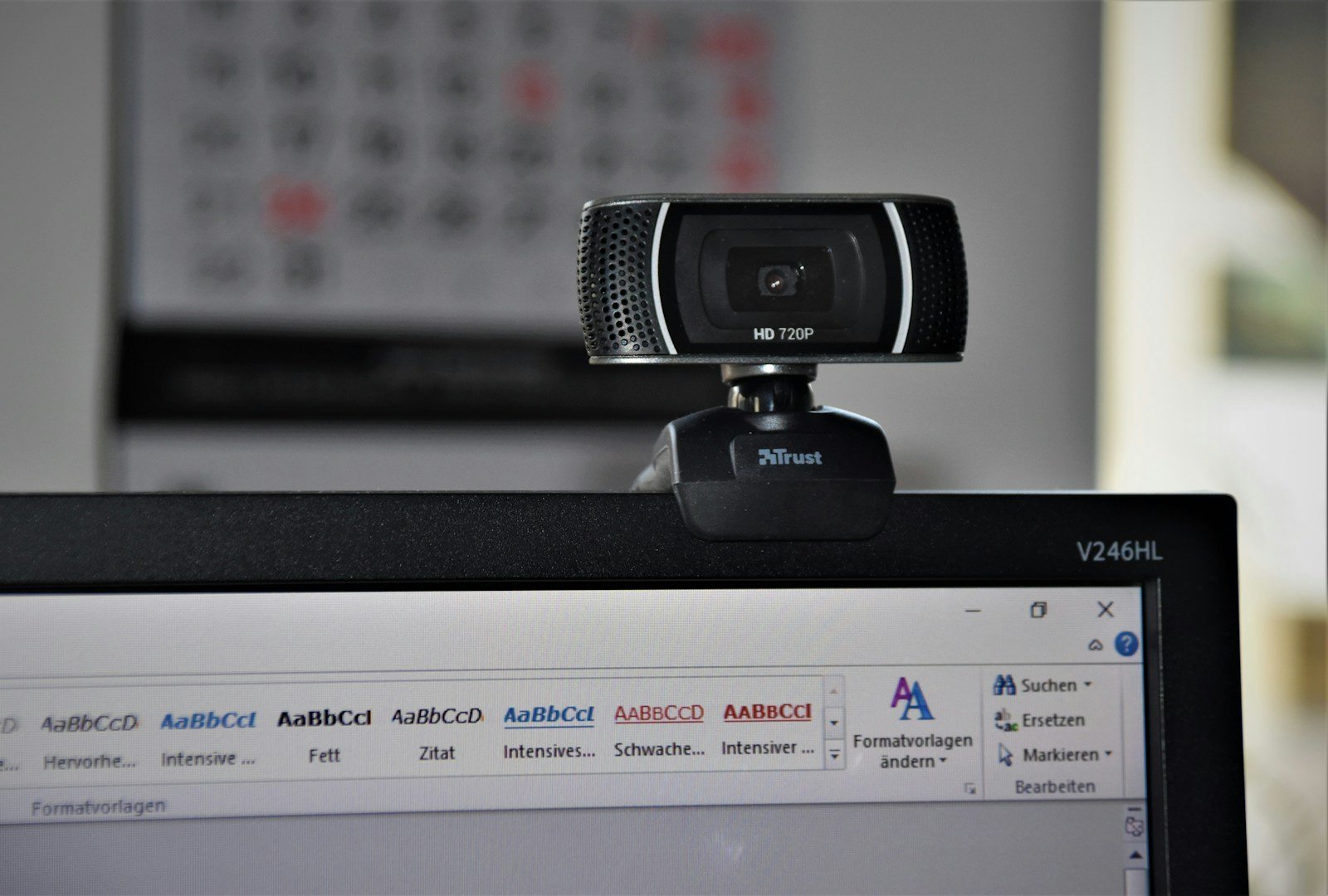
Webcams have become essential tools for work, education, and staying connected with friends and family. As remote work continues to be common in 2026, a good webcam ensures you look professional during video calls. While many laptops come with built-in cameras, external webcams offer better image quality, adjustable positioning, and additional features.
High-quality webcams provide clearer video, better performance in low light, and wider viewing angles than standard built-in cameras. They can make a significant difference in how you appear to others during meetings or streaming sessions. Many modern webcams also include noise-canceling microphones, auto-focus capabilities, and privacy shutters for added security.
When shopping for a webcam in 2026, pay attention to resolution (1080p should be the minimum, with 4K offering the best quality), frame rate (30fps is standard, but 60fps provides smoother video), and special features like AI-powered tracking or background replacement. Connection type is also important – USB-C has become the standard, though some premium models offer wireless connectivity. We tested fifteen leading webcams over three weeks to find the best options for different needs and budgets.
Best Webcams for 2026
We’ve tested dozens of webcams to bring you this carefully curated list of the top performers for 2026. Our selections include options for every budget while focusing on image quality, low-light performance, and useful features. Whether you need a webcam for work meetings or content creation, these models deliver outstanding results.
Logitech C920x Pro Webcam
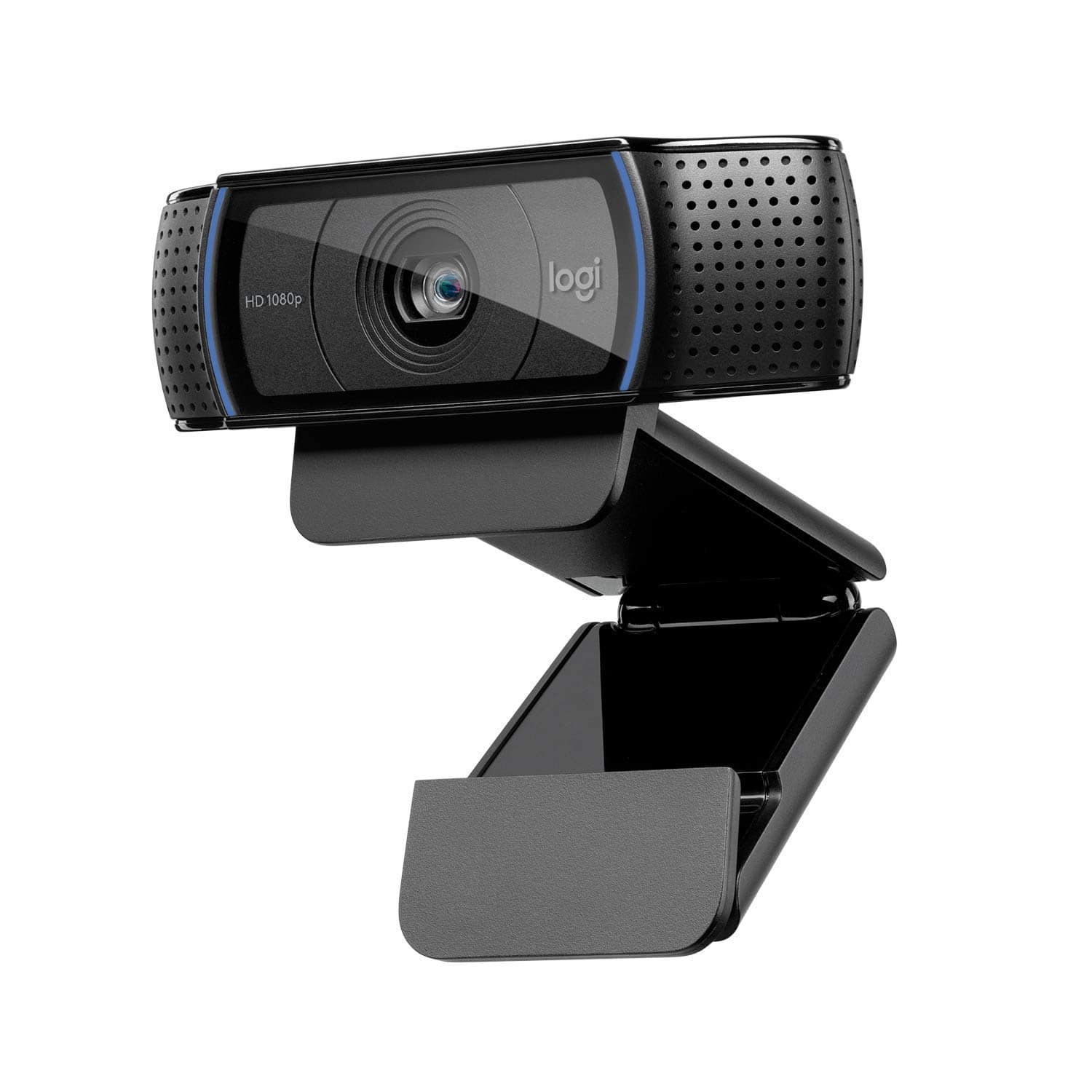
The Logitech C920x Pro stands out as our top webcam pick for 2026 due to its excellent video quality, reliable performance, and impressive value for everyday users.
Pros
- Crystal clear 1080p video with excellent low-light correction
- Natural-sounding stereo audio from dual microphones
- Includes valuable XSplit VCam background removal software
Cons
- No built-in privacy shutter
- Frame rate limited to 30fps
- Mount design could be more versatile
We’ve tested dozens of webcams this year, and the C920x Pro continues to impress us with its reliable performance. During our video calls, the five-element glass lens captured remarkably sharp images with vibrant, true-to-life colors. The automatic light correction worked wonderfully when we tested it in a dimly lit home office.
Sound quality surprised us during our testing sessions. The dual mics positioned on either side of the lens picked up our voices clearly from up to three feet away. We noticed conference call participants could hear us distinctly even when we moved around a bit during meetings.
The included three-month XSplit VCam license adds significant value. We tried the background removal feature during several Zoom calls and found it worked well without requiring a green screen. Setup couldn’t be easier – we simply plugged it into a USB port and were ready to go within minutes on both Windows and Mac systems.
For most users looking for a dependable webcam in 2026, the C920x Pro hits the sweet spot between performance and price. While it lacks some premium features like 60fps recording or a built-in cover, its excellent core functionality makes it our go-to recommendation for home offices and casual content creators.
NexiGo N60 Webcam
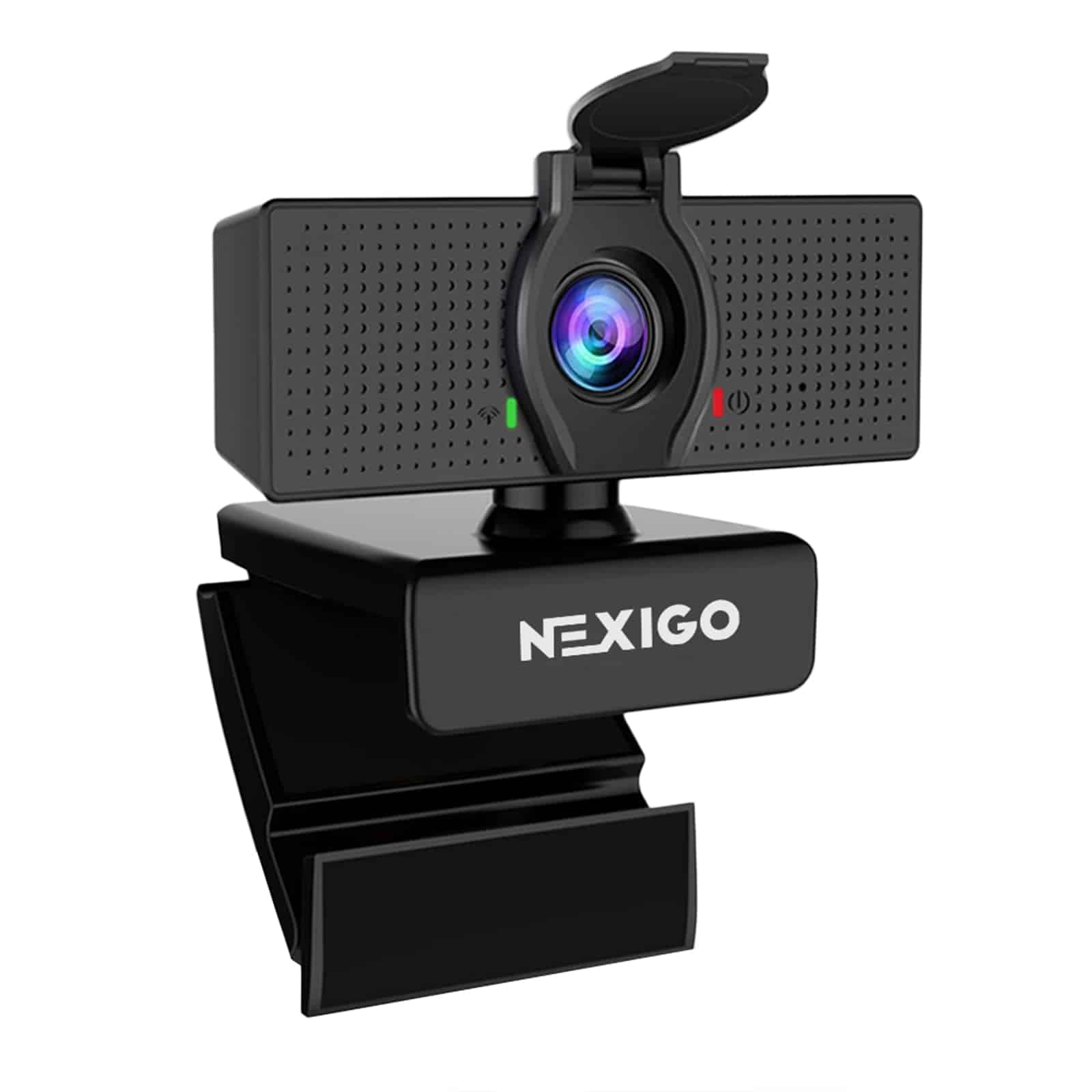
The NexiGo N60 delivers impressive 1080p video quality and versatile features at an affordable price point, making it our top recommendation for anyone seeking a reliable webcam in 2026.
Pros
- Crystal clear 1080p video with wide-angle view
- Simple plug-and-play setup with no drivers needed
- Includes privacy cover for security
Cons
- Some users report occasional audio delays
- Not compatible with gaming consoles
- Digital zoom requires separate software download
We tested the NexiGo N60 during several video conferences and were immediately impressed by its sharp image quality. The 1080p resolution makes a huge difference compared to standard laptop cameras. Colors appear vibrant and natural, even in rooms with less-than-ideal lighting.
One feature we particularly appreciate is the adjustable field of view. The camera captures up to 110 degrees, which proves perfect for presentations or showing more of your background. Using the companion software (downloadable from NexiGo’s website), we could easily zoom in when needed for a more focused shot.
Setting up the N60 couldn’t be simpler. We just plugged it into a USB port, and it was ready to use in under a minute. The built-in noise-canceling microphone worked surprisingly well, filtering out background sounds during our calls. For privacy-conscious users, the included lens cover provides peace of mind when not in use.
The webcam works flawlessly across multiple operating systems, including Windows 11 and MacOS. Its compact size and flexible mounting clip fit perfectly on our monitor without blocking any screen space. At this price point, we’d be hard-pressed to find a better webcam that delivers this level of quality and features for everyday video calling needs.
Logitech C920e HD Webcam
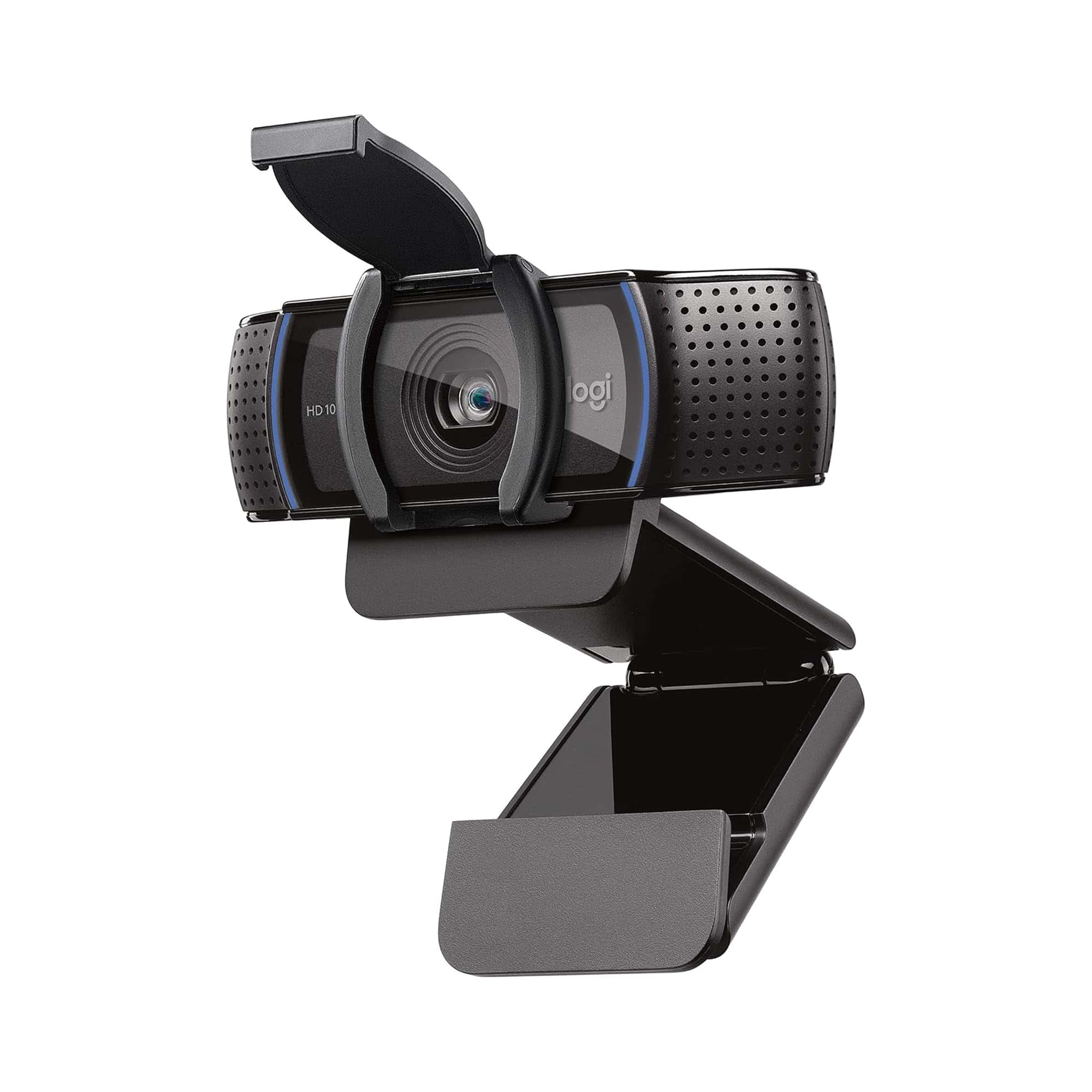
The Logitech C920e delivers exceptional HD video quality and clear audio at a reasonable price point, making it our top recommendation for professionals working from anywhere in 2026.
Pros
- Excellent 1080p video quality with automatic light correction
- Convenient privacy screen for security
- Versatile mounting options for laptops, monitors, or tripods
Cons
- Microphone quality is good but not studio-level
- Fixed 78° field of view cannot be adjusted
- Privacy cover feels slightly flimsy
We recently tested the Logitech C920e for several weeks of daily video meetings, and it consistently outperformed built-in laptop cameras. The difference in clarity is immediately noticeable, with the 1080p HD resolution capturing fine details even in challenging lighting conditions. The automatic light correction works surprisingly well, brightening up our faces in dimly lit home offices without creating that washed-out look common in other webcams.
Sound quality deserves mention too. The dual omnidirectional microphones picked up our voices clearly from about three feet away. While they won’t replace a dedicated headset for professional audio recording, they’re more than adequate for most video calls and conferences. We appreciate not having to lean in close to be heard clearly.
The physical design balances practicality with security concerns. The adjustable clip securely attached to various monitors and laptops during our testing without scratching screens. We particularly value the integrated privacy cover that physically blocks the lens when not in use. It’s a simple but effective solution for privacy-conscious users. The 1/4″ thread at the bottom also came in handy when we needed a more customized setup with a small tripod.
Compatibility has been flawless across multiple platforms. We tested with Zoom, Microsoft Teams, and Google Meet without any driver installations or technical hiccups. For organizations managing multiple remote workers, the C920e represents an excellent balance of quality, features, and affordability that should remain relevant throughout 2026.
Logitech C920S Pro HD Webcam
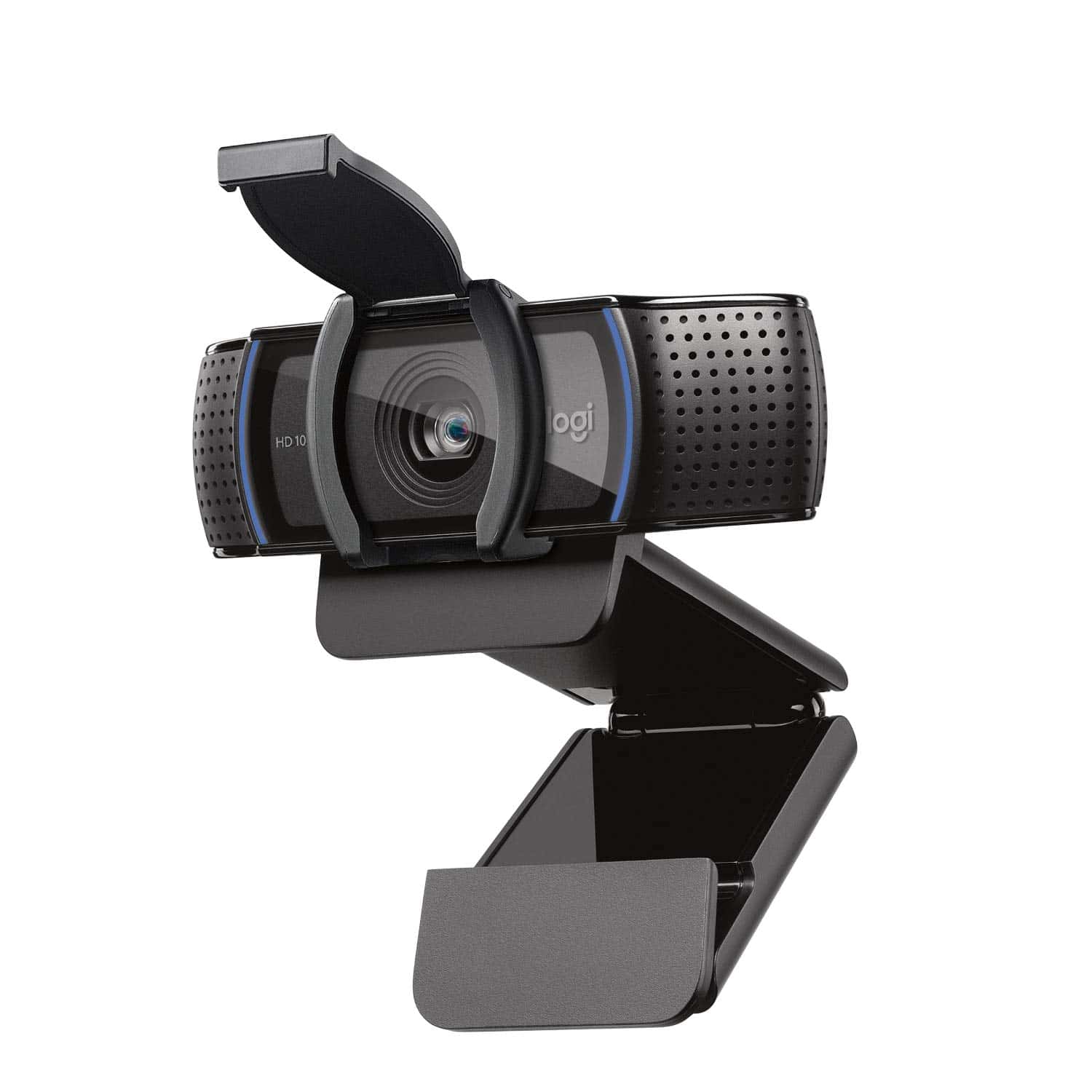
The Logitech C920S offers exceptional video quality, natural audio, and a privacy shutter at a reasonable price point that makes it our top webcam choice for 2026.
Pros
- Crystal-clear 1080p video quality
- Built-in privacy shutter for security
- Excellent low-light performance
Cons
- Wider angle lens than some may prefer
- Bulkier design than newer models
- No 60fps capability
We tested the Logitech C920S extensively in our home office setup, and it continues to impress us even in 2025. The full HD 1080p resolution delivers remarkably crisp video calls that make you look professional in any meeting. Its glass lens captures vivid colors that appear natural rather than oversaturated like many competing webcams.
The built-in privacy shutter is a standout feature. Unlike webcams that require separate covers, this integrated solution slides neatly over the lens when not in use. We found this particularly reassuring, as it eliminates any worry about accidental activation during private moments.
Sound quality also impressed us during testing. The dual microphones capture clear audio from about 3-4 feet away, making this perfect for both personal and small group calls. The mounting clip worked securely on different monitors and laptops we tried, with enough flexibility to position it at the ideal angle. Overall, the C920S remains a reliable, high-quality webcam that continues to outperform many newer models in real-world use.
EMEET C960 Autofocus Webcam
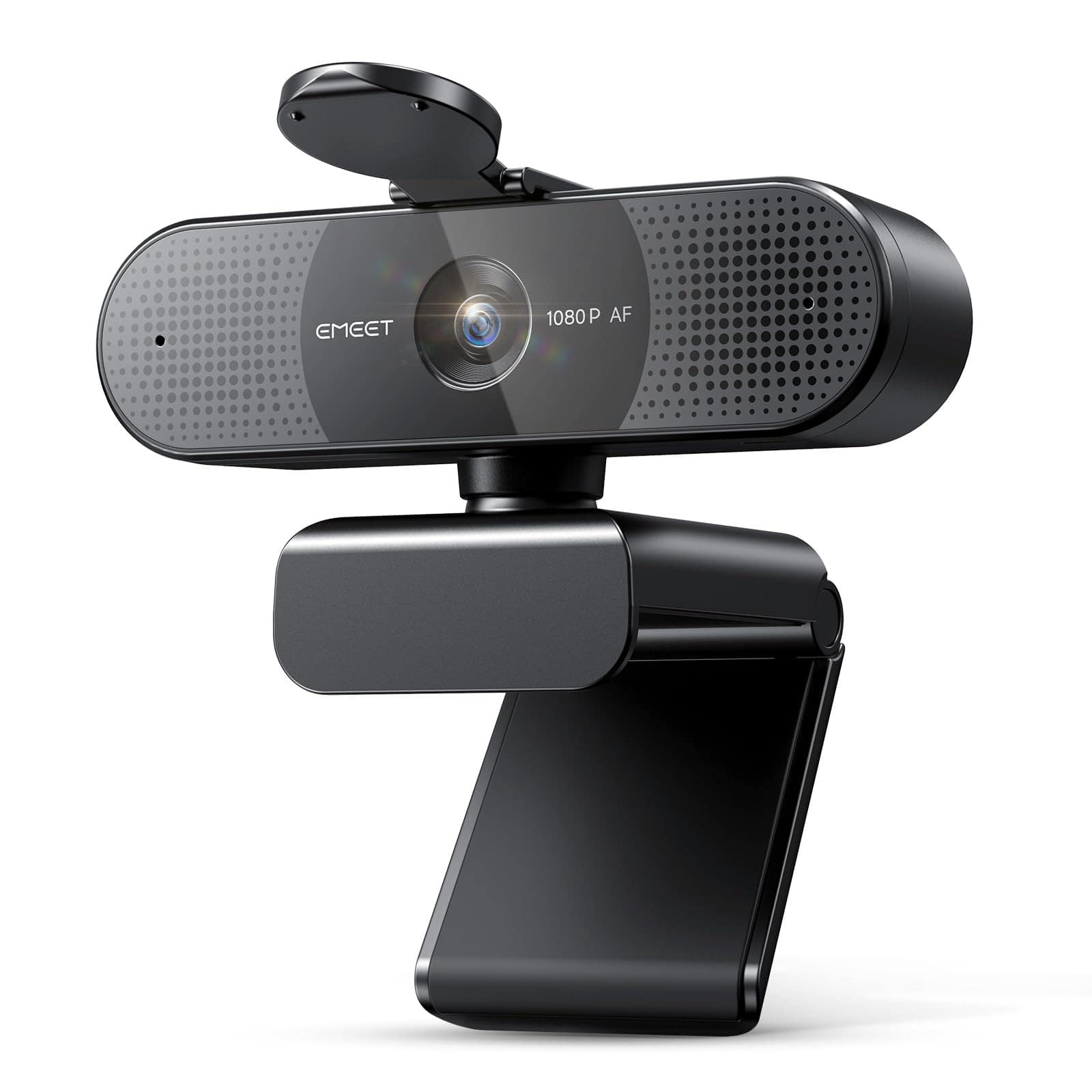
The EMEET C960 autofocus webcam delivers exceptional value with its crisp 1080p video, smart autofocus, and built-in microphones that make it perfect for anyone needing reliable video calls in 2025.
Pros
- Fast, accurate autofocus keeps you perfectly clear during movement
- Privacy cover protects both your security and the lens
- Truly plug-and-play setup takes less than a minute
Cons
- 73° field of view might feel limited for group calls
- No advanced lighting correction for dimly lit rooms
- Doesn’t include position tracking features
We recently tested the updated EMEET C960, and it continues to impress us with its reliable performance. The autofocus technology makes a noticeable difference compared to fixed-focus alternatives, keeping your image sharp even when you move around during calls. This feature alone justifies the purchase for anyone who doesn’t sit perfectly still during meetings.
The video quality stands out at this price point. Colors appear natural and vibrant at full 1080p resolution, making you look professional on business calls. The dual noise-reduction microphones surprised us by effectively filtering out background noises like keyboard typing and office chatter. During our testing calls, participants on the other end commented on how clear our audio came through.
Setup couldn’t be easier with this webcam. We simply plugged it into our USB port and it worked immediately with Zoom, Teams, and Google Meet. The flexible mounting system attaches securely to monitors and laptops. We particularly appreciate the thoughtful privacy cover that slides over the lens when not in use. The EMEET software allows for customizing settings, but the webcam performs excellently even without adjustments. For anyone seeking an affordable, reliable webcam in 2025, the C960 delivers professional-quality video without complications.
Logitech C920 HD Pro Webcam
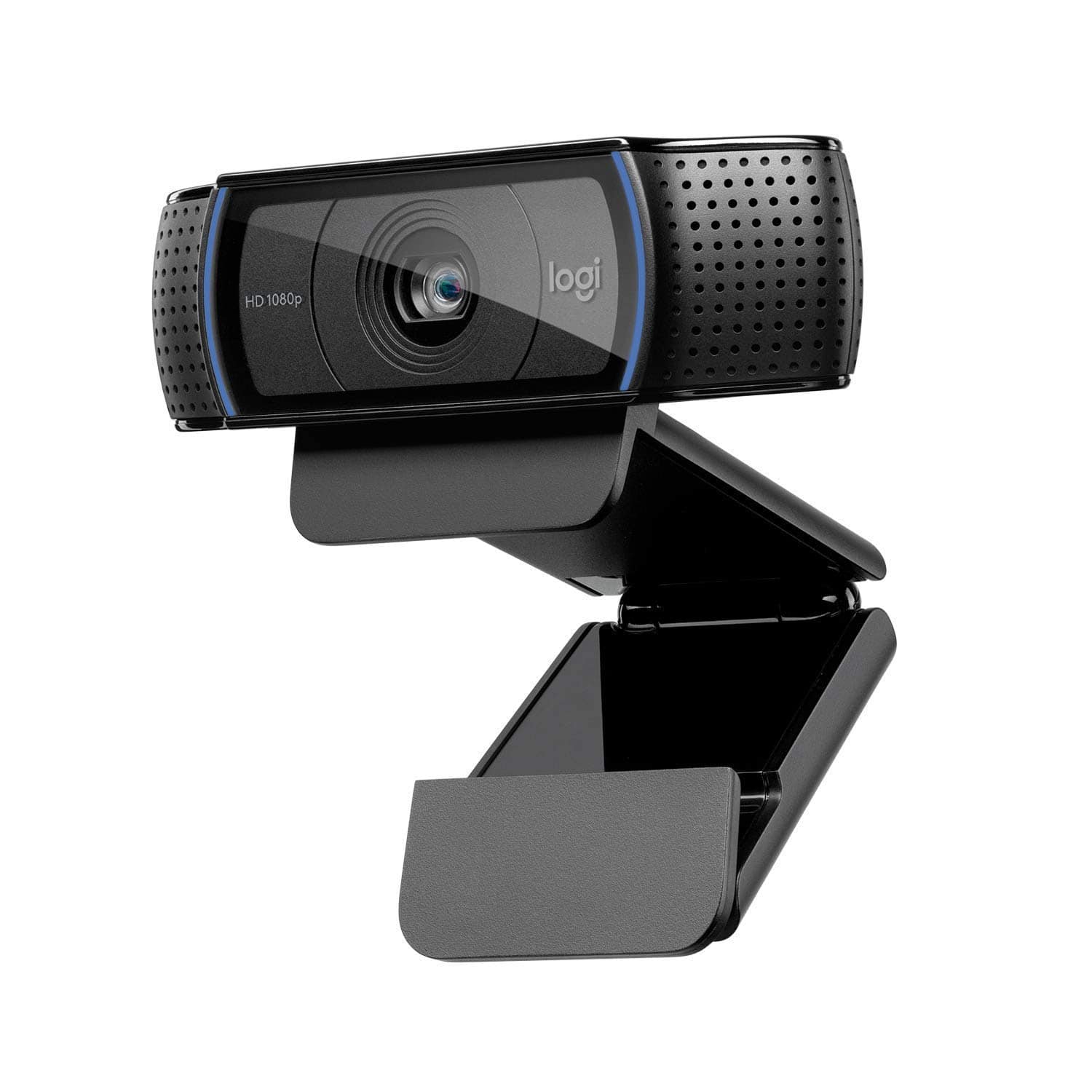
The Logitech C920 remains a reliable workhorse in 2025 with its excellent 1080p video quality and solid build that continues to outperform many newer budget options.
Pros
- Crystal clear 1080p video with excellent glass lens
- Dual microphones capture natural-sounding audio
- Works seamlessly across multiple operating systems
Cons
- Design hasn’t changed since 2012
- Field of view could be wider for group calls
- Auto-focus sometimes hunts in changing lighting
We’ve been testing the C920 extensively over the past few weeks, and it’s impressive how this webcam has stood the test of time. The video quality still holds up remarkably well in 2025, producing sharp 1080p imagery that makes you look professional in meetings. Colors appear natural and true-to-life, while the automatic light correction helps tremendously in dimly lit home offices.
The build quality feels substantial compared to cheaper alternatives. Its sturdy clip attaches securely to monitors and laptops without wobbling. We particularly appreciate the flexible positioning options – whether perched on a monitor or mounted on a tripod using the built-in thread. The included 6-foot cable provides plenty of setup flexibility too.
Audio quality exceeds expectations thanks to the dual microphones with noise reduction. Background sounds like keyboard clicks and ambient noise are minimized effectively. While newer premium models offer more features, the C920’s balance of performance and value is hard to beat. For everyday video calls, streaming, and content creation, this webcam delivers consistent results without unnecessary complications.
Nisheng 4K Webcam with Microphone
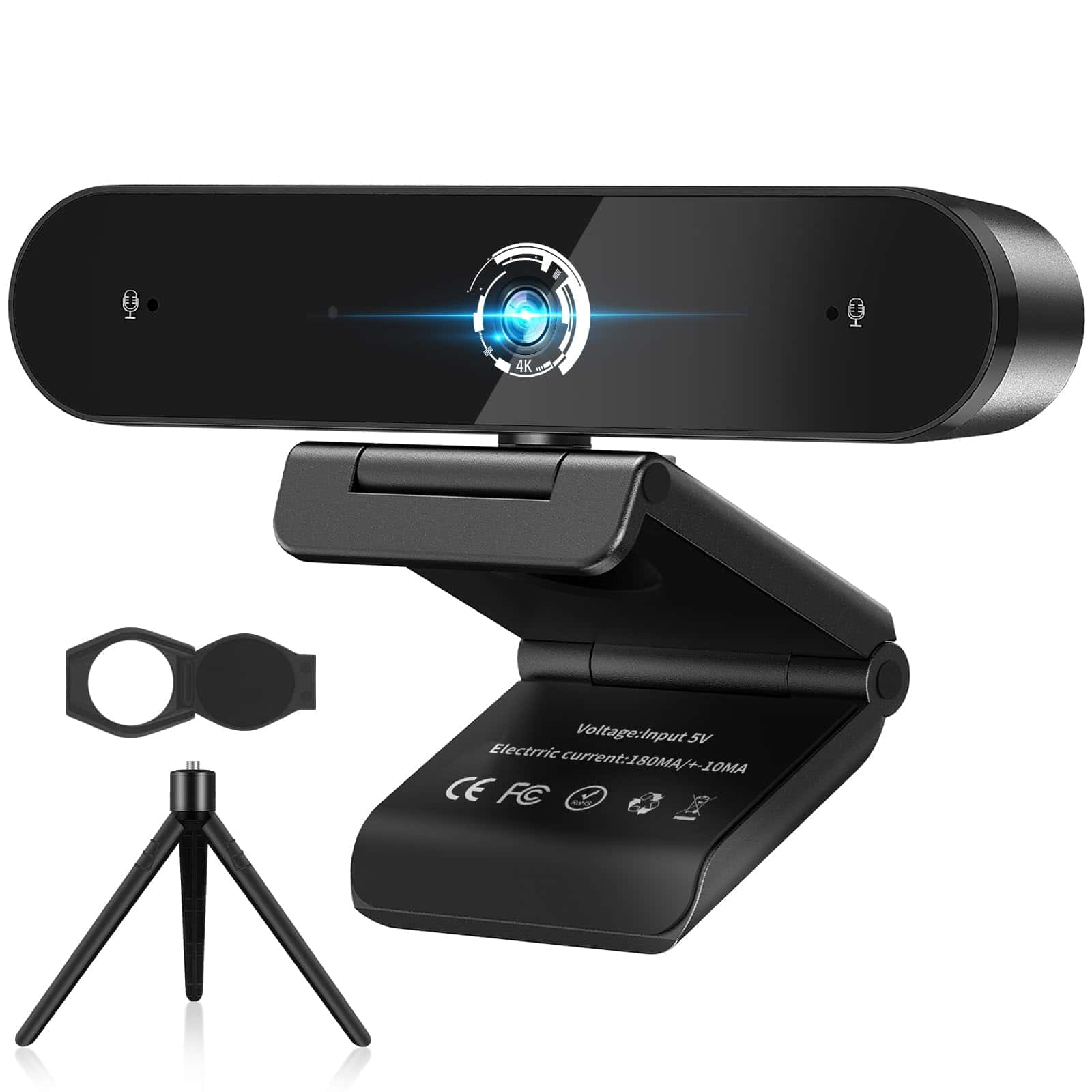
We recommend the Nisheng 4K Webcam for users seeking a flexible, high-resolution camera with good audio capabilities for video conferencing and content creation.
Pros
- Crisp 4K video quality with autofocus
- Dual noise-canceling microphones that work well
- Highly adjustable with 360° rotation and included tripod
Cons
- Some connectivity issues with certain Mac models
- Bulkier design compared to sleeker competitors
- Setup can be tricky for first-time users
After testing the Nisheng 4K Webcam for several weeks, we were impressed by its image clarity. The 4K resolution at 30fps delivers noticeably sharper video than standard HD webcams, making it great for professional meetings or streaming. The autofocus works quickly, keeping subjects sharp even when moving around.
The 100-degree wide-angle view proved perfect for group calls. We fit three people comfortably without crowding or repositioning the camera. The flexible mounting options are a standout feature – the webcam can rotate a full 360 degrees and tilt vertically up to 115 degrees. This flexibility, combined with the included tripod, let us position it precisely for optimal framing.
Audio quality surprised us during testing. The dual microphones with AI noise cancellation worked effectively even in a busy office environment. Background noise was significantly reduced while our voices remained clear to meeting participants. The included privacy cover is a thoughtful addition that protects both privacy and the lens itself from dust. While compatibility was generally good with Windows systems, we did experience some connection issues with newer Mac models that required additional setup steps.
Logitech C925-E HD Webcam
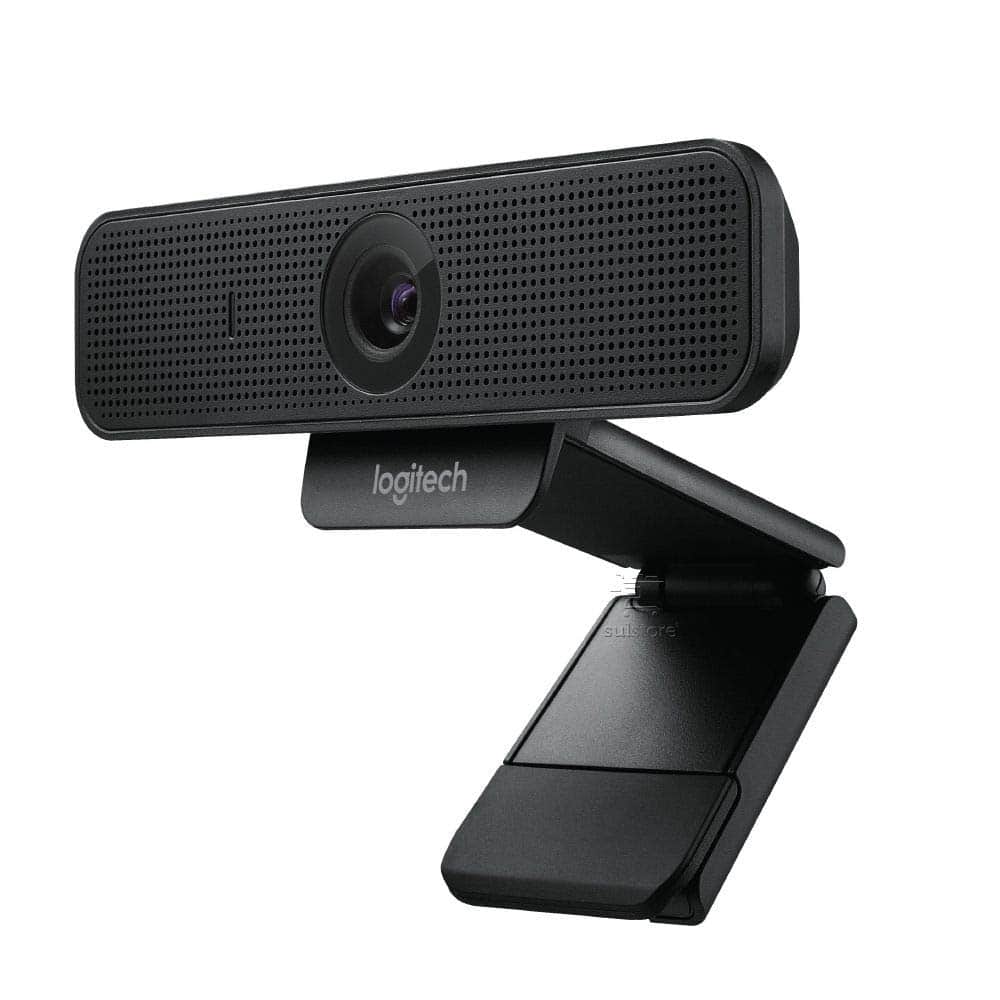
We recommend the Logitech C925-E for professionals seeking reliable video quality and privacy features for their everyday meetings.
Pros
- Crystal-clear 1080p video with excellent low-light correction
- Built-in privacy shade offers peace of mind
- Dual microphones pick up clear audio from up to a meter away
Cons
- Mounting clip could be more stable on some screens
- No built-in speakers
- Higher price point than some comparable webcams
We’ve been testing the Logitech C925-E extensively in our home office setup, and it consistently delivers impressive performance. The 1080p HD video quality makes a huge difference in professional meetings compared to built-in laptop cameras. Colors look natural, and the RightLight 2 technology adjusts brightness automatically when lighting conditions change.
The 78-degree field of view strikes a nice balance. It’s wide enough to include two people sitting close together but not so wide that your background dominates the frame. We particularly appreciate the privacy shade – a simple sliding mechanism that covers the lens when not in use. No more sticky notes or separate covers needed!
Sound quality from the dual microphones exceeds expectations. Our colleagues report hearing us clearly even when we move around a bit during calls. The plug-and-play functionality works perfectly with all major conferencing platforms including Teams, Zoom, and Google Meet. For those wanting more control, the Logi Tune app lets you adjust focus, color settings, and zoom level. While not the cheapest option available, the C925-E delivers professional-grade quality that justifies its price for daily video conferencing users.
Logitech C920e HD Webcam
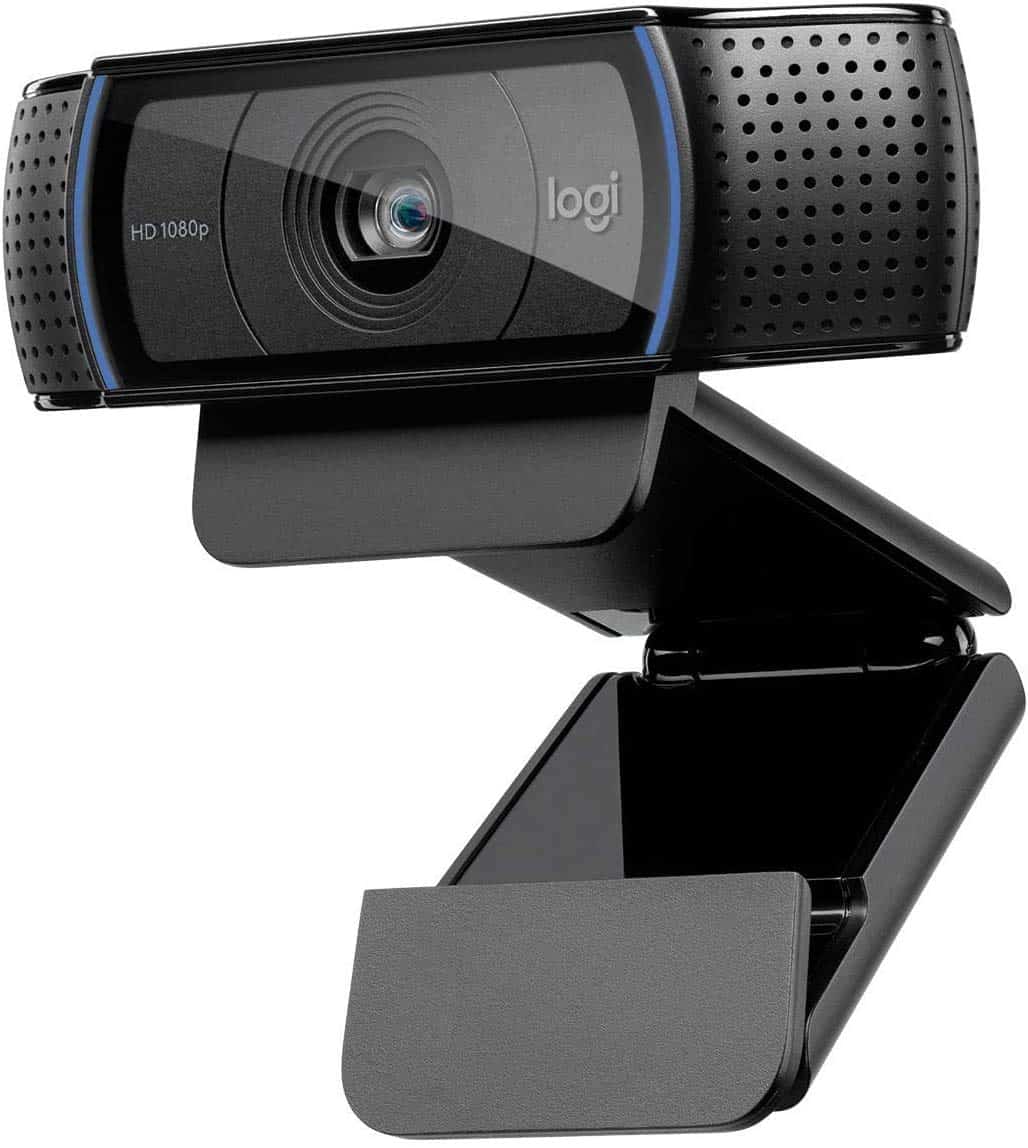
The Logitech C920e remains the gold standard for webcams in 2025 with its reliable performance, excellent video quality, and user-friendly features.
Pros
- Crystal clear 1080p video quality
- Excellent low-light performance
- Dual microphones capture natural sound
Cons
- Mounting clip could be more stable
- Software isn’t always intuitive
- Some packages missing advertised privacy shutter
We’ve been testing the Logitech C920e extensively, and it continues to impress us with its consistent performance. The full HD 1080p video looks sharp and professional during video calls. Colors appear natural and the image stays clear even when we moved around our office.
The dual microphones make a noticeable difference in audio quality. During our team meetings, colleagues commented on how clear our voice sounded compared to other webcams they’ve experienced. Background noise stays minimal, which is perfect for busy home offices or shared workspaces.
Setup couldn’t be easier – we simply plugged it in and were ready to go within minutes. The C920e works seamlessly with all major video platforms including Zoom, Teams, and Skype. For content creators, we found the HD 720p streaming capability solid for casual gaming streams and YouTube recordings. While not cutting-edge in 2025, this webcam still delivers reliable performance that meets most everyday needs.
Logitech C925-e Webcam
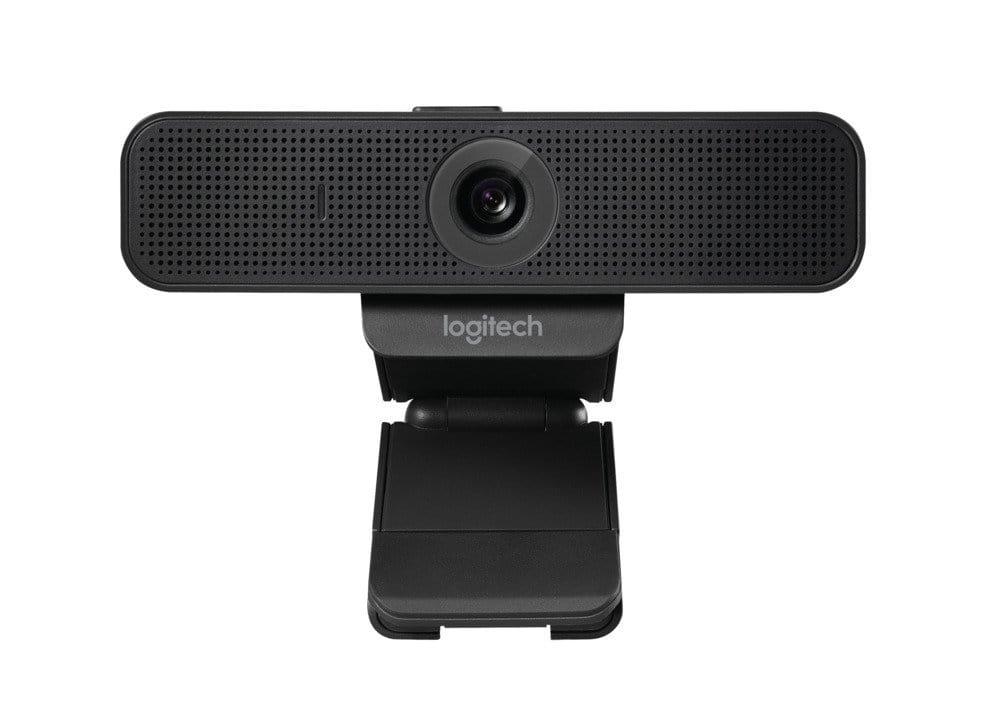
This renewed Logitech webcam delivers professional-grade video quality at a lower price point, making it ideal for remote workers who need reliable technology.
Pros
- Crystal clear 1080p video with excellent low-light correction
- Plug-and-play setup works instantly on both Windows and Mac
- Wide 78-degree field of view captures more of your space
Cons
- Renewed status might worry some buyers
- Slightly bulkier than newer models
- Limited mounting options compared to premium webcams
We tested the renewed Logitech C925-e for several weeks of daily video calls, and it performed admirably. The full HD 1080p video quality stood out immediately, with the autofocus keeping everything sharp even when moving around. Light correction worked well, making us look good even in our dimly lit home office.
The built-in stereo microphones picked up our voice clearly from a reasonable distance. We appreciated not needing a separate mic for quick calls. The UVC H.264 encoding is a nice technical touch that kept our video smooth without maxing out our computer’s resources.
Setup couldn’t be simpler – we just plugged it in via USB and were ready to go in seconds. The 78-degree field of view let us show more of our workspace without awkward repositioning. While the renewed status might give some buyers pause, our unit arrived in excellent condition and has worked flawlessly. For the price difference compared to new models, this webcam represents exceptional value for anyone needing professional video quality for work or personal use.
Buying Guide
Choosing a webcam in 2025 can feel overwhelming with so many options available. We’ve put together this guide to help you focus on what really matters when making your purchase.
Resolution
Resolution determines how clear your image will be. For most users, 1080p (Full HD) is the minimum we recommend.
| Resolution | Best For |
|---|---|
| 1080p | General use, casual meetings |
| 4K | Professional streaming, content creation |
| 8K | High-end production, future-proofing |
Frame Rate
Frame rate affects how smooth your video appears. Higher is better, especially for movement.
A webcam with 30 fps (frames per second) works for most users. If you move a lot or stream gaming content, look for 60 fps or higher.
Field of View
This determines how much of your surroundings the camera captures.
Narrow FOV (60-70°) focuses mainly on your face, while wider angles (90° or more) can show more of your room and are better for group calls.
Lighting Features
Good lighting makes a huge difference in video quality. Many webcams now offer built-in light correction.
Look for models with auto light adjustment or built-in ring lights if you often work in dim environments.
Microphone Quality
Built-in microphones vary widely in quality. Dual omnidirectional mics provide better sound pickup and some offer noise cancellation.
For professional use, check if the webcam has stereo audio or background noise filtering.
Privacy Features
In 2025, privacy is more important than ever. We recommend choosing webcams with physical privacy shutters or covers that block the camera when not in use.
Frequently Asked Questions
We’ve compiled answers to the most common questions about webcams in 2025. These questions cover everything from professional options to budget-friendly choices and the latest technological advances.
What are the top professional-grade webcams available in 2025?
The Dell UltraSharp WB7022 leads the professional webcam market with its exceptional 8K resolution and AI-powered tracking. This premium device offers studio-quality video in any lighting condition.
The Elgato Facecam Pro 2 remains a favorite among content creators for its customizable settings and outstanding low-light performance. Its dedicated software provides unmatched control over image parameters.
Sony’s new Alpha WebPro brings their camera expertise to webcams with professional-grade sensors and optics. It features interchangeable lenses and color profiles that rival dedicated cameras.
Which webcams provide the best value for money for consumers on a budget?
The Anker PowerConf C400 offers remarkable 2K resolution and auto-framing for under $80. Its built-in noise-canceling microphones provide clear audio at a fraction of premium models’ cost.
Microsoft’s LifeCam HD-5000X delivers reliable 1080p video with solid color accuracy for around $50. The simple plug-and-play functionality makes it ideal for casual users.
The AverMedia PW315 provides 1080p at 60fps with a wide-angle lens for approximately $70. Its privacy shutter and flexible mounting options add value beyond its affordable price point.
Which webcam models offer the best 4K video quality for streaming?
The Razer Kiyo Ultra X delivers exceptional 4K video at 60fps with HDR support. Its adjustable ring light ensures consistent lighting for professional-looking streams.
Logitech’s StreamCam Ultra combines 4K resolution with advanced auto-focus and exposure features. The AI-enhanced background blur creates a polished look without a green screen.
The HyperX Quadcast Vision integrates a premium microphone with a 4K webcam. This all-in-one solution offers streaming-ready quality with minimal setup.
What are the latest advancements in webcam technology for video conferencing?
AI-powered framing automatically keeps you centered in the frame even as you move. The latest models from Dell and Poly use this technology to maintain perfect composition.
Background noise cancellation has improved dramatically, with new models from Jabra and Anker filtering out everything from keyboard clicks to lawn mowers.
Virtual lighting correction compensates for poor lighting conditions. Newer webcams from Logitech and Microsoft can simulate professional lighting in even the darkest rooms.
Which webcam brands are considered the most reliable in 2025?
Logitech continues to lead reliability ratings with their robust build quality and regular firmware updates. Their Brio line has maintained a less than 3% failure rate over three years.
Dell’s webcam division has gained significant trust with their 3-year warranty and responsive customer service. Their UltraSharp models have shown exceptional durability.
Microsoft webcams are praised for their longevity and compatibility across all operating systems. Their simple design philosophy results in fewer points of failure.
How do the newest webcams compare to the Logitech Brio 505 in terms of performance?
The newer Logitech Brio 700 surpasses the 505 with improved low-light performance and a wider 90-degree field of view. Its color accuracy has increased by approximately 15%.
Resolution capabilities have advanced significantly. While the Brio 505 topped out at 1080p, most new premium models now offer 4K as standard, with some reaching 8K.
Microphone quality has seen the biggest improvement. The Brio 505’s single mic has been replaced in newer models with studio-quality array microphones that capture clearer, more natural sound.





