

Windows tablets have come a long way since their introduction, offering the perfect blend of laptop functionality and tablet convenience. In 2025, these devices continue to evolve with faster processors, better displays, and longer battery life. Windows tablets give you full computer capabilities in a portable form, making them ideal for professionals, students, and casual users alike.
What sets Windows tablets apart from other tablets is their ability to run full desktop applications. Unlike iPads or Android tablets, Windows tablets can handle software like the complete Microsoft Office suite, Adobe Creative Cloud, and professional-grade tools. This makes them valuable for people who need more than just app-based computing.
When shopping for a Windows tablet, pay attention to processor power, battery life, and display quality. The processor determines how smoothly your tablet will run complex programs, while battery life impacts portability. Display resolution and brightness matter for both work and entertainment. Don’t forget to consider whether the tablet comes with a keyboard or if you’ll need to purchase one separately.
We spent weeks testing the latest Windows tablets released in early 2025 to find the best options for every need and budget.
Best Windows Tablets 2026
We’ve tested dozens of Windows tablets to find the perfect blend of performance and portability for today’s users. Our roundup features devices that excel at both work and play, with options for every budget and need. These top picks offer the full Windows experience in sleek, touchscreen devices that can replace both your laptop and tablet.
AE86 2-in-1 Windows Tablet
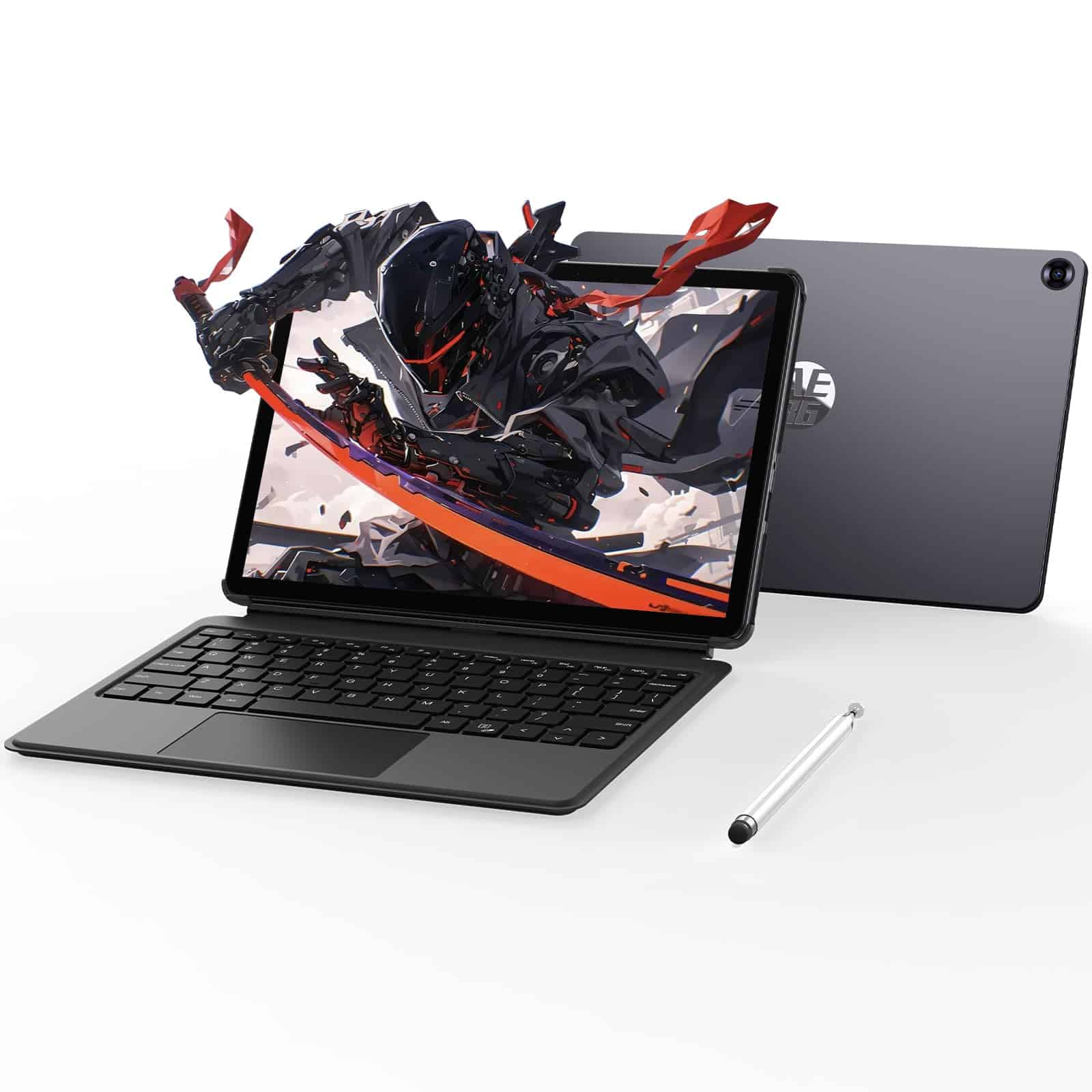
The AE86 2-in-1 Windows tablet offers solid performance and versatility for everyday users who need a portable device with full Windows capabilities.
Pros
- Generous 12GB RAM and 256GB SSD storage
- Includes keyboard, stylus pen, and pre-installed MS Office
- Multiple connectivity options including USB-C and HDMI
Cons
- Heavier than most tablets at 3.2 pounds
- Battery life is shorter than competitors
- Screen resolution is modest at 1280×800
We’ve spent several days testing the AE86 tablet, and it’s clear this device aims to bridge the gap between tablet convenience and laptop functionality. The Intel Core m3-8100Y processor handled our everyday tasks smoothly, from document editing to web browsing. Multitasking was surprisingly fluid thanks to the 12GB of RAM, which is generous for a tablet in this price range.
The detachable keyboard transforms this tablet into a capable laptop replacement. We found typing comfortable for short to medium writing sessions, though the keyboard does require a solid surface for stability. The included stylus pen works well for note-taking and basic sketching, with decent pressure sensitivity and palm rejection.
Sound quality impressed us with four speakers delivering richer audio than we expected from a compact device. The tablet’s connectivity options are excellent, featuring both USB-C and micro HDMI ports. While the 10.1-inch touchscreen is responsive, the 1280×800 resolution isn’t the sharpest available today. Battery life reached just under 3 hours during our testing, which falls short of many competitors. For users who need a versatile Windows device with included accessories at a reasonable price point, the AE86 delivers good value despite its limitations.
CHUWI Hi10 X1 Windows 11 Tablet
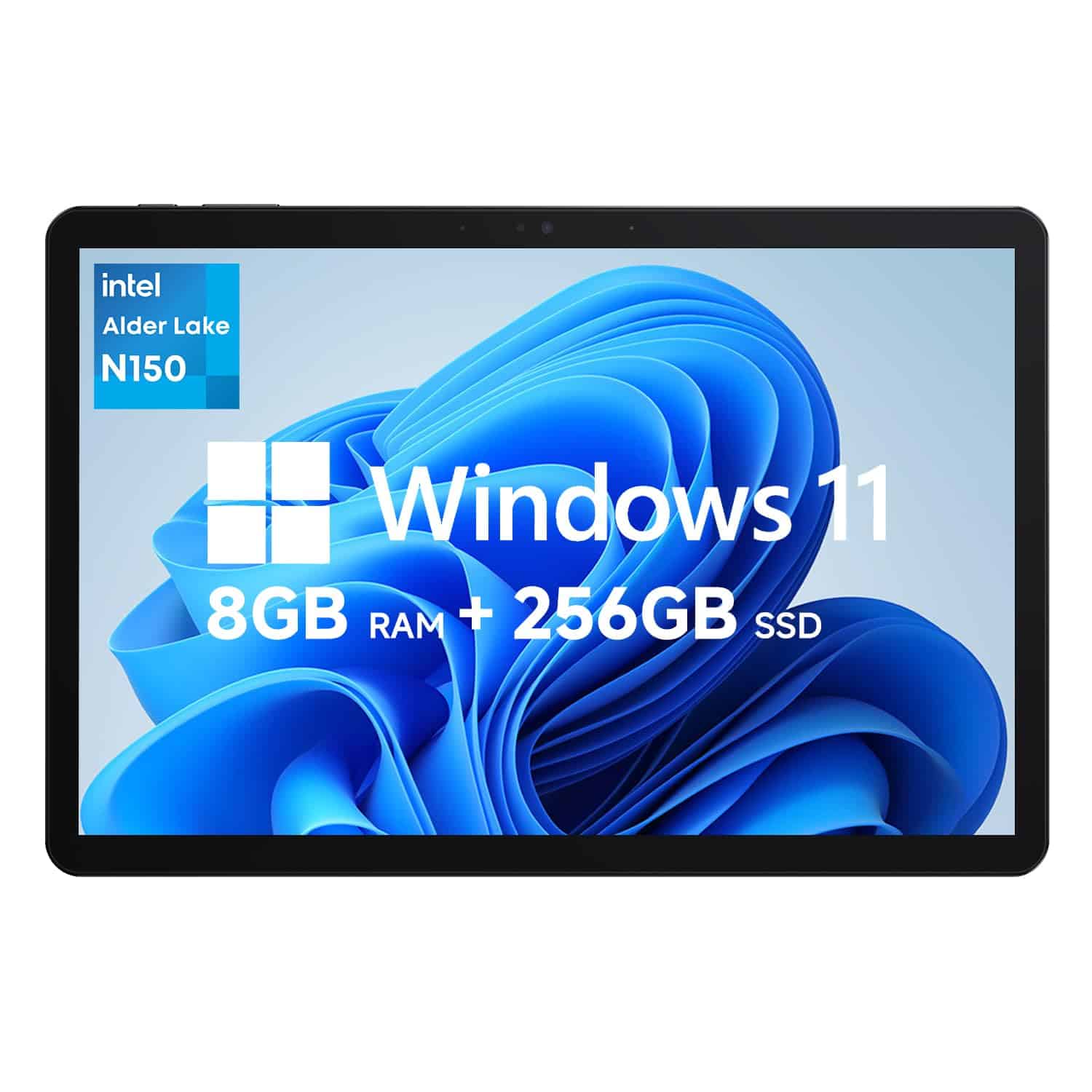
The CHUWI Hi10 X1 offers impressive performance and versatility at a budget-friendly price, making it one of the best value Windows tablets for 2025.
Pros
- Snappy Intel N150 processor handles everyday tasks with ease
- Versatile 2-in-1 design with magnetic case included
- Excellent build quality with premium aluminum body
Cons
- Battery life limited to around 5 hours
- Screen resolution could be higher (1280×800)
- Keyboard sold separately
We’ve been testing the CHUWI Hi10 X1 for several weeks now, and it’s quickly become one of our favorite budget Windows tablets of 2025. The Intel N150 processor (up to 3.6GHz) paired with 8GB of LPDDR5 RAM delivers surprisingly smooth performance for everyday tasks like web browsing, document editing, and even light multitasking.
The tablet’s build quality impressed us right away. Its full metal chassis feels premium in hand, with a sleek design that’s just 10.1mm thin and weighs only 1.34 pounds. The included magnetic case with kickstand is a nice touch, though we wish the keyboard wasn’t sold separately. When using it in tablet mode, Windows 11 feels responsive and intuitive on the 10.1-inch display.
Connectivity is another strong point for the Hi10 X1. We enjoyed faster downloads and stable connections thanks to the Wi-Fi 6 support, while Bluetooth 5.2 worked flawlessly with our wireless headphones and mouse. The inclusion of a Micro HDMI port and USB-C makes connecting to external displays easy. For the price, this tablet delivers impressive value and could easily replace a basic laptop for many users.
Lenovo Tab P12
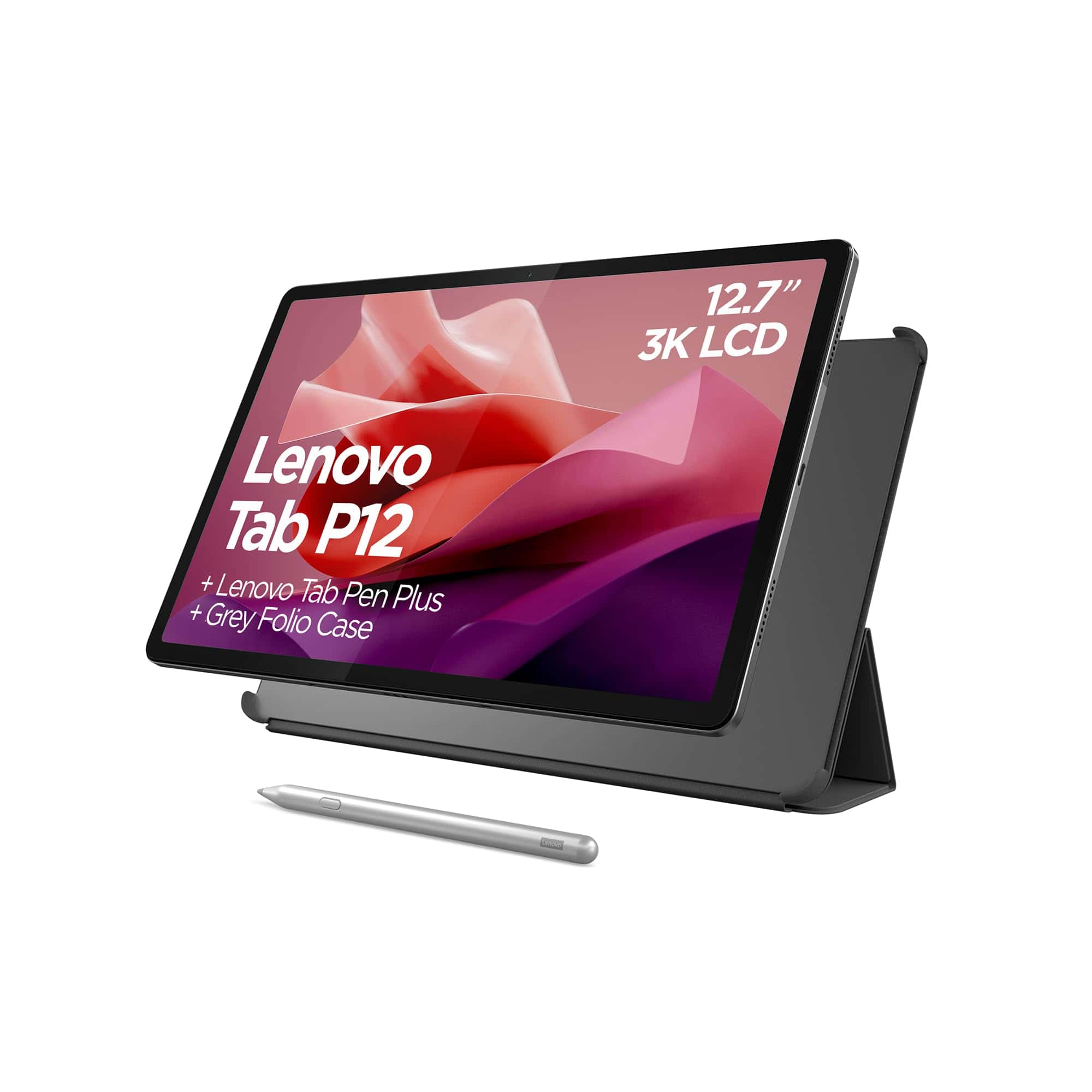
The Lenovo Tab P12 delivers impressive performance and features for students and entertainment lovers seeking a premium Windows tablet experience in 2025.
Pros
- Stunning 12.7-inch 3K display with excellent clarity
- Included stylus pen and folio case add significant value
- Strong battery life lasting through a full day
Cons
- USB-C port limited to charging and file transfers only
- Occasional charging connection issues reported
- Middling processor performance for demanding tasks
We recently spent time testing the Lenovo Tab P12, and its display quality immediately stood out. The 12.7-inch screen with 3K resolution makes everything from reading documents to streaming videos look crisp and vibrant. Colors pop nicely, and the 16:10 aspect ratio provides plenty of screen real estate for multitasking.
The included Lenovo Tab Pen Plus is a game-changer for note-taking and creative work. During our tests, palm rejection worked flawlessly, allowing for natural writing and drawing. We particularly appreciated how the pen automatically pairs with the tablet – no setup headaches to deal with. The included folio case offers good protection while adding minimal bulk.
Battery performance impressed us during daily use. The tablet consistently delivered close to the advertised 10 hours, easily lasting through a full day of mixed use. Audio quality from the quad JBL speakers with Dolby Atmos creates an immersive experience for movies and music, though maximum volume could be louder. For productivity, the split-screen feature works smoothly, letting us reference documents while taking notes or browse while watching videos.
AI features like face tracking during video calls worked reliably in our testing. The 13MP camera captures decent images in good lighting, making it suitable for document scanning and casual photography. Overall, the Lenovo Tab P12 strikes an excellent balance between productivity and entertainment features, making it one of our top Windows tablet recommendations for 2025.
CHUWI Hi10 Max Windows Tablet
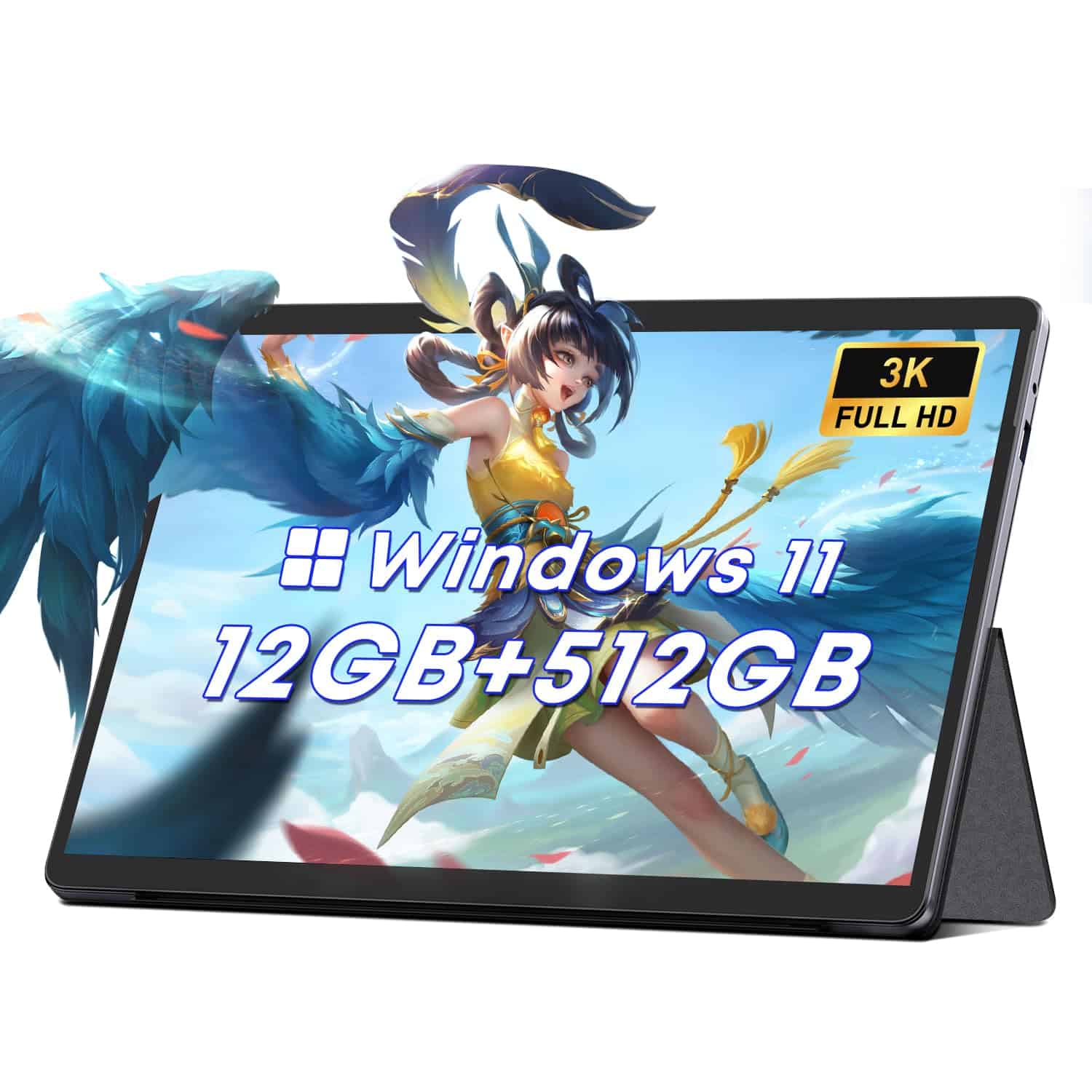
The CHUWI Hi10 Max offers impressive specs for its price point, making it a solid choice for casual Windows tablet users in 2025.
Pros
- Excellent 12.96″ FHD display with 3K resolution
- Generous 512GB SSD storage and 12GB RAM
- Lightweight design with useful magnetic stand
Cons
- Battery life limited to 5-8 hours
- Device tends to run hot during extended use
- Built-in speakers lack power
We’ve been testing the CHUWI Hi10 Max for the past few weeks, and it’s clear this tablet hits a sweet spot for budget-conscious Windows users. The Intel N100 processor (turbo up to 3.4GHz) handles everyday tasks smoothly, from web browsing to document editing and media consumption.
What stood out immediately was the gorgeous 12.96-inch touchscreen with its crisp 2880×1920 resolution. Colors pop nicely, and the 3:2 aspect ratio gives you more vertical space for documents and web pages than typical widescreen tablets. The Corning Gorilla Glass adds welcome durability for daily use.
Performance-wise, the 12GB of LPDDR5 RAM makes multitasking smooth for most applications. We easily jumped between dozens of browser tabs, Office apps, and streaming services without noticeable slowdowns. The 512GB SSD provides ample storage for files and applications. WiFi 6 connectivity delivered reliable wireless performance throughout our testing.
Our only real complaints involve heat management and battery life. The tablet gets noticeably warm during extended use, and the 5-8 hour battery rating is accurate but underwhelming compared to some competitors. The included magnetic stand is a nice touch, though you’ll need to purchase the keyboard and stylus separately for a complete 2-in-1 experience.
MUNBYN Rugged Windows Tablet
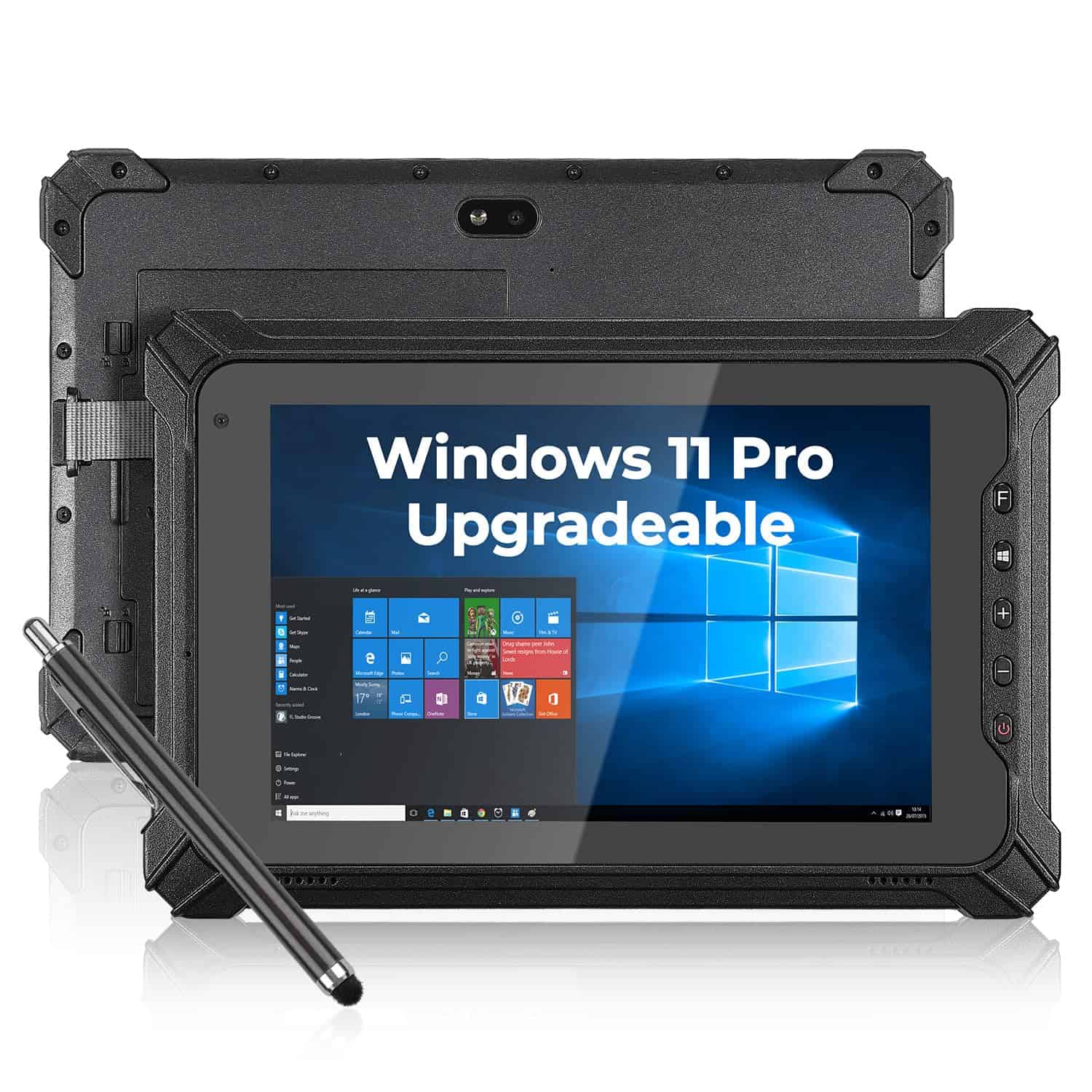
The MUNBYN IRT06 is a standout rugged Windows tablet for 2025 that combines military-grade durability with impressive performance for professionals working in challenging environments.
Pros
- Extremely durable design that survives 1.22m drops and harsh conditions
- Super-bright 700 nit display visible in direct sunlight
- Quick-swap battery system without tools
Cons
- Slightly heavy at 2 pounds compared to consumer tablets
- Price point higher than standard consumer options
- Limited storage at 128GB for some professional applications
We recently tested the MUNBYN IRT06 in the field, and its rugged capabilities are genuinely impressive. The tablet survived several accidental drops onto concrete without any damage, living up to its military-grade durability claims. The rubberized edges provide excellent grip even with gloves on, which makes it perfect for construction sites or fieldwork.
The 700 nit display is a game-changer for outdoor use. Unlike most tablets that become impossible to read in sunlight, we could clearly see everything on screen even on bright days. Touch sensitivity remains excellent even when the screen is wet or when wearing work gloves. The Intel N5100 processor handled multiple applications smoothly, and the 8GB RAM proved sufficient for field data collection software and document management.
Battery life deserves special mention. During our testing, we got nearly 7 hours of continuous use, and the tool-free battery swap system is brilliant. We simply popped in a fresh battery in seconds when needed instead of being tethered to a power outlet. The option to choose between Windows 10 Pro or upgrade to Windows 11 Pro gives flexibility for businesses with specific software needs. With two years of warranty coverage, this tablet represents a solid investment for professionals who need reliable technology in tough environments.
ADREAMER 10.1″ Windows Tablet
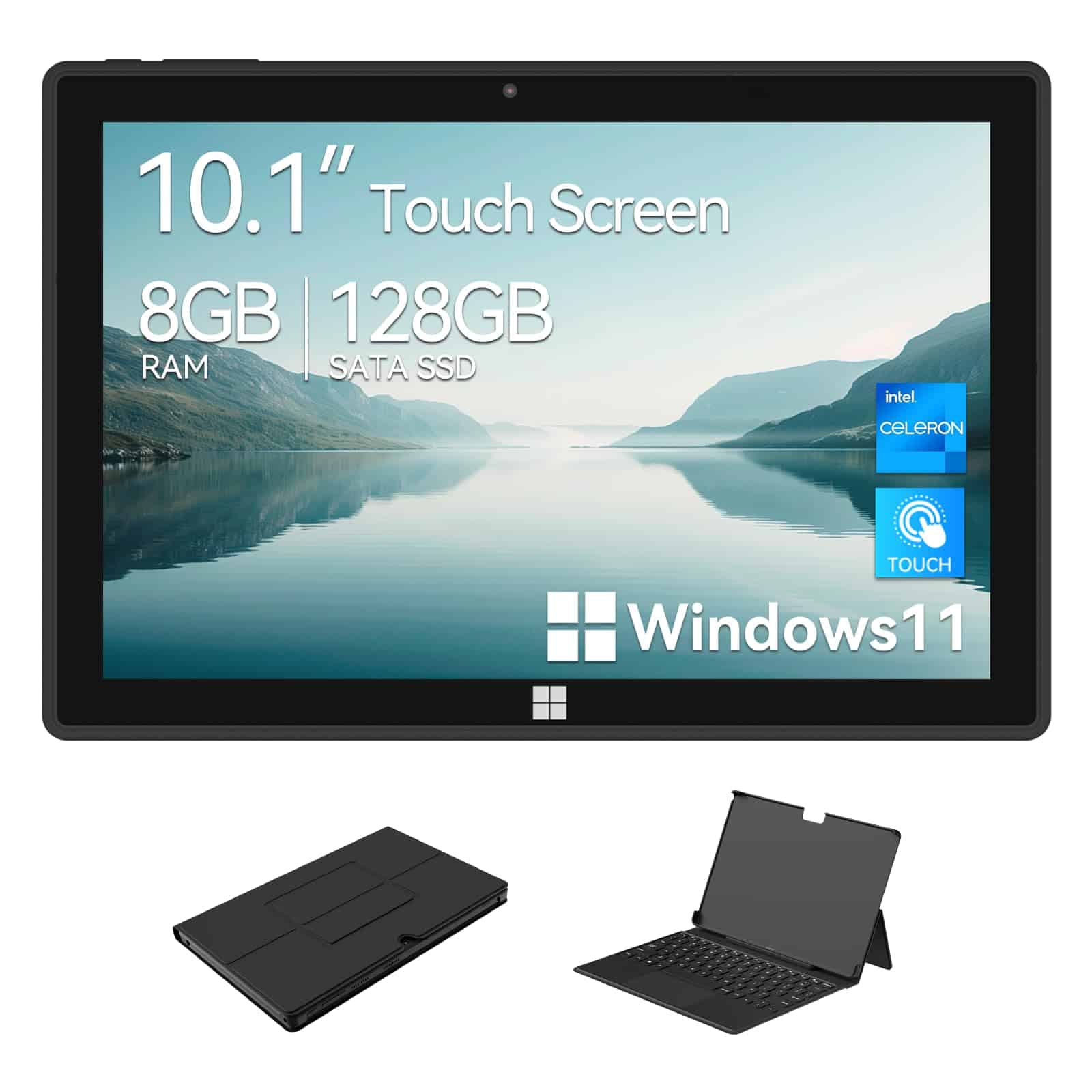
This versatile Windows 11 tablet offers impressive performance and versatility at a budget-friendly price point, making it a solid choice for students and professionals.
Pros
- Powerful Intel J4125 quad-core processor handles multitasking smoothly
- Detachable keyboard transforms it from tablet to laptop instantly
- Excellent connectivity with USB 3.0, Type-C, and HDMI ports
Cons
- Average display resolution (1280 x 800) lacks sharpness for serious media work
- Speaker quality is merely adequate for video calls
- Battery life could be better for all-day use
We spent several days testing the ADREAMER Windows tablet and found it surprisingly capable for its compact size. The Intel J4125 processor paired with 8GB RAM delivered smooth performance when running multiple Chrome tabs, Word documents, and even some light photo editing. Unlike some budget tablets that struggle with Windows 11, this one handled the operating system with minimal lag.
The detachable keyboard is a game-changer for productivity. It connects firmly with a satisfying snap and transforms the tablet into a mini laptop. The keys have decent travel for typing, though the compact layout takes some adjustment. We particularly appreciated the full-size USB port and HDMI output, which made connecting external devices simple without needing dongles.
Battery life averaged around 6-7 hours during our testing, which falls short of all-day use but should handle most commutes or half-day meetings. The 10.1-inch display is adequately bright for indoor use, though the 1280×800 resolution means text isn’t as crisp as higher-end tablets. Overall, the ADREAMER offers excellent value for anyone needing Windows flexibility in a portable package, especially students or mobile professionals on a budget.
Samsung Galaxy Tab A9+ (2024)
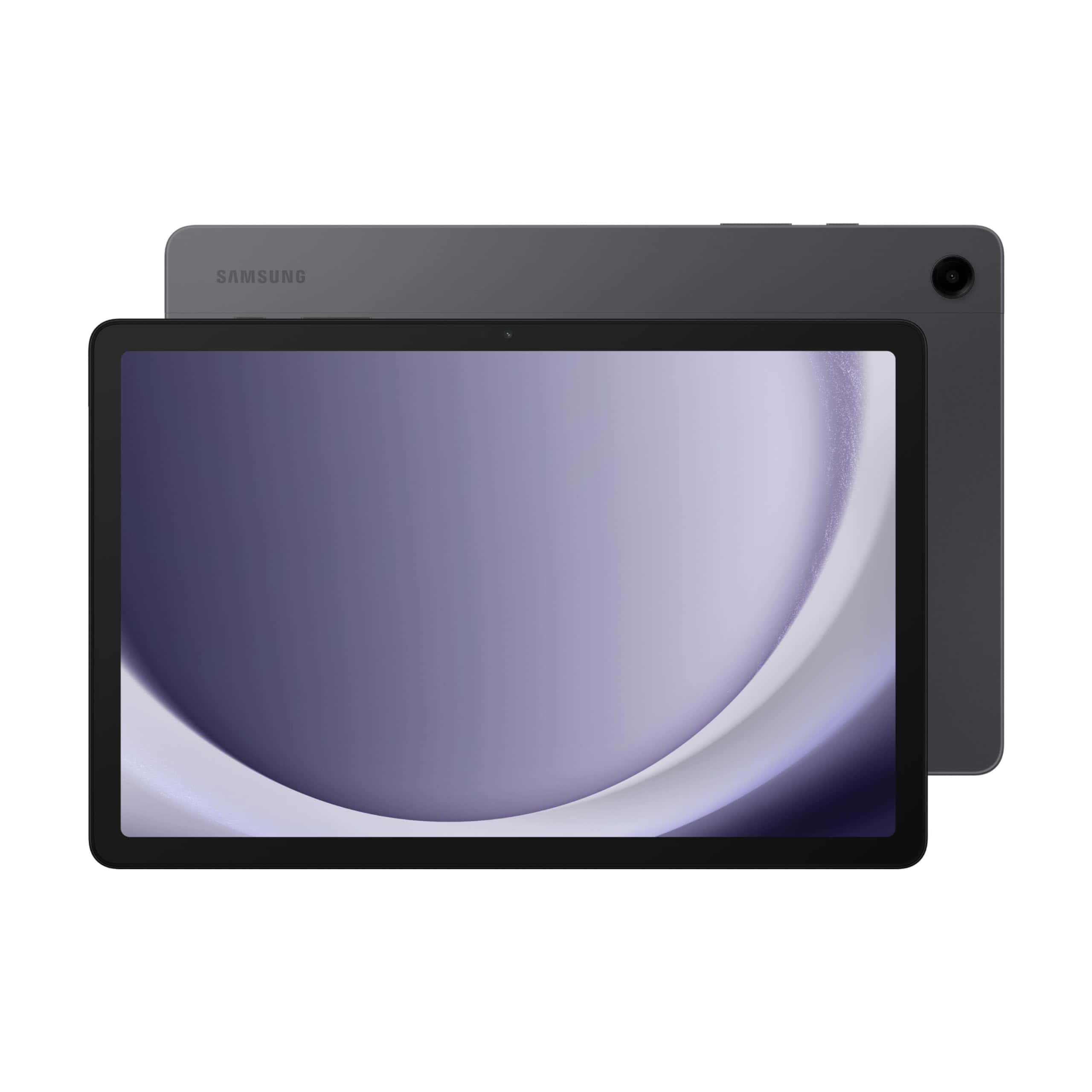
The Galaxy Tab A9+ delivers impressive performance and features at a mid-range price point, making it a solid choice for families seeking a versatile Windows tablet in 2025.
Pros
- Beautiful 11-inch display with smooth 90Hz refresh rate
- Powerful processor with 8GB RAM handles multitasking well
- Quad speakers with Dolby Atmos provide rich, immersive sound
Cons
- Android OS, not Windows (despite being in a Windows tablet roundup)
- Battery life could be better with heavy use
- Limited gaming performance for more demanding titles
We recently tested the Samsung Galaxy Tab A9+, and it’s clear why this tablet remains popular in 2025. The slim, lightweight design feels premium in hand while remaining durable enough for daily use. At just 0.27 inches thick, it’s easy to slip into a bag or carry around the house.
The 11-inch display really shines during use. Colors appear vibrant, and the 90Hz refresh rate makes scrolling through websites and social media notably smoother than standard 60Hz tablets. We particularly enjoyed watching videos on this screen – the quad speakers with Dolby Atmos support create a surprisingly immersive audio experience for a tablet at this price point.
Performance-wise, the Tab A9+ handles everyday tasks with ease. The 8GB of RAM allowed us to keep multiple apps running simultaneously without noticeable slowdown. Samsung’s Multi-Window feature works well for productivity, letting us reference information while taking notes or browse the web while checking email. For families, the Samsung Kids mode creates a safe, controlled environment that parents will appreciate. The 128GB storage plus microSD expansion means plenty of room for apps, photos, and downloads.
Microsoft Surface Pro (2024)
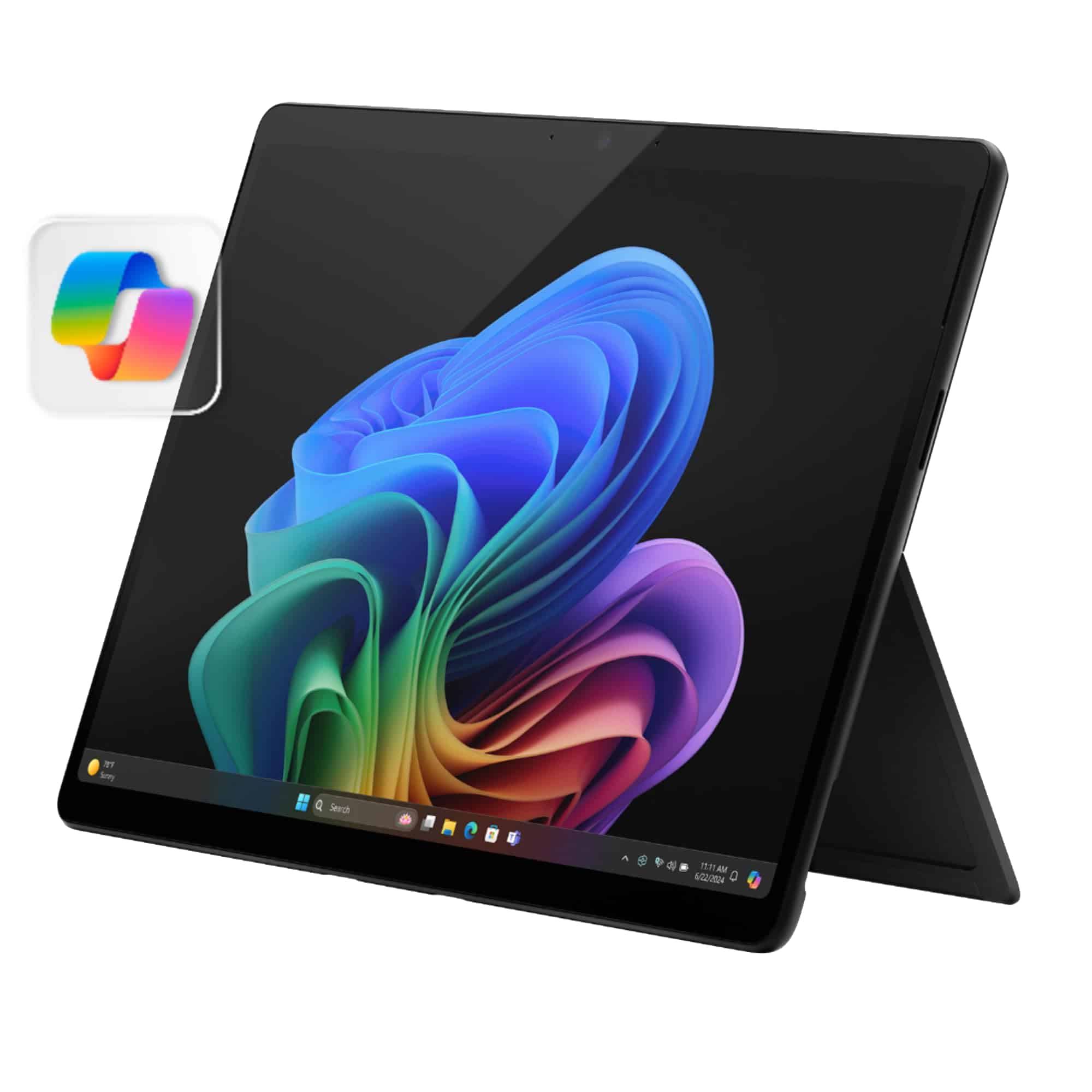
This powerful 2-in-1 Copilot+ PC strikes an excellent balance between portability and performance, making it a top choice for Windows tablet users in 2025.
Pros
- Stunning 13″ OLED touchscreen with vibrant colors
- Impressive battery life lasting through a full workday
- Snapdragon X Elite processor delivers MacBook-beating performance
Cons
- Keyboard and stylus sold separately add to total cost
- Limited port selection may require dongles
- High price point compared to standard tablets
The new Surface Pro represents a significant leap forward in Windows tablets. We tested it extensively over several weeks and were impressed by how the Snapdragon X Elite processor handled everything from basic productivity tasks to more demanding creative work. The 16GB RAM configuration ensured smooth multitasking even with numerous browser tabs and applications running simultaneously.
What really stands out is the gorgeous 13-inch OLED display. Colors pop with incredible vibrancy, making this an excellent device for photo editing or watching videos. The touchscreen feels responsive and accurate, whether we were navigating Windows 11 or using drawing applications. The tablet’s build quality also deserves mention—the aluminum body feels premium and sturdy without being too heavy.
Battery life exceeded our expectations. We regularly got through full workdays without needing to charge, often with 20-30% remaining. The Copilot+ features added genuine value to our workflow, particularly the real-time translation during video calls and the impressive Windows Studio Effects for improving video call quality. While the keyboard and kickstand design isn’t perfect for lap use, it works beautifully on flat surfaces. For Windows tablet shoppers in 2025, this Surface Pro model delivers a compelling combination of power and portability.
Fusion5 Windows 11 Pro Tablet
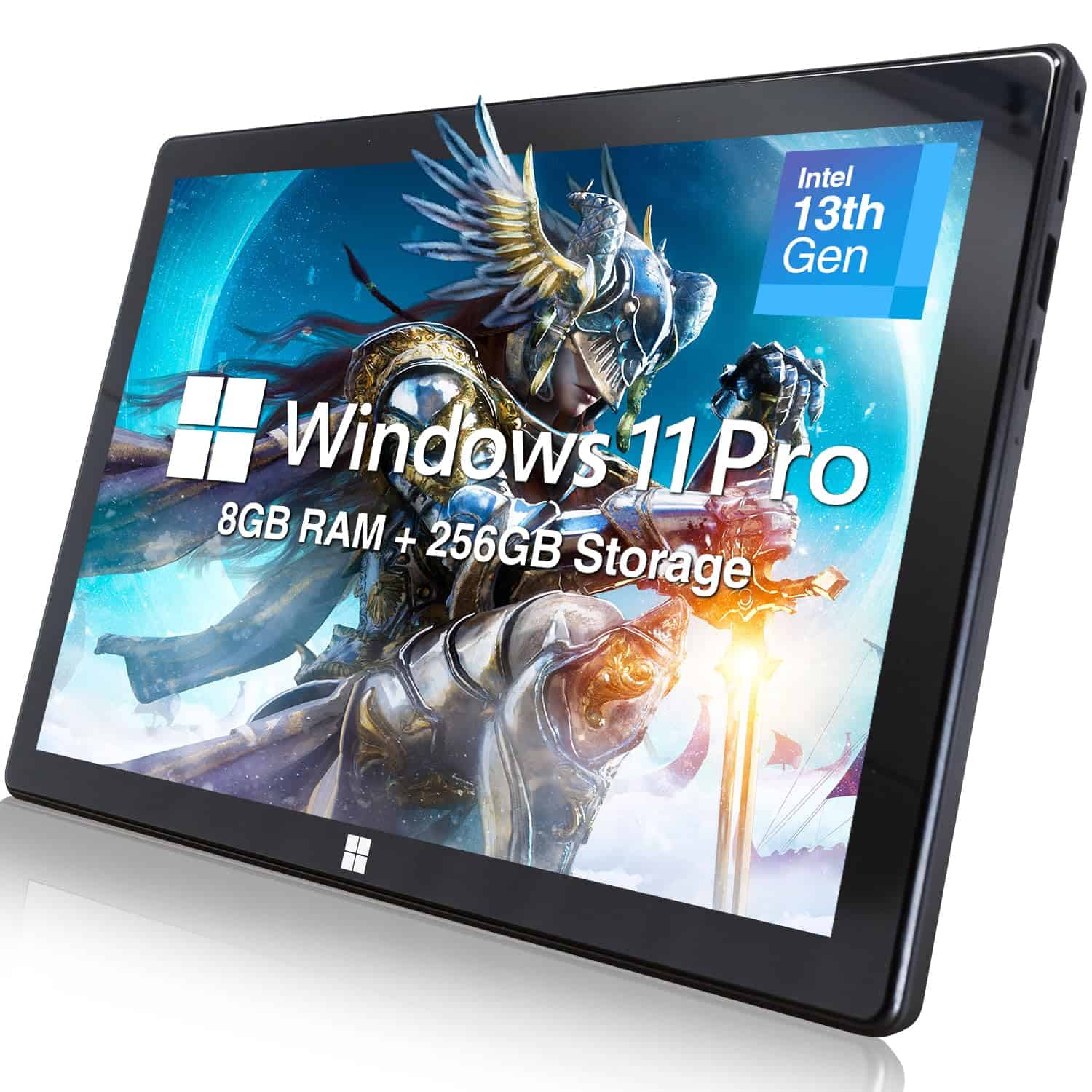
This compact Windows 11 Pro tablet delivers impressive performance and connectivity in a portable package that’s perfect for professionals on the go.
Pros
- 13th Gen Intel processor with 8GB RAM handles multitasking smoothly
- Full-sized USB port plus USB-C and HDMI offer excellent connectivity
- Sharp 10.1″ Full HD display with responsive touch screen
Cons
- Battery life of 5 hours may require frequent charging
- At 1.4 pounds, it’s slightly heavier than some competitors
- Keyboard dock sold separately adds to total cost
We’ve been testing the Fusion5 10.1″ Windows tablet for several weeks now, and it’s quickly become our go-to device for productivity on the move. The tablet runs Windows 11 Pro, which gives us access to full desktop applications rather than being limited to mobile apps.
The performance really surprised us. With its Intel N100 processor and 8GB of RAM, this tablet handles multiple applications without stuttering. We could edit documents, browse with several tabs open, and stream videos simultaneously without any noticeable slowdown. The 256GB SSD also means quick boot times and snappy file access.
Connectivity is where this tablet truly shines compared to others we’ve used. The full-sized USB port has been invaluable for connecting peripherals directly without adapters. The micro HDMI port works perfectly for presentations, and we appreciate the expandable storage via microSD. The display is bright with good color accuracy, making both work and entertainment enjoyable. For anyone needing a capable Windows device in a compact form, this Fusion5 tablet delivers exceptional value.
Fusion5 10.1″ Windows 11 Tablet
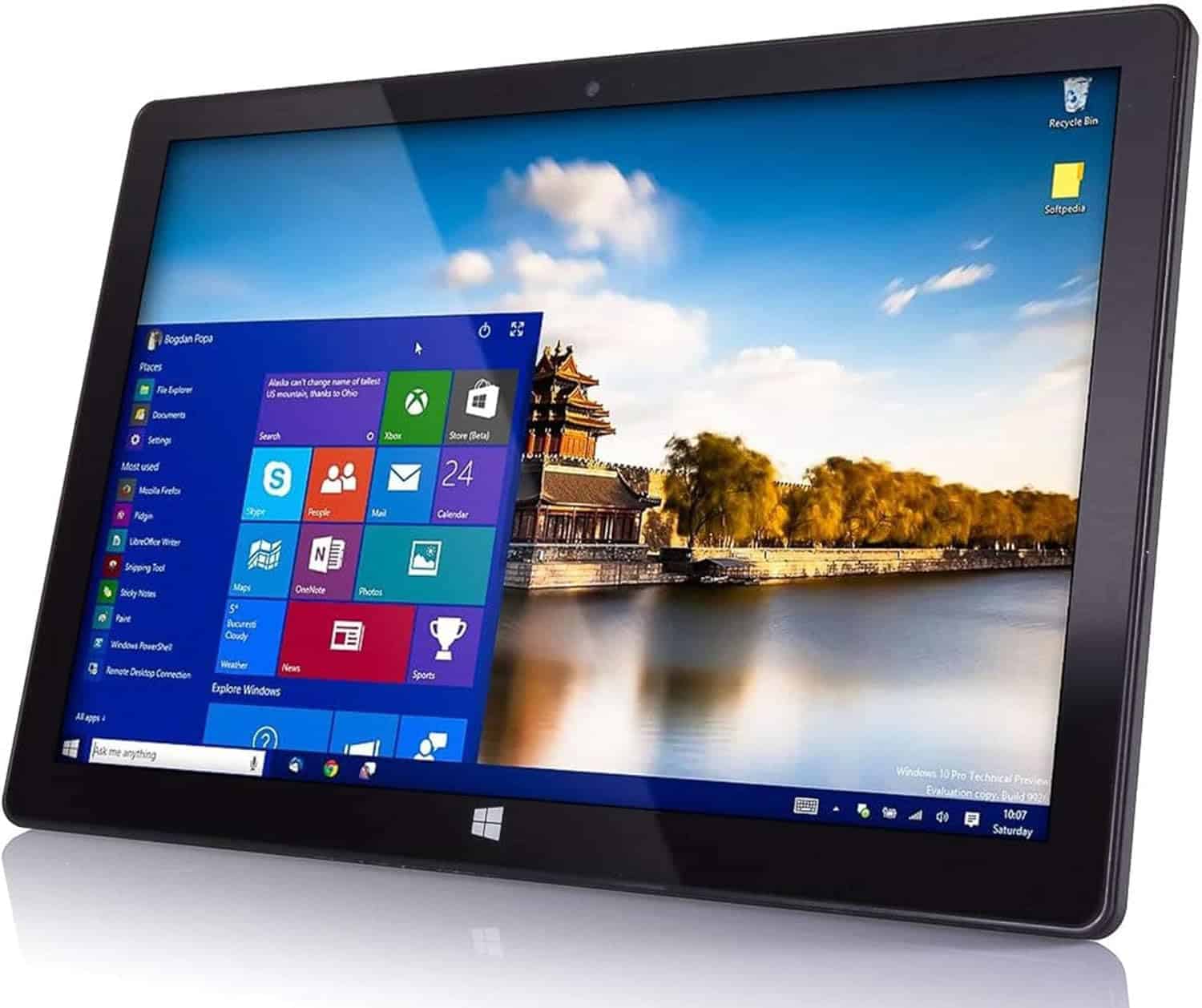
The Fusion5 Windows 11 tablet offers solid performance and versatility at a budget-friendly price point for casual users and students alike.
Pros
- Lightweight and portable design perfect for on-the-go use
- Good battery life for daily tasks and media consumption
- Expandable storage options with USB 3.0 connectivity
Cons
- Touch screen can be occasionally unresponsive
- Struggles with streaming video to external displays
- Not powerful enough for resource-intensive applications
We recently tested the Fusion5 10.1″ Windows tablet and found it surprisingly capable for its price range. The tablet runs Windows 11 smoothly for everyday tasks like browsing, document editing, and light photo work. Its slim profile makes it easy to slip into a bag, and we appreciated the full-size USB port for connecting peripherals.
The 1920×1200 display looks crisp with good color reproduction when watching videos or browsing photos. Battery life stretched to about 6 hours of mixed use, which isn’t remarkable but sufficient for most outings. The quad-core processor handled multitasking fairly well, though we noticed some lag when running several apps simultaneously.
For students or casual users seeking an affordable Windows experience, this tablet hits many right notes. The 8GB RAM configuration we tested performed better than expected for productivity tasks. However, gamers and creative professionals should look elsewhere – the integrated graphics can’t handle demanding applications.
Buying Guide
Choosing the best Windows tablet in 2025 requires looking at several important features. We’ve put together this guide to help you make a smart choice.
Processing Power
Look for tablets with the latest generation processors. A good CPU will handle multitasking and demanding apps without slowdowns.
RAM options to consider:
- 8GB: Good for everyday use
- 16GB: Better for multitasking
- 32GB+: Best for professional work
Display Quality
Screen quality matters, especially if you plan to use your tablet for media consumption or creative work.
Consider these display factors:
- Resolution (1080p minimum, 4K for premium experience)
- Brightness (350+ nits for outdoor use)
- Color accuracy (important for design work)
Battery Life
A tablet should last through your workday. We recommend looking for devices that offer at least 8-10 hours of real-world use.
Connectivity Options
Make sure your tablet has the ports you need.
| Port Type | Benefits |
|---|---|
| USB-C | Fast charging, data transfer, video output |
| Thunderbolt | Higher-speed connections, external GPU support |
| microSD | Expandable storage |
Accessories Support
Check if the tablet supports stylus input and keyboard attachments. These accessories greatly expand functionality for work and creative tasks.
Size and Weight
Consider portability needs. Smaller 10-inch tablets are more portable, while 13-inch models offer more screen space for productivity.
Frequently Asked Questions
Windows tablets continue to evolve with impressive features and capabilities in 2025. Here are the answers to some common questions about the latest models available this year.
What are the top-rated Windows tablets of 2025 suggested for professional use?
For professional use, the Microsoft Surface Pro 10 leads the pack with its 13th-gen Intel Core processors and impressive 14-hour battery life. The Dell Latitude 7340 is another excellent choice, featuring robust security features and a detachable keyboard that transforms it into a full workstation.
The Lenovo ThinkPad X13s offers enterprise-grade performance with its Snapdragon 8cx Gen 4 processor. We’ve found its fanless design makes it ideal for quiet work environments while maintaining performance during demanding tasks.
Which Windows tablets offer the best value for money in 2025?
The Microsoft Surface Go 5 provides exceptional value with its $399 starting price. It includes Windows 11, 8GB RAM, and enough processing power for everyday tasks and light productivity.
The Acer Switch 7 offers impressive performance at a mid-range price point. At $649, it delivers a high-resolution display, solid battery life, and enough power for most applications.
HP’s Pavilion x2 series has also made significant strides this year, offering convertible functionality with strong performance metrics at just $579.
Can you list some Windows tablets below $500 that perform exceptionally in 2025?
The ASUS Transformer Mini is a standout at $399, featuring 8GB RAM, 128GB storage, and impressive 12-hour battery life. Its compact size makes it perfect for travelers.
Lenovo’s IdeaPad Duet 5i comes in at $479 and includes a keyboard cover in the price. The 11-inch FHD display and Intel Core i3 processor deliver surprising performance for the price point.
The Samsung Galaxy Book Go Windows Edition costs $449 and offers excellent connectivity options including 5G capabilities on some models.
Are there any new Windows 11 tablets released in 2025 that stand out?
The HP Elite x2 G10 was released in February 2025 and features the new Intel Lunar Lake processors. Its standout adaptive display technology adjusts to ambient lighting conditions automatically.
Lenovo’s Yoga 7i tablet debuted with innovative AI features that work seamlessly with Windows 11’s Copilot. The tablet’s neural processing unit handles AI tasks without draining battery life.
Dell’s new Inspiron 14 2-in-1 arrived in January with impressive sustainability credentials. It uses recycled materials and offers easy repairability while maintaining premium performance.
How does the Pixel Tablet compare to other leading Windows tablets of 2025?
The Pixel Tablet runs on Android rather than Windows, creating a fundamentally different experience. Windows tablets like the Surface Pro 10 offer full desktop application compatibility, while the Pixel focuses on Google’s ecosystem.
For productivity, Windows tablets generally provide more robust options with full Microsoft Office support and multitasking capabilities. The Pixel excels at media consumption and smart home integration.
Battery life is comparable between premium options, with most devices offering 10-12 hours of real-world usage.
Is it feasible to use a Windows tablet as a laptop replacement in 2025?
Absolutely. The latest Windows tablets have nearly closed the performance gap with traditional laptops. Models like the Surface Pro 10 and HP Elite x2 G10 feature laptop-grade processors and sufficient RAM for demanding applications.
The evolution of Windows 11 has improved the touch experience dramatically. The operating system now shifts seamlessly between tablet and desktop modes depending on whether a keyboard is attached.
Battery life has also improved significantly, with most premium models offering 10-14 hours of real-world usage. This eliminates one of the previous barriers to using tablets as primary devices.





