
Graphic design software helps creative professionals and hobbyists bring their visual ideas to life. In 2025, these powerful tools offer more features than ever before, making it easier to create stunning logos, illustrations, websites, and marketing materials. Whether you’re a professional designer or just starting out, the right software can make a huge difference in your workflow and results.
The best graphic design programs balance powerful features with user-friendly interfaces. Some focus on specific tasks like vector illustration or photo editing, while others provide all-in-one solutions. Price is also important to consider—professional software can be expensive with subscription models, but there are quality free and one-time purchase options available too.
When choosing graphic design software, pay attention to your specific needs and skill level. Beginners might want intuitive interfaces with templates, while professionals need advanced features and industry compatibility. Computer specs matter too—some high-end programs require powerful hardware to run smoothly. We tested fifteen leading graphic design programs to find the best options for different users and budgets in 2025.
Best Graphic Design Software 2026
We’ve tested dozens of design tools to bring you our top picks for graphic design software in 2025. Our selections balance powerful features with user-friendly interfaces, helping both beginners and professionals create stunning visuals for any project.
Corel PaintShop Pro 2023
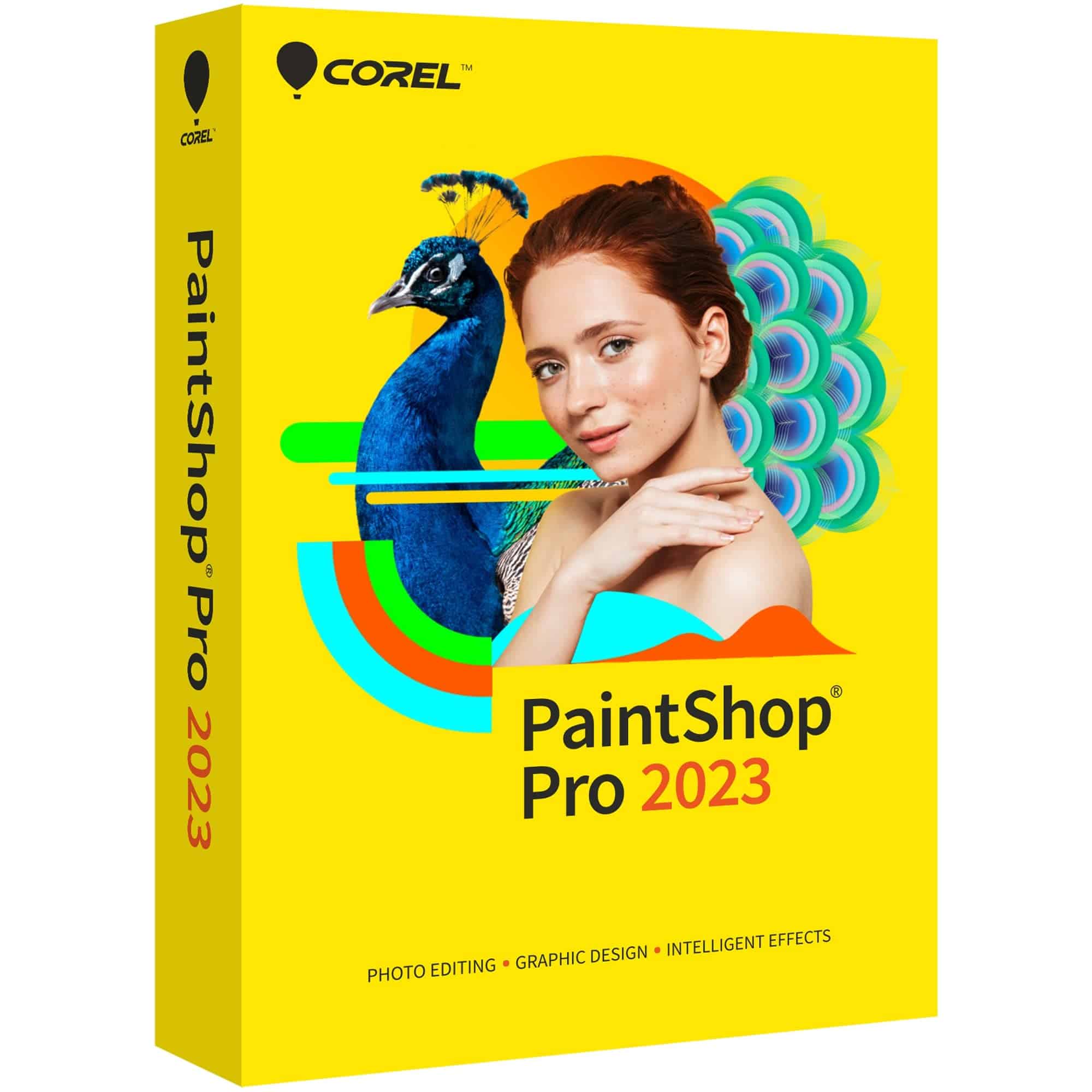
This one-time purchase photo editor offers powerful tools for both beginners and advanced users without the burden of a subscription model.
Pros
- One-time payment with no subscription fees
- Includes both photo editing and graphic design tools
- Multiple customizable workspaces for different skill levels
Cons
- Steeper learning curve than some competitors
- Some AI features require higher-end hardware
- Windows-only software with no Mac compatibility
We’ve been testing PaintShop Pro 2023 for several weeks now, and it’s impressive how much editing power Corel packed into this software. The program feels like a solid middle-ground between basic photo editors and professional-grade tools like Photoshop. What stands out immediately is the freedom from subscription fees – you buy it once and it’s yours forever.
The interface offers multiple workspaces including a simplified Essentials mode for beginners. We found this approach really helpful when switching between quick edits and more complex projects. The AI-powered tools like background replacement and object removal work surprisingly well, though they do require a decent computer to run smoothly. Our test machine with 8GB RAM handled most tasks fine, but occasionally slowed down with larger files.
For graphic design work, the layers system and mask tools give you plenty of creative options. We created several composite images and even designed some simple marketing materials with relative ease. The text and brush tools feel intuitive, and the Frame Tool makes it simple to create professional-looking layouts. While the learning curve is steeper than some programs, the built-in tutorials help new users get up to speed.
Chief Architect Home Designer Suite

For DIY enthusiasts wanting professional-quality home design tools without the steep learning curve, Chief Architect’s Home Designer Suite offers impressive value with its extensive library and intuitive interface.
Pros
- Massive library of 60,000+ objects and 3,600+ plants
- Creates 3D models automatically as you draw
- Includes detailed cost estimation features
Cons
- Requires decent computer specifications to run smoothly
- Some advanced customization locked behind higher-tier versions
- Learning curve can be challenging for complete beginners
We recently tested Home Designer Suite 2025 and were immediately impressed by how quickly it transforms 2D floor plans into fully navigable 3D spaces. The software feels responsive and professional-grade, clearly built on the same foundation as Chief Architect’s more expensive offerings.
The kitchen design tools stood out during our testing. We created custom cabinets in minutes by selecting door styles, hardware options, and countertop materials from the extensive library. The automatic 3D rendering made it easy to visualize how different choices would look together before committing.
The landscaping features deserve special mention. Unlike some competitors that treat outdoor spaces as an afterthought, Home Designer Suite includes detailed plant information including hardiness zones. We particularly appreciated the deck design tools that automatically generate framing diagrams and materials lists for accurate cost estimation.
While powerful, this software does demand decent hardware to run smoothly. We noticed some lag on older systems, especially when working with complex 3D renderings. The learning curve is manageable but steeper than more casual design apps, requiring some time investment to master all its features.
MAGIX Music Maker 2025 Premium

This intuitive music production software offers impressive value for beginners looking to create professional-sounding tracks without prior experience.
Pros
- Beginner-friendly interface with easy-to-follow workflow
- Extensive sound library with 8 Soundpools and 7 virtual instruments
- Supports integration with external hardware controllers
Cons
- Steeper learning curve than advertised for complete beginners
- Some users report stability issues
- Interface can feel overwhelming at first
We recently tested MAGIX Music Maker 2025 Premium and found it strikes a good balance between accessibility and professional features. The drag-and-drop system makes arranging tracks intuitive, while the new Custom Effects workflow lets us shape sounds exactly how we wanted.
The included content is genuinely impressive for the price point. With 8 Soundpools, 7 virtual instruments, and over 50 effects, we never felt limited by the stock sounds. The iZotope Ozone Elements 11 integration particularly stood out, giving our tracks a polished, professional sound quality without requiring external plugins.
Hardware support is another strength worth highlighting. We connected several MIDI controllers and they worked seamlessly right away. This makes the software much more tactile and creative compared to mouse-only alternatives. While there is definitely a learning curve, the tutorials help bridge the gap for newcomers to music production.
CorelDRAW Essentials 2024
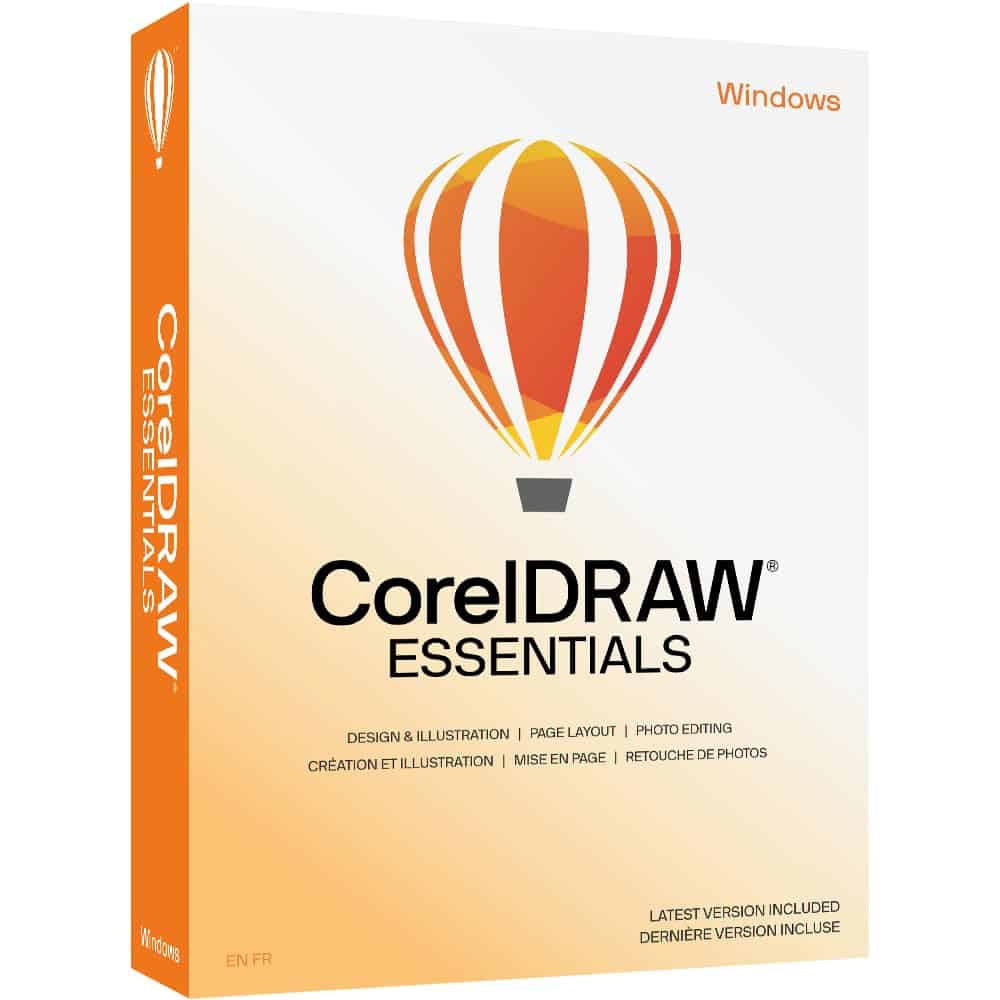
CorelDRAW Essentials 2024 offers good value for casual designers who need basic graphic tools without the complexity and price tag of professional software.
Pros
- User-friendly interface perfect for beginners
- One-time purchase instead of subscription
- Seamless integration with various document formats
Cons
- Limited photo editing capabilities
- Missing advanced tools like power trace
- Too basic for professional design work
We tested CorelDRAW Essentials 2024 on a Windows 11 system, and the setup process was straightforward. The software installs quickly and runs smoothly even on systems with modest specifications. The 8GB RAM requirement seemed accurate – we didn’t notice any lag when working with moderately complex designs.
The vector illustration tools are the highlight of this package. Creating invitations, social media graphics, and simple logos was intuitive thanks to the helpful Hints docker that explains each tool as you select it. This feature really helps newcomers build confidence while learning the software. We particularly enjoyed how easily we could manipulate text along paths and create simple shapes with the bezier tools.
Photo editing capabilities are where Essentials shows its limitations. There are only basic retouching options available, and we missed having more robust filters and effects. The file export options work well enough for web and print projects, though professionals might find them lacking.
DreamPlan Home Design Software
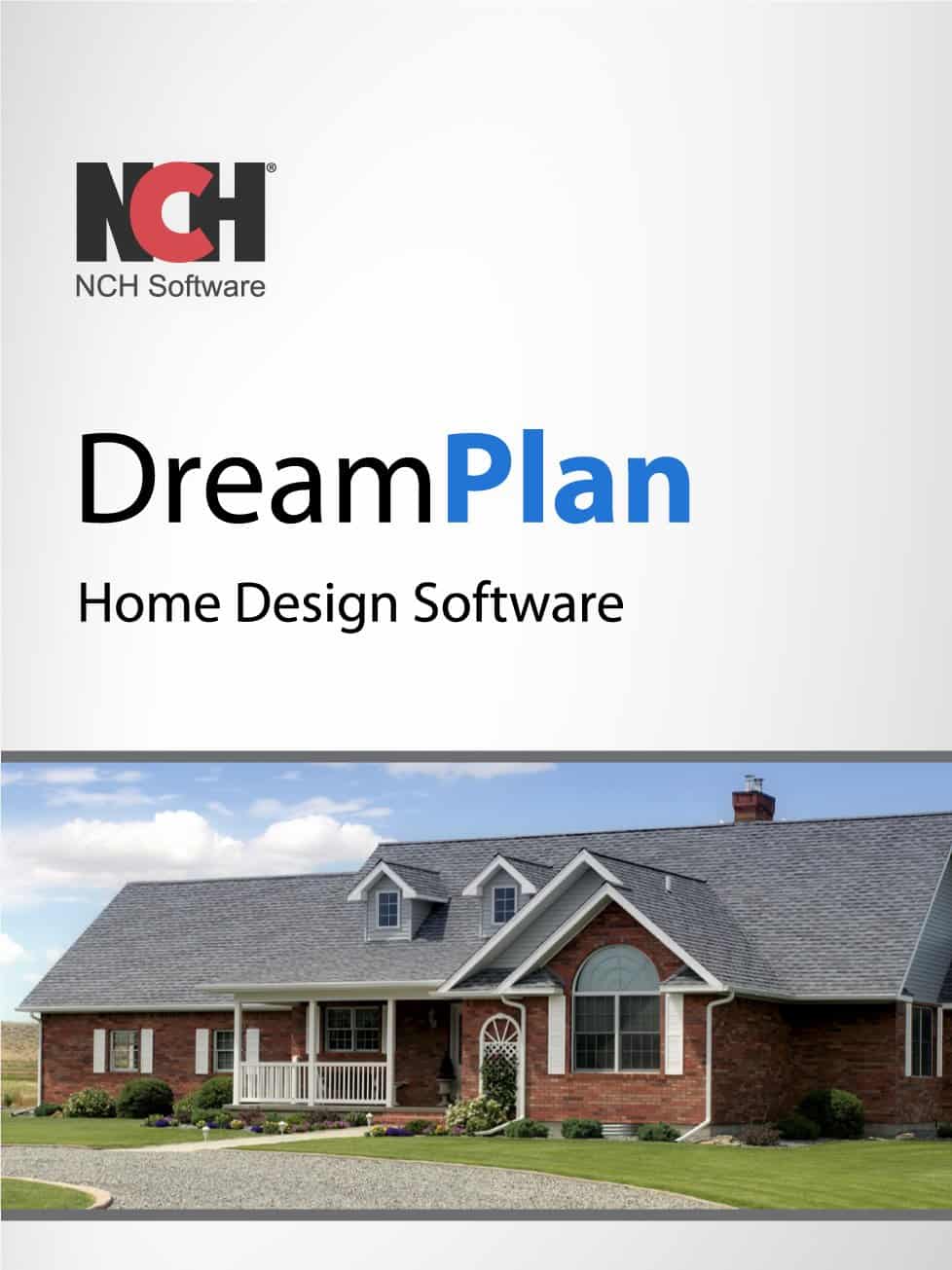
DreamPlan offers decent home design capabilities for free, but its learning curve may frustrate beginners looking for quick results.
Pros
- Completely free download for Windows users
- Multiple viewing options (3D, 2D, and blueprint modes)
- Includes both interior design and landscaping tools
Cons
- Steep learning curve with limited intuitive guidance
- Interface can feel clunky and outdated
- Limited customer support options
We spent several hours testing DreamPlan to see if it deserves a spot among the best graphic design software for 2025. The program allows users to create comprehensive home models with both interior and exterior elements. You can switch between different viewing modes which helps visualize your project from multiple angles.
The software includes some nice features for a free program. We particularly liked the ability to add furniture, appliances, and decorations to rooms. The landscaping tools also work well for planning outdoor spaces, letting you add gardens, patios, and other exterior elements.
NCH Software has maintained this program for years but hasn’t significantly modernized its interface. While it costs nothing to try, we recommend considering other options if you need something more user-friendly for serious design work in 2025.
PhotoPad Image Editor

PhotoPad is a decent option for casual photographers who need basic editing tools without a steep learning curve.
Pros
- Simple drag-and-drop interface perfect for beginners
- Quick preset filters that produce good results
- Effective tools for fixing common photo problems
Cons
- Free version has significant limitations
- Performance issues when handling larger files
- Not suitable for advanced graphic design work
We tested PhotoPad recently and found it strikes a nice balance between functionality and simplicity. The software installed quickly on our Windows system, and within minutes we were editing photos with its intuitive layout. For basic tasks like cropping, resizing, and color adjustment, it performed reliably.
The touch-up tools impressed us during our testing. Red-eye removal worked with just a few clicks, and the blemish remover helped salvage some otherwise great portraits. We particularly enjoyed the variety of filters available – the sepia and oil paint effects gave our vacation photos a creative twist without looking artificial.
Some issues emerged during our extended use. When working with high-resolution images, we noticed the program occasionally slowed down. The collage feature, while useful, lacks the polishing of premium alternatives. Overall, PhotoPad works well for casual photo editing needs, but professional designers will likely need more robust software for complex projects.
CyberLink PowerDirector 365
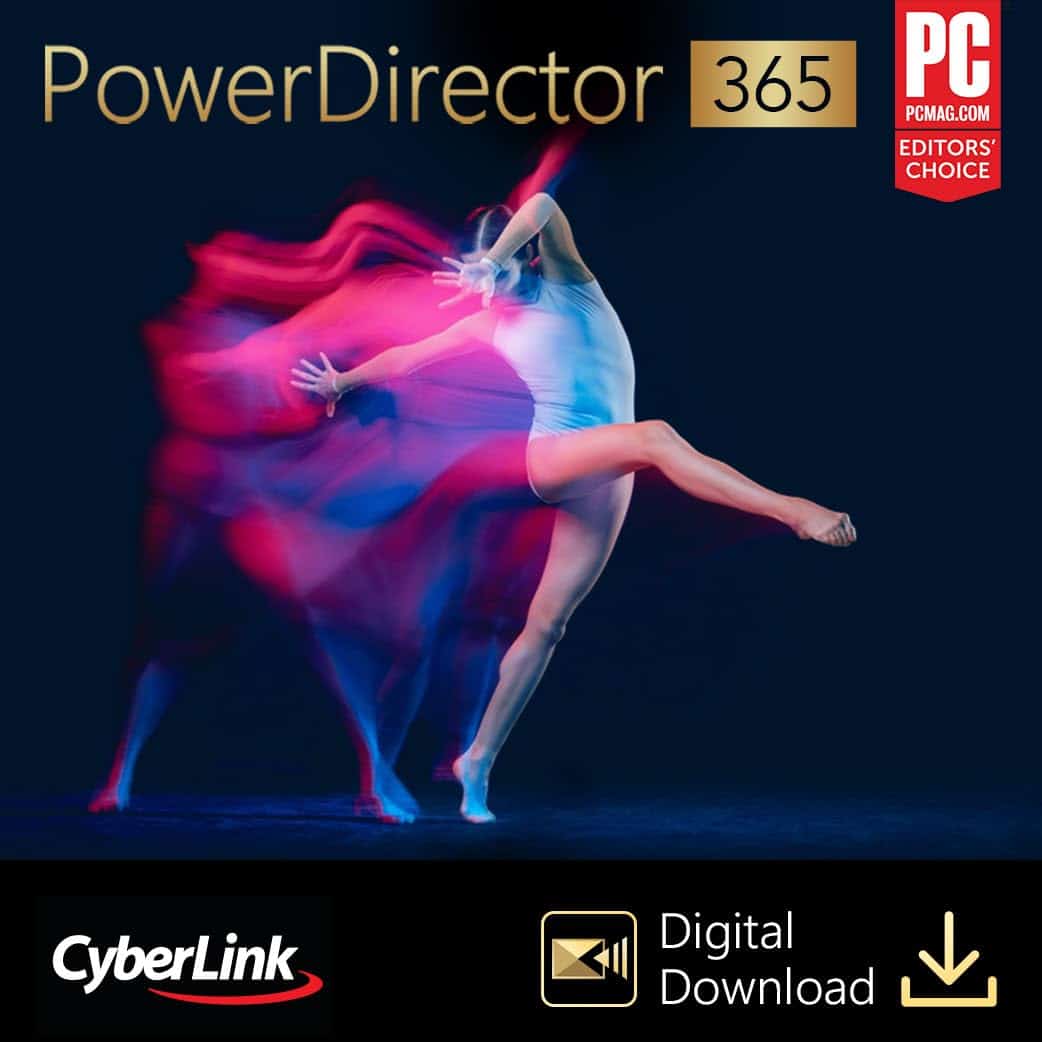
PowerDirector 365 offers a robust video editing experience with professional features at a reasonable price point, making it a solid choice for both beginners and intermediate creators in 2025.
Pros
- Intuitive interface that’s easy to learn
- Powerful chroma key and multi-cam editing capabilities
- Regular updates with new effects and tools
Cons
- Subscription model may not appeal to everyone
- Some rendering issues reported by users
- Limited compatibility between Windows and Mac versions
We’ve been testing PowerDirector 365 for several weeks now, and the experience has been mostly positive. The software strikes a good balance between accessibility and professional features. Even with little editing experience, we were able to create decent-looking videos within hours of installation.
The interface feels clean and organized, with all the tools logically placed. We particularly enjoyed using the multi-key chroma key feature for green screen effects. It produced surprisingly clean results with minimal effort. The nested video editing also proved useful when working on complex projects with multiple segments.
One drawback we noticed was the subscription model. While it ensures you always have the latest version, some users might prefer a one-time purchase option. We also experienced occasional hiccups during rendering on larger projects. Despite these minor issues, PowerDirector 365 remains one of the better options for video editing in 2025, especially for those who need professional features without the steep learning curve of more complex software.
Xara Photo & Graphic Designer
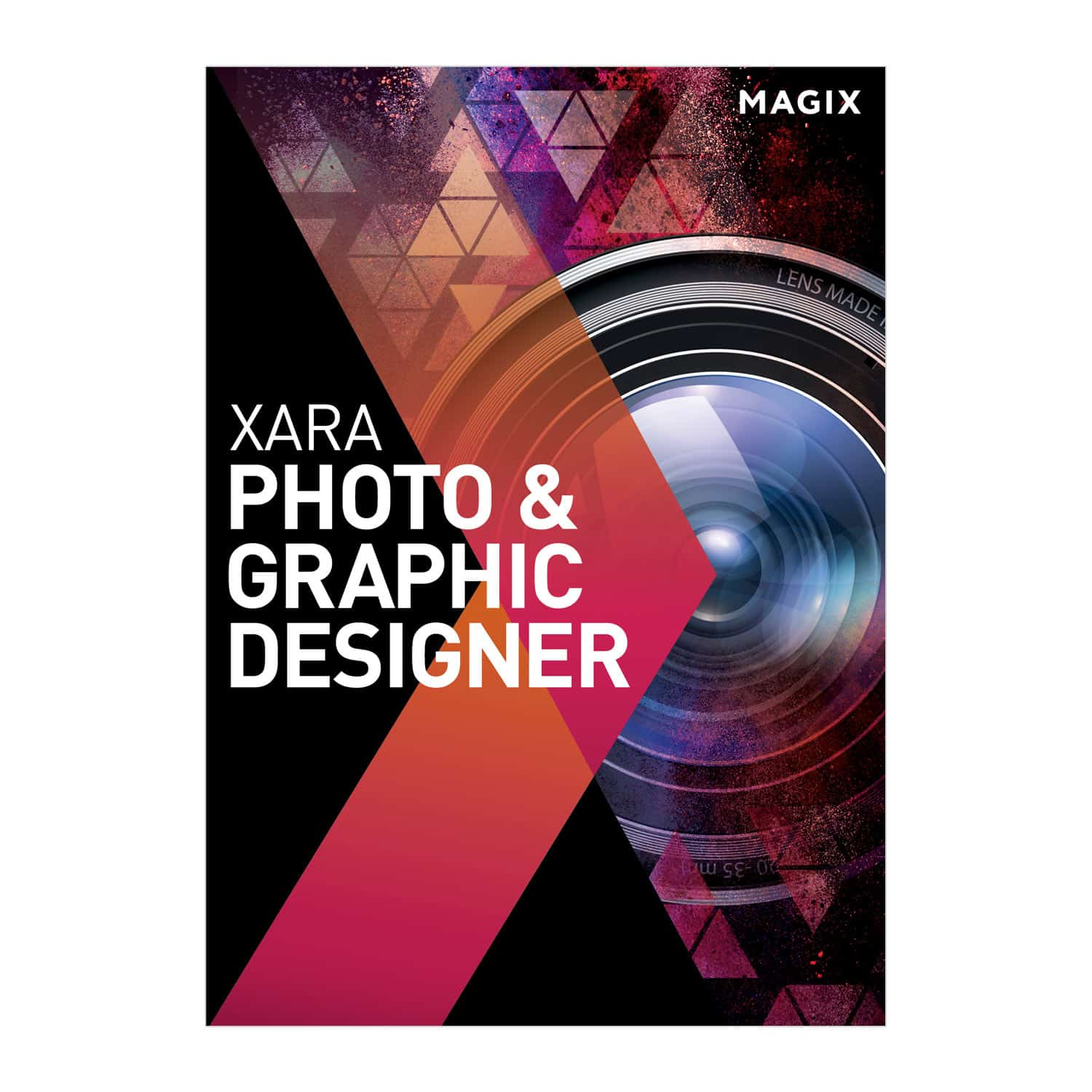
This versatile design software offers excellent value for beginners and intermediate designers needing both photo editing and vector graphic capabilities in one package.
Pros
- All-in-one solution for photo editing and vector graphics
- Intuitive interface with gentle learning curve
- Extensive filter library and online content catalog
Cons
- Occasional activation issues
- Limited advanced features compared to industry standards
- Windows-only compatibility
We’ve spent several weeks testing Xara Photo & Graphic Designer, and it’s clear why this software maintains popularity in 2025. The program combines photo editing tools with vector graphic capabilities, making it perfect for creating everything from social media graphics to logos and print materials.
The interface feels clean and approachable. Unlike some competitor products that overwhelm users with complex menus, Xara organizes tools logically. We especially appreciated the 140+ photo filters that transformed basic images into professional-looking graphics with just a few clicks.
Vector drawing tools performed admirably in our tests. Creating logos and illustrations felt natural with the pen tool, and the text handling capabilities exceeded our expectations for this price point. The Online Content Catalog provided access to numerous stock images and graphics, though we noticed some premium elements required additional purchases.
Performance was solid on our Windows 10 test machine. The software ran smoothly with multiple projects open, though larger photo files occasionally caused slight delays. For beginners looking to explore graphic design without investing in multiple specialized programs, Xara offers tremendous value.
AutoCAD 2022 Perpetual License
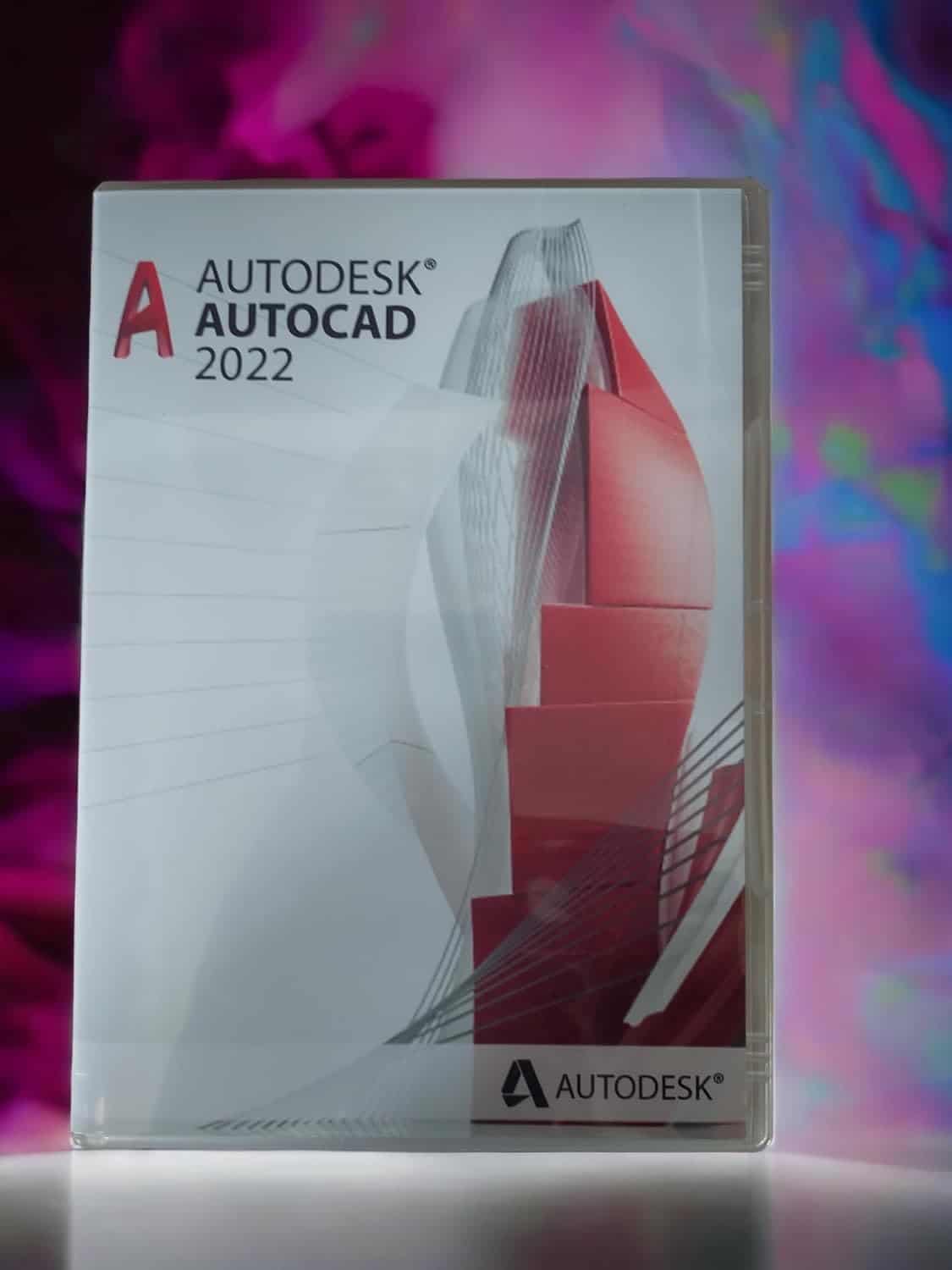
This one-time purchase CAD software offers incredible value with its perpetual license model, making it a smart choice for designers who want to avoid subscription fees.
Pros
- Buy once with no recurring payments
- Includes specialized industry toolsets
- Powerful collaboration features like Trace Tool
Cons
- No technical support included
- Steeper learning curve than newer alternatives
- Limited to Windows 10/11 systems
We tested AutoCAD 2022 on several projects and were impressed by its comprehensive design capabilities. The software handles both 2D drafting and 3D modeling with precision that rivals much newer releases. The perpetual license is refreshing in today’s subscription-dominated market – you pay once and own it forever.
The new Count Tool saved us hours on complex projects by automatically tallying objects and generating tables with the data. Floating drawing windows also proved incredibly useful when working across multiple designs simultaneously. We could drag tabs off the main window for easier comparison and reference.
Working with team members was surprisingly smooth thanks to the Trace Tool. It creates a safe environment to suggest changes without altering original drawings. The Push to Docs feature also streamlined our workflow, letting us upload drawings as PDFs directly to project folders for field access. While the interface feels slightly dated compared to 2025 alternatives, the core functionality remains robust and reliable for professional design work.
Palette Mini 07: Monotone Guide
This compact design reference is an essential resource for graphic designers seeking fresh inspiration for single-color projects in 2025.
Pros
- Portable pocket-sized format perfect for on-the-go reference
- Comprehensive collection of modern monotone design examples
- High-quality print reproduction showcasing subtle details
Cons
- Small text size might strain eyes during extended use
- Limited to single-color designs only
- Higher price point than some digital alternatives
We recently added this gem to our studio reference library, and it’s quickly become one of our most-reached-for resources. The Palette Mini 07: Monotone packs an impressive 672 pages of single-color graphic design inspiration into a surprisingly compact package measuring just over 4 inches tall.
The book’s organization makes finding relevant examples effortless. Each section showcases different applications of monotone design – from branding to packaging to editorial work. What impressed us most was the global range of featured projects, offering perspectives from design studios we hadn’t previously encountered.
Despite its small size, the print quality doesn’t suffer. The paper has a pleasant weight and the reproduction clarity allows you to see the nuances in each design. We’ve found ourselves repeatedly turning to this reference when clients request minimalist approaches or when budget constraints limit color options.
For graphic designers working in 2025, this collection provides a refreshing counterpoint to the digital-heavy resources typically available. The book’s anniversary edition includes updated examples that remain relevant to current design trends while demonstrating the timeless power of monotone work.
Buying Guide
Choosing the right graphic design software in 2025 can feel overwhelming with so many options available. We’ve created this guide to help you focus on what matters most when making your decision.
Consider Your Skill Level
Beginners should look for software with intuitive interfaces and helpful tutorials. Professional designers may need more advanced features and customization options.
Key Features to Evaluate
- Vector Capabilities: Essential for scalable designs like logos
- Photo Editing Tools: Look for adjustment options and filter quality
- Typography Options: Consider font management and text styling features
- Interface Design: Check for UI/UX design capabilities
Hardware Requirements
Make sure your computer can handle the software you choose. Check these specs:
| Requirement | Minimum | Recommended |
|---|---|---|
| RAM | 8GB | 16GB+ |
| Processor | Multi-core | Latest gen |
| Storage | 256GB SSD | 512GB+ SSD |
| Graphics | Integrated | Dedicated GPU |
Pricing Structure
Consider the payment model that works best for your situation. Subscription models offer regular updates but may cost more long-term. One-time purchases might lack updates but have no recurring fees.
Compatibility
Check if the software works across devices you use. Some programs offer cloud syncing between desktop and mobile versions.
Community and Support
Look for active user communities and responsive customer support. These resources help troubleshoot issues and improve your skills.
Frequently Asked Questions
Graphic design software continues to evolve rapidly in 2025, with new features and capabilities emerging across platforms. We’ve compiled answers to the most common questions about today’s leading design tools.
What are the leading graphic design software options for beginners in 2025?
Canva Pro remains the top choice for beginners in 2025, offering an intuitive drag-and-drop interface with thousands of templates. The latest version includes AI-powered design suggestions that help new users create professional-looking graphics quickly.
Adobe Express has also gained popularity among beginners this year. Its simplified workflow and robust mobile app make it perfect for those just starting their design journey.
Affinity Designer continues to impress with its beginner-friendly price point and professional-grade tools. The 2025 version includes improved tutorials and a gentler learning curve.
Which free graphic design software of 2025 ranks highest in user satisfaction?
Figma’s free tier stands out with consistently high user satisfaction ratings in 2025. The collaboration features and web-based platform make it accessible to users on any device.
GIMP 3.0, released in early 2025, has dramatically improved its user interface while maintaining its powerful free toolset. User reviews praise its new dark mode and streamlined workflow.
Inkscape 1.3 has also seen significant improvements this year. The vector editor now includes better performance and more intuitive tools while remaining completely free.
What is the most advanced graphic design software available for professional use in 2025?
Adobe Creative Cloud continues to lead the professional market in 2025. The suite’s integration between Photoshop, Illustrator, and InDesign remains unmatched, with new AI capabilities for faster workflows.
Sketch has evolved into a powerhouse for UI/UX designers. The 2025 version includes advanced prototyping tools and improved integration with development workflows.
Blender has expanded beyond 3D into graphic design territory. Professional designers now use its node-based compositor for creating complex visual effects that were previously impossible.
How have recent technological advancements influenced the capabilities of 2025 graphic design software?
AI-assisted design has become standard across most platforms in 2025. Tools now automatically suggest color palettes, layouts, and even generate custom illustrations based on text prompts.
Real-time collaboration has evolved beyond simple file sharing. Designers can now work simultaneously on projects with virtual presence indicators and integrated video conferencing.
Cross-device continuity has improved dramatically. Starting a design on your phone and seamlessly continuing on your desktop is now a smooth experience with most major software.
Can you recommend any graphic design software that is particularly well-suited for Windows 10 users in 2025?
CorelDRAW Graphics Suite 2025 remains optimized specifically for Windows 10 performance. Its latest version takes advantage of Windows-specific hardware acceleration for smoother operation.
Affinity’s complete suite (Designer, Photo, and Publisher) works exceptionally well on Windows 10. The apps are designed to use minimal resources while maintaining professional capabilities.
Paint.NET has evolved into a surprisingly capable option for Windows 10 users. The 2025 version includes more advanced tools while maintaining its lightweight footprint.
In what ways is the field of graphic design expected to evolve over the next five to ten years?
Virtual and augmented reality design tools will likely become mainstream. We expect designers to create immersive experiences rather than flat designs for many applications.
AI collaboration will evolve from suggestion tools to true design partners. Future systems will understand context and help implement complex design systems across multiple platforms.
Accessibility-first design will become the standard approach. Tools will automatically check and suggest improvements for color contrast, readability, and screen reader compatibility.





