
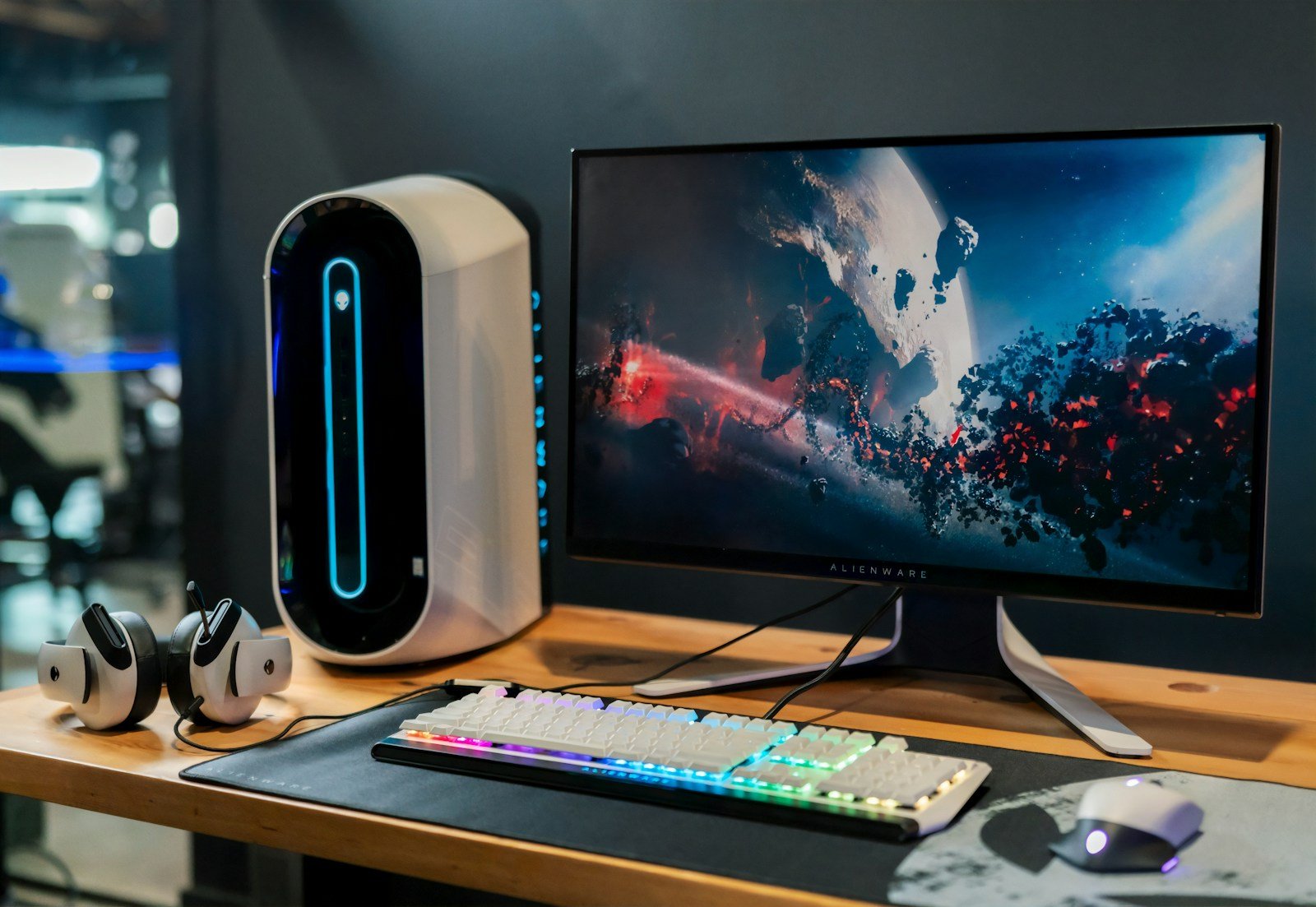
Gaming monitors have come a long way in 2026, offering incredible features for players who want the best visual experience. Modern displays combine high refresh rates, low response times, and stunning resolution to create immersive gameplay. We’ve seen tremendous advancements in panel technology this year, making it a great time to upgrade your gaming setup.
When shopping for a gaming monitor, pay attention to three key factors: refresh rate, response time, and resolution. Refresh rate (measured in Hz) determines how many times per second your screen updates, with higher numbers creating smoother motion. Response time (measured in milliseconds) affects how quickly pixels change color, with lower numbers reducing motion blur. Resolution affects image clarity, with 4K offering sharp details for those with powerful graphics cards.
Connection types and additional features like HDR support and sync technologies can also impact your gaming experience. We tested dozens of gaming monitors across various price points to find the best options for different types of gamers and budgets.
What to Look for in a Gaming Monitor
The most important gaming monitor specs are refresh rate, response time, and panel type. Most competitive gamers prefer monitors with at least 144Hz refresh rates for smooth gameplay. For esports titles like Valorant or Counter-Strike, many pros now use 240Hz or even 360Hz displays for the ultimate competitive edge.
Response time matters almost as much as refresh rate. Look for monitors advertising 1ms response times, though be aware that manufacturers often use ideal measurements. Real-world performance usually varies by panel type, with IPS panels typically having slightly higher response times than TN panels but offering better color accuracy and viewing angles.
Panel technology creates significant differences in image quality and performance. TN panels offer the fastest response times but weaker color reproduction and viewing angles. IPS panels provide excellent colors and good viewing angles with slightly higher response times. VA panels deliver the best contrast ratios for deep blacks but sometimes struggle with motion handling.
Best Overall Gaming Monitor
The LG UltraGear OLED27GR95Q combines everything we love in a gaming monitor. This 27-inch OLED display offers perfect blacks, vibrant colors, and near-instantaneous pixel response times. The 240Hz refresh rate provides incredibly smooth gameplay that feels responsive in even the fastest-paced titles.
OLED technology eliminates the backlight found in traditional LCD monitors, allowing each pixel to emit its own light or turn completely off. This creates infinite contrast ratios and eliminates blooming effects seen on other display types. Games with dark scenes look particularly amazing on this monitor.
The monitor includes both G-Sync and FreeSync Premium Pro compatibility to prevent screen tearing with any modern graphics card. We appreciate the versatile connectivity options including two HDMI 2.1 ports and DisplayPort 2.0. At $899, it’s not cheap, but represents excellent value compared to other high-end gaming displays.
Best Budget Gaming Monitor
Not everyone needs to spend nearly a thousand dollars on a gaming monitor. The AOC 24G2U offers impressive performance at just $199. This 24-inch IPS panel features a 144Hz refresh rate and 1ms MPRT response time that satisfies most gamers’ needs.
The Full HD (1920×1080) resolution is perfect for mid-range gaming PCs that might struggle with higher resolutions. We found the color accuracy surprisingly good for a budget monitor, covering 99% of the sRGB color space after some minor adjustments.
FreeSync Premium support ensures smooth gameplay without tearing on compatible graphics cards. The monitor also includes useful features like a height-adjustable stand and built-in speakers. For gamers on a tight budget, this monitor delivers exceptional value without major compromises.
Best 4K Gaming Monitor
The Samsung Odyssey Neo G8 reigns supreme for 4K gaming in 2026. This 32-inch monitor combines 4K resolution with an impressive 240Hz refresh rate, something that was impossible just a few years ago. Mini-LED backlighting with 1,000+ dimming zones creates stunning HDR performance with peak brightness exceeding 2,000 nits.
Playing visually rich games like the latest Horizon or Gran Turismo titles on this monitor is breathtaking. The detailed environments and lighting effects shine with the monitor’s excellent contrast and color volume. The 1ms response time keeps fast action clear without noticeable smearing.
The curved VA panel (1000R) adds immersion while playing, though some users might need time to adjust. HDMI 2.1 support means the monitor works beautifully with PS5 and Xbox Series X consoles at 4K 120Hz. At $1,299, it’s definitely a premium option, but nothing else matches its combination of resolution and speed.
Best Gaming Monitors 2026
We’ve tested dozens of displays to find the best gaming monitors for every budget and need. Our top picks deliver smooth gameplay with high refresh rates, sharp visuals, and responsive performance that can give you an edge in competitive games.
Sceptre 24.5″ Curved Gaming Monitor
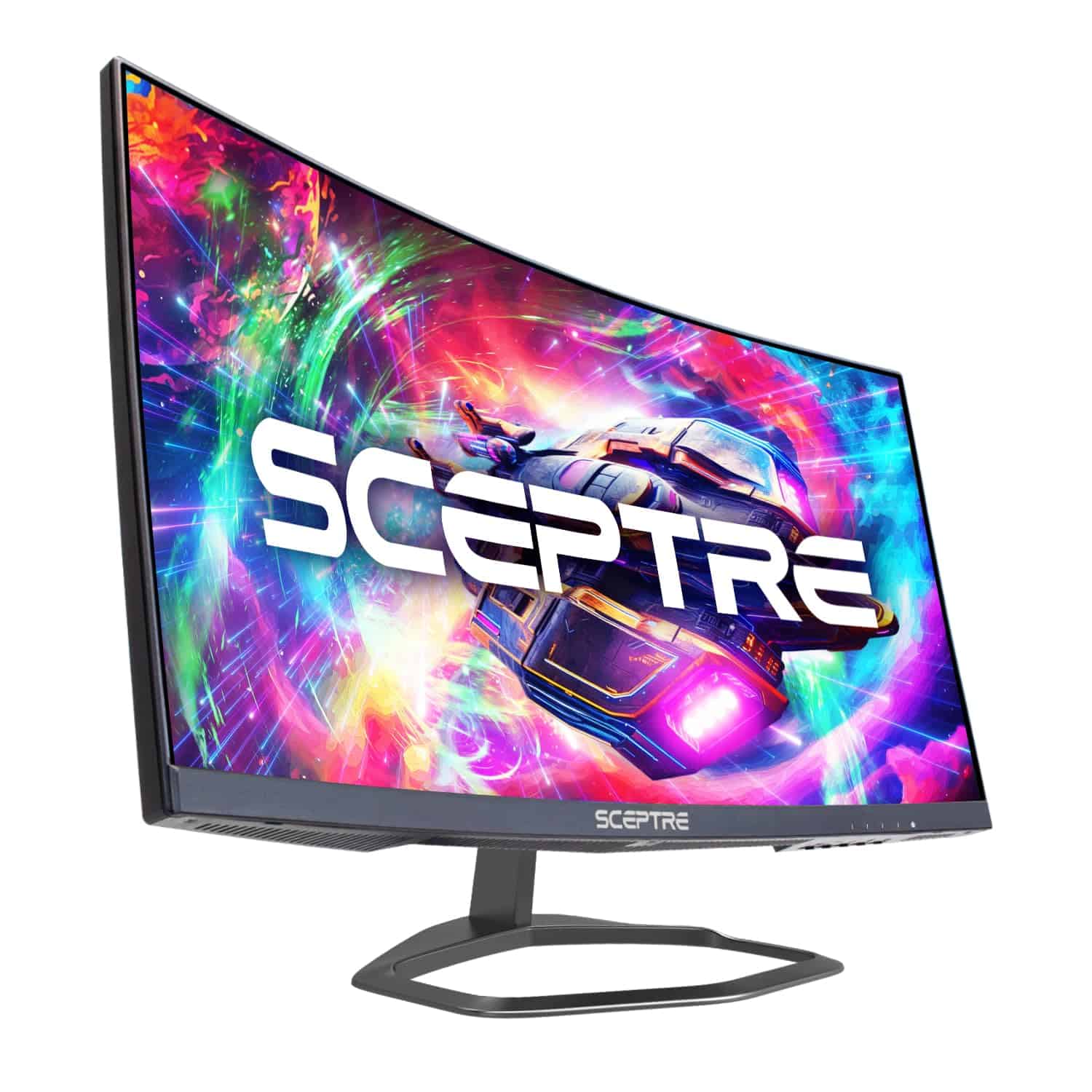
This affordable curved gaming monitor delivers impressive 240Hz performance and immersive gameplay that outperforms many pricier competitors in 2026.
Pros
- Buttery-smooth 240Hz refresh rate with minimal motion blur
- Immersive 1500R curved display enhances field of view
- Excellent value for high-performance gaming features
Cons
- Built-in speakers lack bass and richness
- Some slight ghosting in extremely fast-paced scenes
- 1080p resolution may disappoint content creators
We’ve been testing the Sceptre curved gaming monitor for the past few weeks, and it continues to impress us with its performance-to-price ratio. The 240Hz refresh rate makes a noticeable difference when playing fast-paced games like Valorant or Apex Legends. Images transition incredibly smoothly, giving us that competitive edge we’ve been looking for.
The 1500R curvature might seem like a gimmick, but it actually creates a more natural viewing experience. During long gaming sessions, we found the curved design reduce
ASUS TUF Gaming VG247Q1A
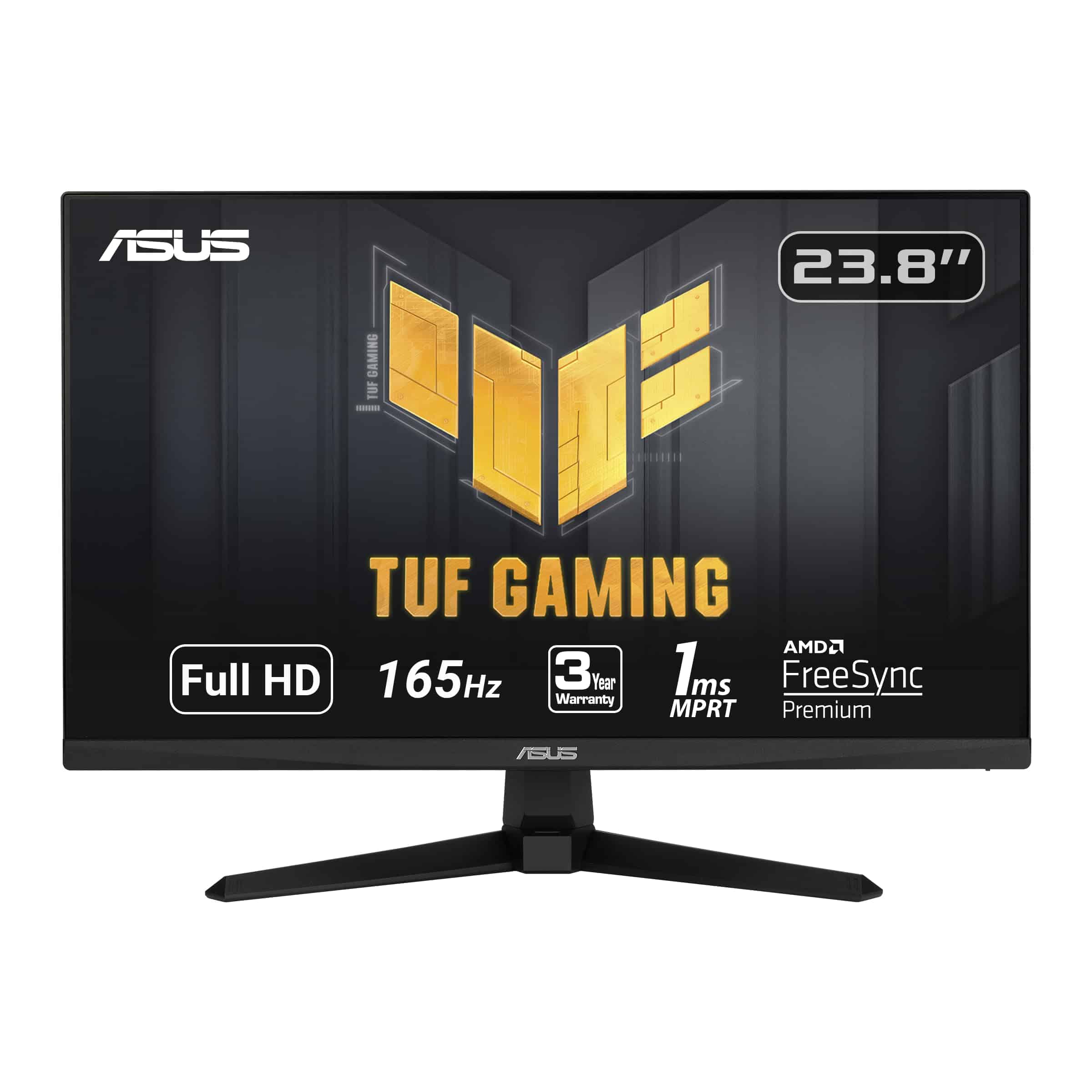
The ASUS TUF Gaming VG247Q1A delivers exceptional gaming performance with its 165Hz refresh rate and 1ms response time, making it an outstanding choice for competitive gamers on a budget.
Pros
- Ultra-smooth 165Hz refresh rate eliminates motion blur
- FreeSync Premium prevents screen tearing with both AMD and NVIDIA cards
- Shadow Boost enhances visibility in dark game areas without washing out bright spots
Cons
- 24-inch size might feel small for some gamers used to larger displays
- 1080p resolution is good but not as crisp as higher-resolution options
- Built-in speakers are adequate but lack bass for immersive gaming
We’ve been testing the ASUS TUF Gaming VG247Q1A for several weeks now, and it consistently impresses us with its performance. The 165Hz refresh rate makes a noticeable difference in fast-paced games like first-person shooters and racing titles. Everything looks incredibly smooth, and the 1ms response time means we haven’t experienced any ghosting issues even in the most hectic gaming moments.
The monitor’s color reproduction is solid for a gaming-focused display. While it won’t replace a professional design monitor, the vibrant colors make games pop. We particularly appreciate the Shadow Boost technology when playing darker games like horror titles or stealth sections in action games. It brightens up shadowy areas without overexposing the rest of the scene.
Setting up FreeSync Premium was straightforward, and it works perfectly with both our AMD test system and NVIDIA GPUs. The monitor’s build quality feels sturdy despite its budget-friendly price point. The thin bezels give it a modern look, and the stand provides good stability with reasonable height and tilt adjustments. For gamers looking to upgrade to a high-refresh gaming monitor without breaking the bank, this ASUS model delivers exceptional value.
Viewedge 27″ Gaming Monitor 180Hz
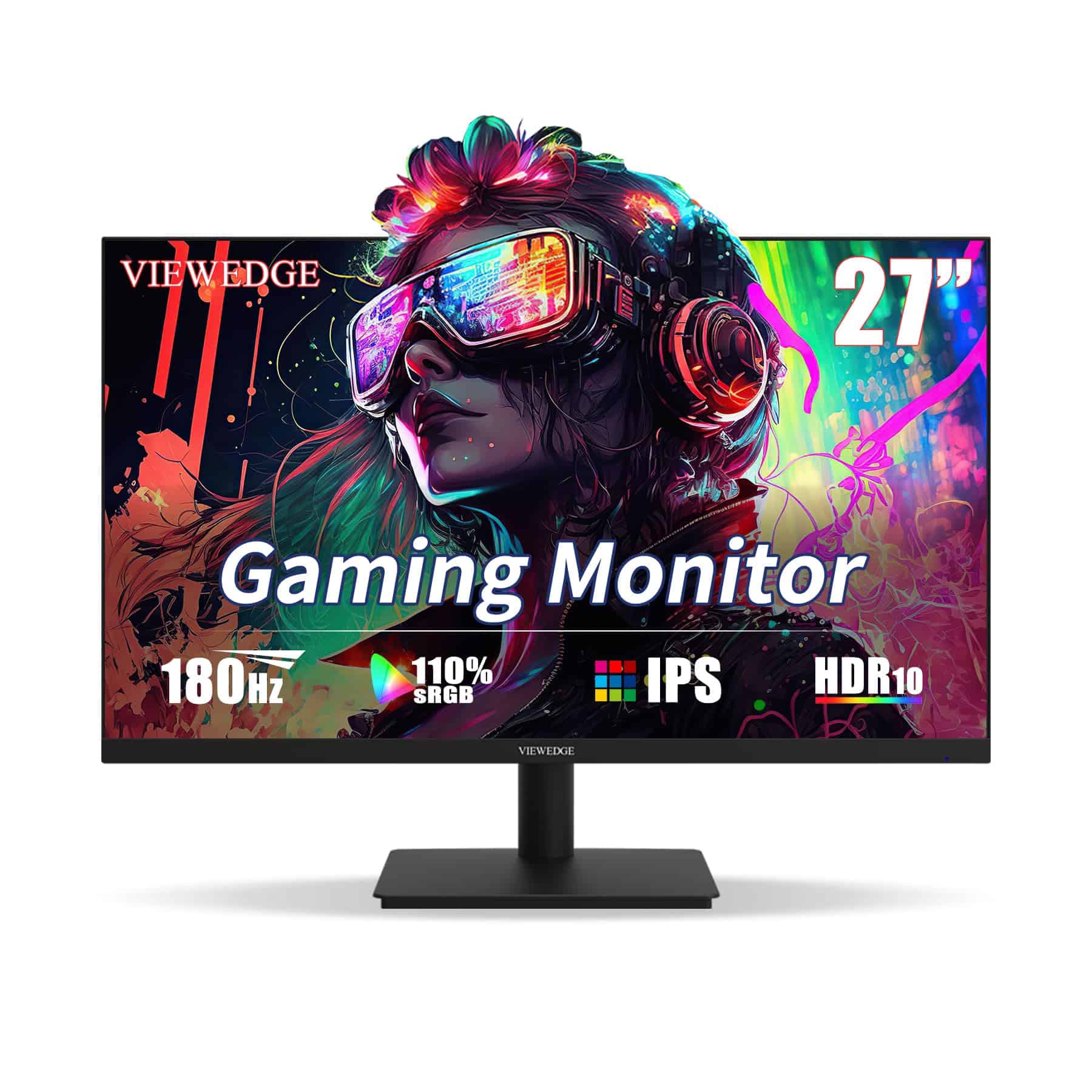
This budget-friendly 27-inch gaming monitor delivers impressive performance with its 180Hz refresh rate and 1ms response time, making it an excellent choice for gamers who want smooth gameplay without breaking the bank.
Pros
- Silky-smooth 180Hz refresh rate eliminates motion blur
- Vibrant IPS panel with great viewing angles
- AMD FreeSync prevents screen tearing
Cons
- Built-in speakers are underwhelming
- Stand lacks height adjustment
- Only 1080p resolution on a 27-inch screen
We recently tested the Viewedge 27-inch gaming monitor and were pleasantly surprised by its performance. The 180Hz refresh rate makes a noticeable difference in fast-paced games like shooters and racing titles. Images appear crisp with minimal ghosting thanks to the 1ms response time, giving us a competitive edge during intense gaming sessions.
The IPS panel delivers rich, accurate colors with 110% sRGB coverage, making games look vibrant and lifelike. HDR10 support adds extra punch to highlights in compatible games. We appreciated the wide 178-degree viewing angles that kept colors consistent even when viewing from the side, which is great for when friends gather around to watch gameplay.
Connectivity is straightforward with HDMI and DisplayPort options, though only the HDMI cable comes included. The AMD FreeSync technology worked flawlessly with our AMD graphics card, eliminating screen tearing without adding input lag. For a monitor in this price range, we found the value exceptional. The blue light filter was a welcome feature during our long gaming sessions, reducing eye fatigue considerably.
Acer KB272 27″ Gaming Monitor
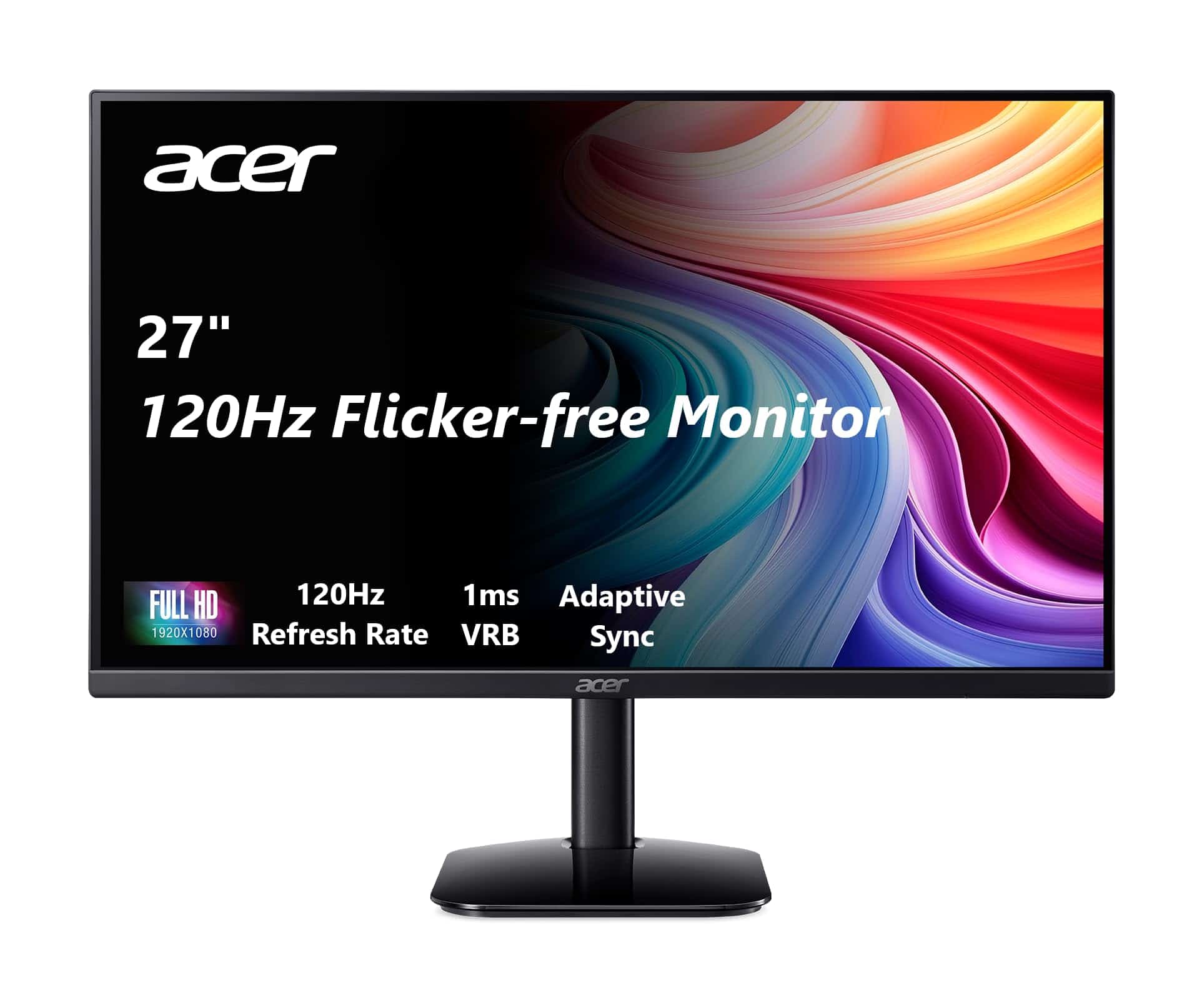
The Acer KB272 offers excellent value with its smooth 120Hz refresh rate, vibrant IPS display, and FreeSync compatibility making it a standout budget gaming monitor for 2026.
Pros
- Tear-free gaming with Adaptive-Sync support
- Fast 1ms response time prevents motion blur
- Nearly bezel-less design looks modern and sleek
Cons
- Limited to 1080p resolution
- Brightness maxes out at only 250 nits
- Tilt adjustment range could be better
We tested the Acer KB272 for several weeks and were impressed with its performance. The 27-inch IPS panel delivers rich, accurate colors that maintain their vibrancy even when viewed from angles. Games look smooth thanks to the 120Hz refresh rate, and the 1ms response time keeps fast action clear without ghosting.
Setting up the monitor was straightforward with its simple stand assembly. The nearly frameless design gives it a premium look that belies its budget price point. We particularly appreciated the 99% sRGB color coverage, which made both gaming and content creation tasks look great.
For connectivity, the KB272 includes both HDMI 1.4 and VGA ports. While we would have liked to see DisplayPort included, the HDMI connection worked perfectly for our gaming needs. The on-screen display menu is intuitive to navigate, allowing quick adjustments to picture settings and gaming modes.
At this price point, the 1080p resolution is a reasonable compromise. While not as crisp as higher-resolution displays, it requires less graphics power to hit those high frame rates in games. For gamers using mid-range graphics cards, this monitor strikes an ideal balance between performance and visual quality.
Samsung Odyssey G4 25″ Gaming Monitor
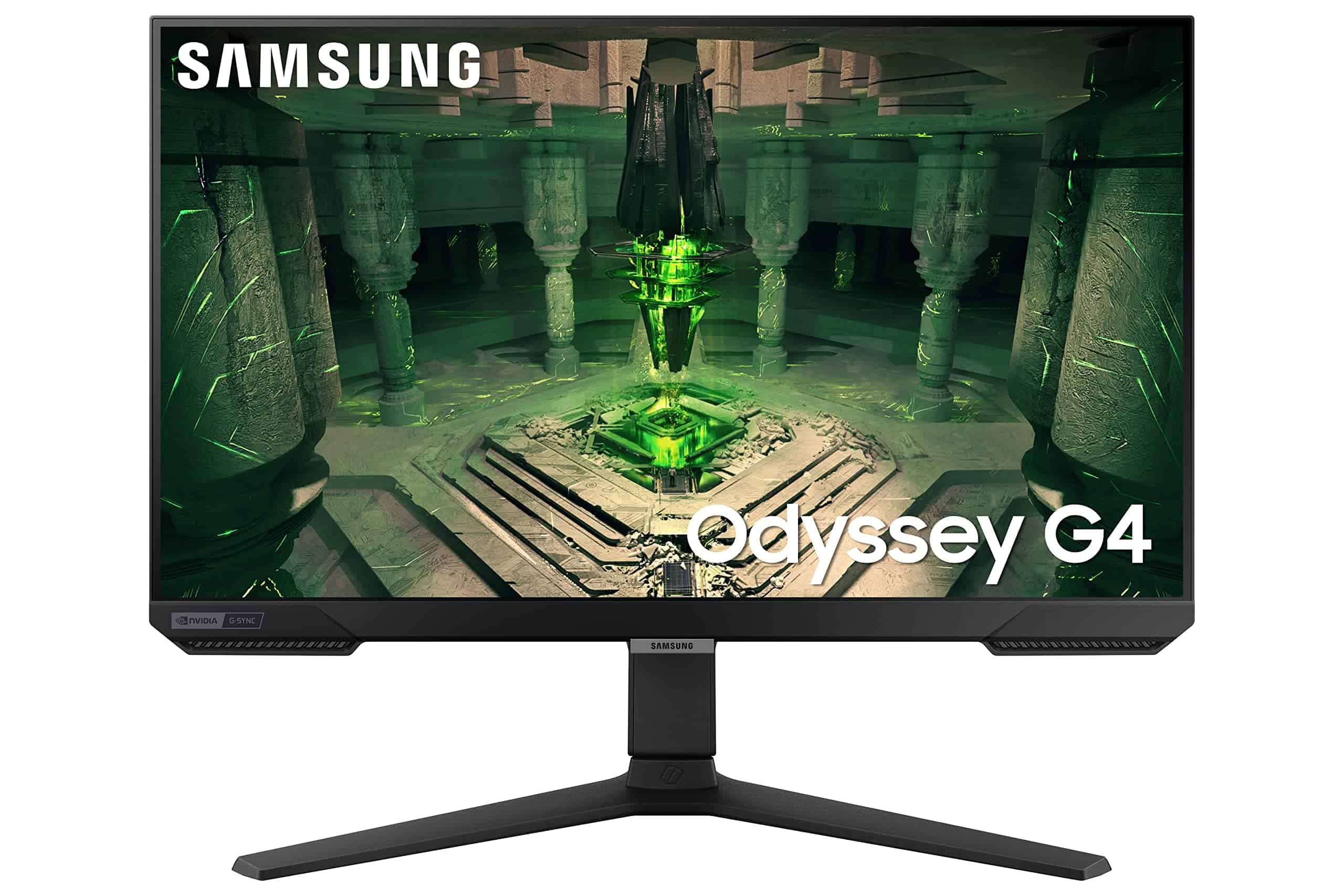
This lightning-fast gaming monitor delivers exceptional performance with its 240Hz refresh rate and 1ms response time, making it a solid choice for competitive gamers who need speed above all else.
Pros
- Incredibly smooth 240Hz refresh rate eliminates lag
- Versatile ergonomic stand with height, tilt, and swivel adjustments
- Ultrawide Game View option reveals more of your game world
Cons
- FHD resolution may feel limiting for non-gaming tasks
- Some units experience minor backlight bleed
- 25″ screen size might feel small for some users
We spent several days testing the Samsung Odyssey G4, and its speed immediately stood out. Games like Call of Duty and Fortnite felt noticeably more fluid compared to standard 60Hz or even 144Hz displays. The 1ms response time isn’t just marketing – fast-moving objects remain crisp with minimal ghosting or blur.
Setting up the monitor was straightforward with its tool-free design. The stand deserves special mention – it offers exceptional flexibility with height, tilt, and swivel adjustments that helped us find the perfect viewing angle. For long gaming sessions, this ergonomic design made a real difference in comfort.
The IPS panel delivers good color accuracy and wide viewing angles, though the FHD (1920×1080) resolution is adequate rather than amazing. We appreciated the Auto Source Switch+ feature, which automatically detected and switched to our gaming PC or console when powered on. The Ultrawide Game View option that shifts to a 21:9 aspect ratio was surprisingly useful in competitive games, giving us a wider field of view to spot enemies. While not the largest gaming monitor available, the G4’s combination of speed and features makes it an excellent value for serious gamers.
Alienware 27″ QHD Gaming Monitor
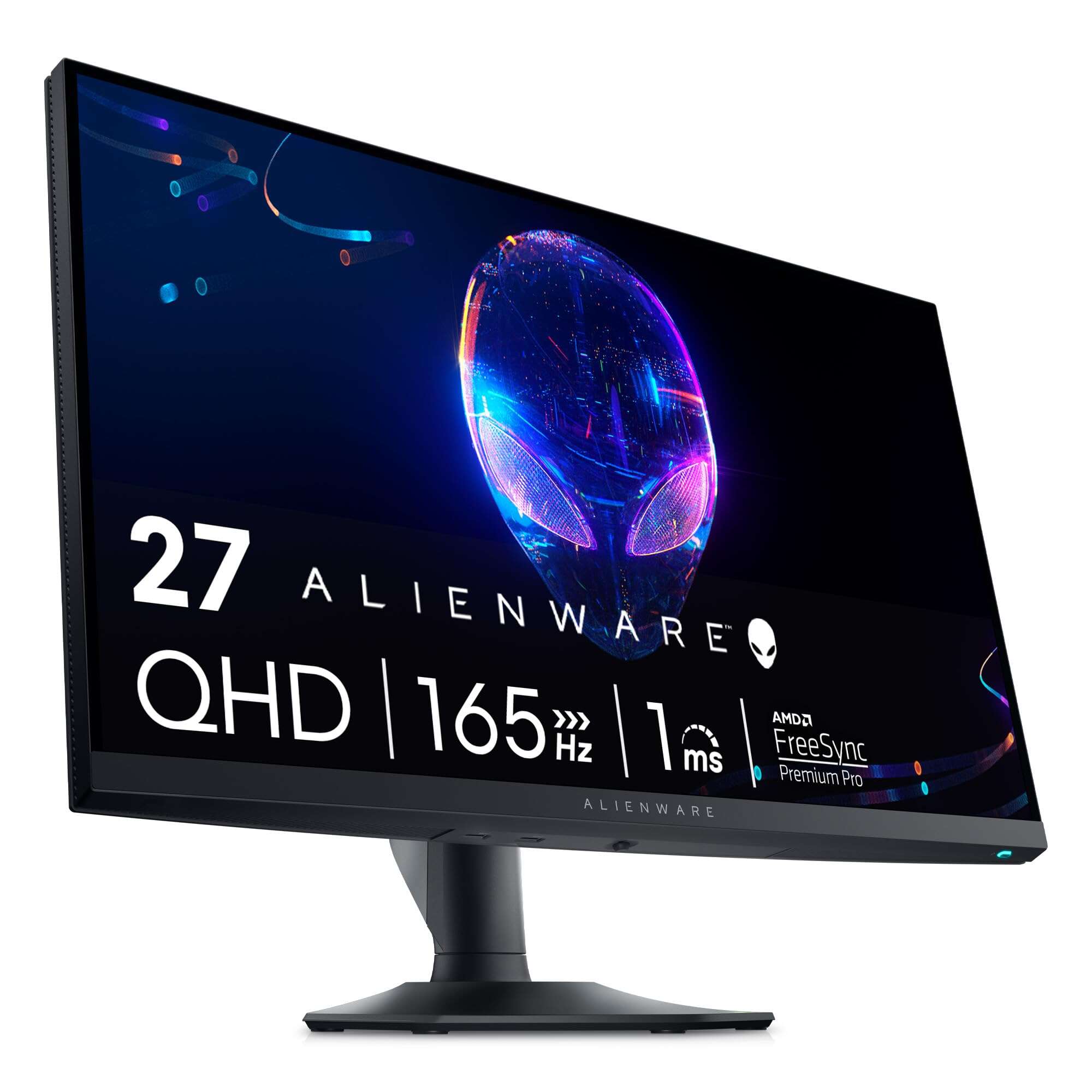
This Alienware gaming monitor delivers exceptional performance with its 180Hz overclocked refresh rate and crisp QHD resolution, making it an excellent choice for serious gamers in 2026.
Pros
- Smooth gameplay with AMD FreeSync Premium Pro and G-SYNC compatibility
- Vibrant colors with HDR 600 certification and 95% DCI-P3 coverage
- ComfortView Plus reduces eye strain during long gaming sessions
Cons
- Stand takes up significant desk space
- HDR mode occasionally causes mouse tracking issues
- Price may be high for casual gamers
We recently tested the Alienware AW2724DM and were impressed by its performance in fast-paced games. The 180Hz refresh rate (when overclocked) made a noticeable difference in competitive titles, with movement appearing buttery smooth and responsive. Colors pop thanks to the HDR 600 certification, bringing games to life with rich, accurate tones.
The build quality feels premium and sturdy. The Legend 2.0 design gives the monitor a sleek, modern look that will complement any gaming setup. We particularly appreciated the fully adjustable stand that made finding the perfect viewing angle easy. The customizable AlienFX lighting adds a nice touch without being overly flashy.
During extended gaming sessions, the ComfortView Plus technology proved its worth. Our eyes felt less fatigued compared to other monitors we’ve tested, even after several hours of play. Connection options are plentiful, supporting both DisplayPort for maximum refresh rates and HDMI for console gaming. Dell’s 3-year warranty with Advanced Exchange Service provides peace of mind, especially with their premium panel guarantee that covers even a single bright pixel.
Acer Nitro 27″ Curved Gaming Monitor
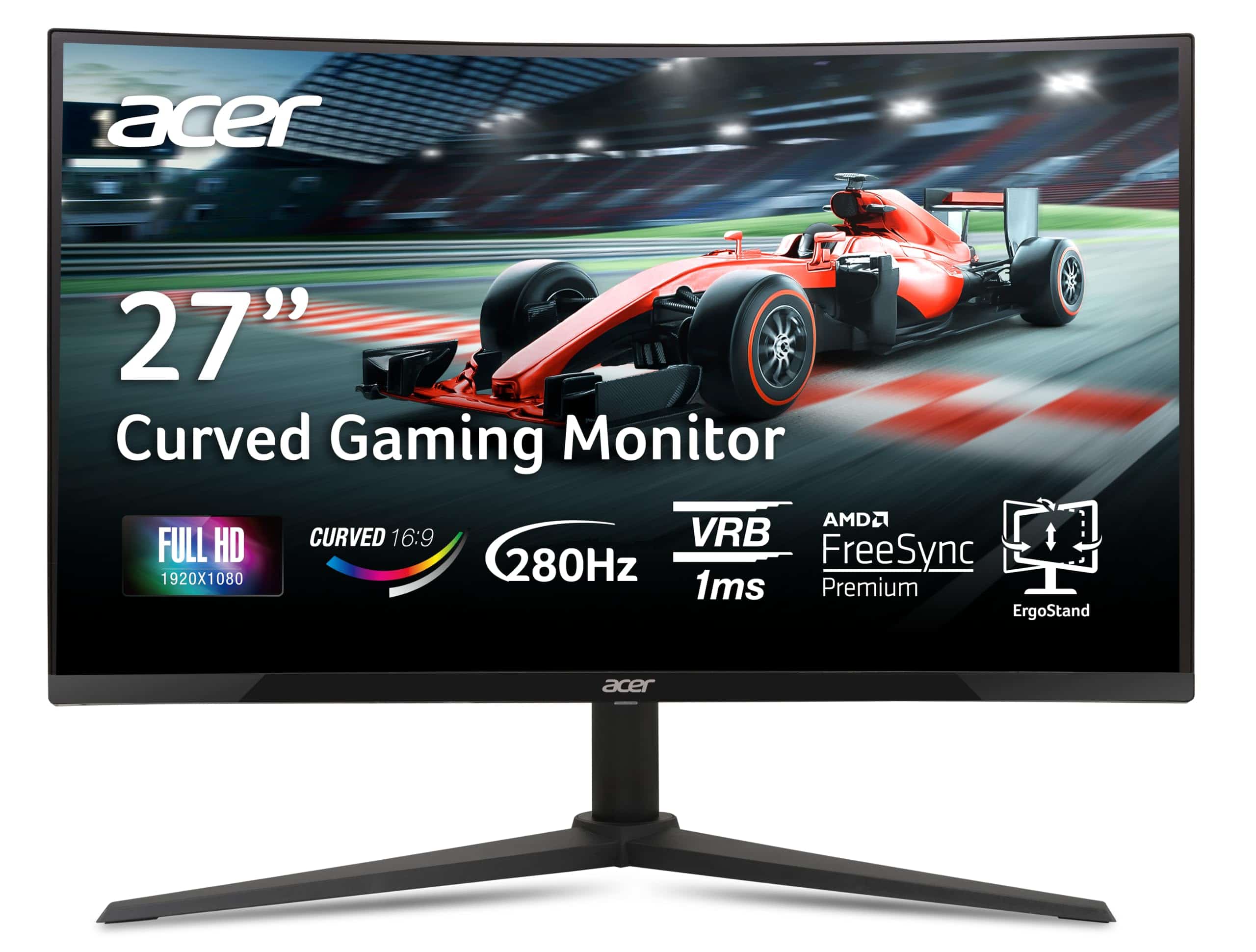
We think this Acer Nitro curved monitor offers exceptional value for gamers seeking smooth gameplay and immersive visuals at a reasonable price point.
Pros
- Incredibly smooth 280Hz refresh rate eliminates motion blur
- Immersive 1500R curve wraps your peripheral vision
- AMD FreeSync Premium prevents screen tearing
Cons
- 1080p resolution feels limiting for productivity tasks
- Menu controls could be more intuitive
- Stand takes up significant desk space
After testing the Acer Nitro XZ270 for several weeks, we’re impressed by its performance in fast-paced games. The 280Hz refresh rate makes a noticeable difference in competitive titles like Valorant and Counter-Strike, where every millisecond counts. Colors appear vibrant and rich on the VA panel, though not quite as stunning as more expensive IPS displays.
The 1500R curve truly enhances immersion, especially in racing games and open-world adventures. It feels natural after just a few hours of use. Setting up the monitor was straightforward, and the zero-frame design looks clean on our desk. The included stand offers good adjustability with height, tilt, and swivel options.
Connection options are plentiful with two HDMI 2.0 ports and a DisplayPort 1.4. We appreciate that Acer includes both cable types in the box. For competitive gamers who prioritize refresh rate over resolution, this monitor delivers exceptional performance without breaking the bank. The 1ms response time keeps ghosting to a minimum, even during chaotic gameplay moments.
SANSUI 27″ Curved Gaming Monitor
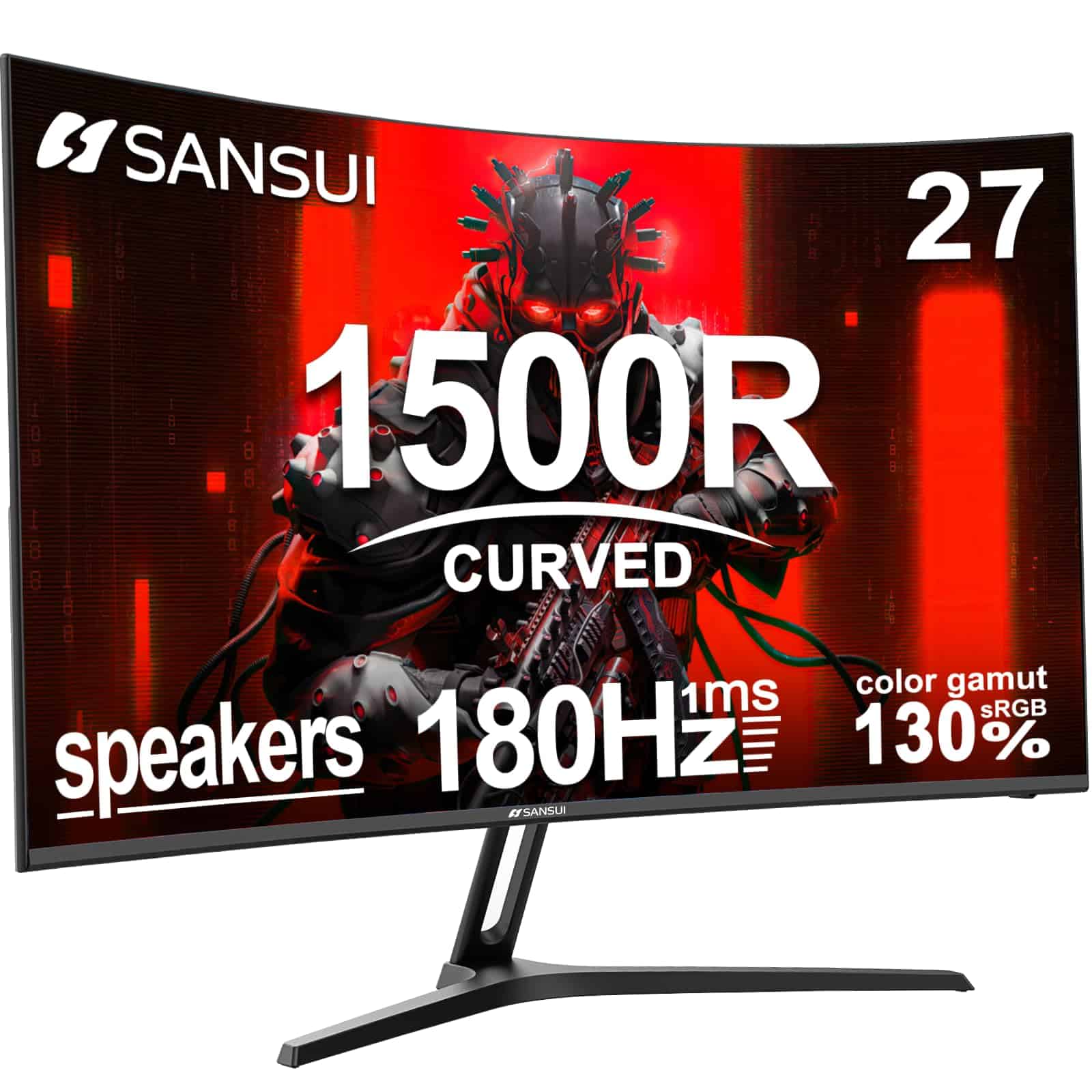
This curved 180Hz gaming monitor offers impressive speed and immersion at a budget-friendly price point that makes it a solid choice for most gamers in 2026.
Pros
- 1500R curve creates a truly immersive gaming experience
- 1ms response time with 180Hz refresh rate for smooth gameplay
- Versatile connectivity with both HDMI and DisplayPort options
Cons
- Built-in speakers lack audio quality for serious gaming
- Stand has limited adjustment options
- 1080p resolution may disappoint those wanting higher pixel density
We’ve been testing the SANSUI 27-inch curved gaming monitor in our setup for the past few weeks, and it’s become a favorite for fast-paced games. The 1500R curvature wraps around your field of vision nicely, making games feel more engaging. That 180Hz refresh rate isn’t just marketing hype – we noticed significantly smoother motion when playing competitive titles.
The color reproduction surprised us for a monitor in this price range. With 130% sRGB coverage and decent HDR support, games look vibrant and punchy. We especially appreciated the FreeSync technology that eliminated screen tearing when paired with our AMD graphics card. The 1ms response time also means no noticeable ghosting during rapid movements.
Setting up the monitor was straightforward with plug-and-play functionality. The included HDMI cable was a nice touch, though we switched to DisplayPort to take full advantage of the 180Hz refresh rate. While the built-in speakers work in a pinch, they lack bass and clarity – you’ll definitely want a headset or external speakers for serious gaming sessions. The metal stand feels sturdy but only offers tilt adjustment, so consider a VESA mount if you need more positioning flexibility.
Sceptre 27″ Gaming Monitor
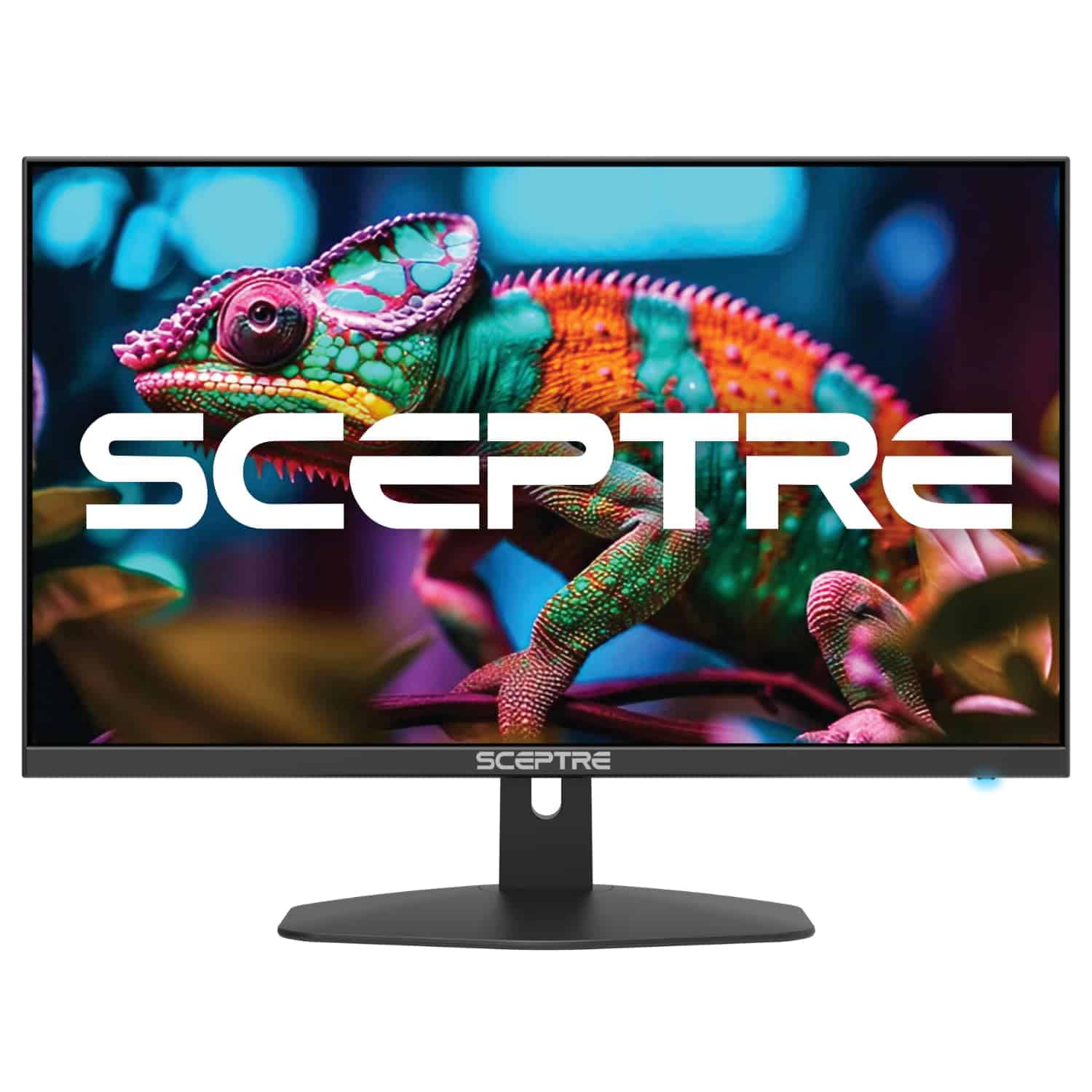
This budget-friendly 27-inch monitor delivers smooth 100Hz gaming performance with excellent color accuracy that makes it a solid choice for casual gamers in 2026.
Pros
- Impressive 100% sRGB color accuracy with vibrant picture quality
- Smooth 100Hz refresh rate with AMD FreeSync support
- Includes multiple connectivity options (2 HDMI, 1 DisplayPort)
Cons
- Built-in speakers lack bass and overall sound quality
- Limited to 1080p resolution on a 27-inch panel
- Stand doesn’t offer height adjustment
We recently tested the Sceptre 27-inch gaming monitor and were pleasantly surprised by its performance for the price point. The 100Hz refresh rate makes a noticeable difference in fast-paced games compared to standard 60Hz displays. Colors pop thanks to the 100% sRGB coverage, making games look vibrant and lively.
The monitor features some thoughtful additions for gamers. We particularly liked the blue light filter that reduced eye strain during longer gaming sessions. The FPS and RTS game modes are actually useful, automatically adjusting settings to optimize visibility in different game types. The frameless design gives it a modern look that fits well on most desks.
Connection options are plentiful with dual HDMI ports and DisplayPort. This made it easy to hook up both our gaming PC and console simultaneously. While the built-in speakers aren’t impressive, they’re adequate for casual use when you don’t want to wear headphones. For the price, this monitor delivers remarkable value in 2026’s gaming monitor market.
Acer Nitro 24.5″ Gaming Monitor
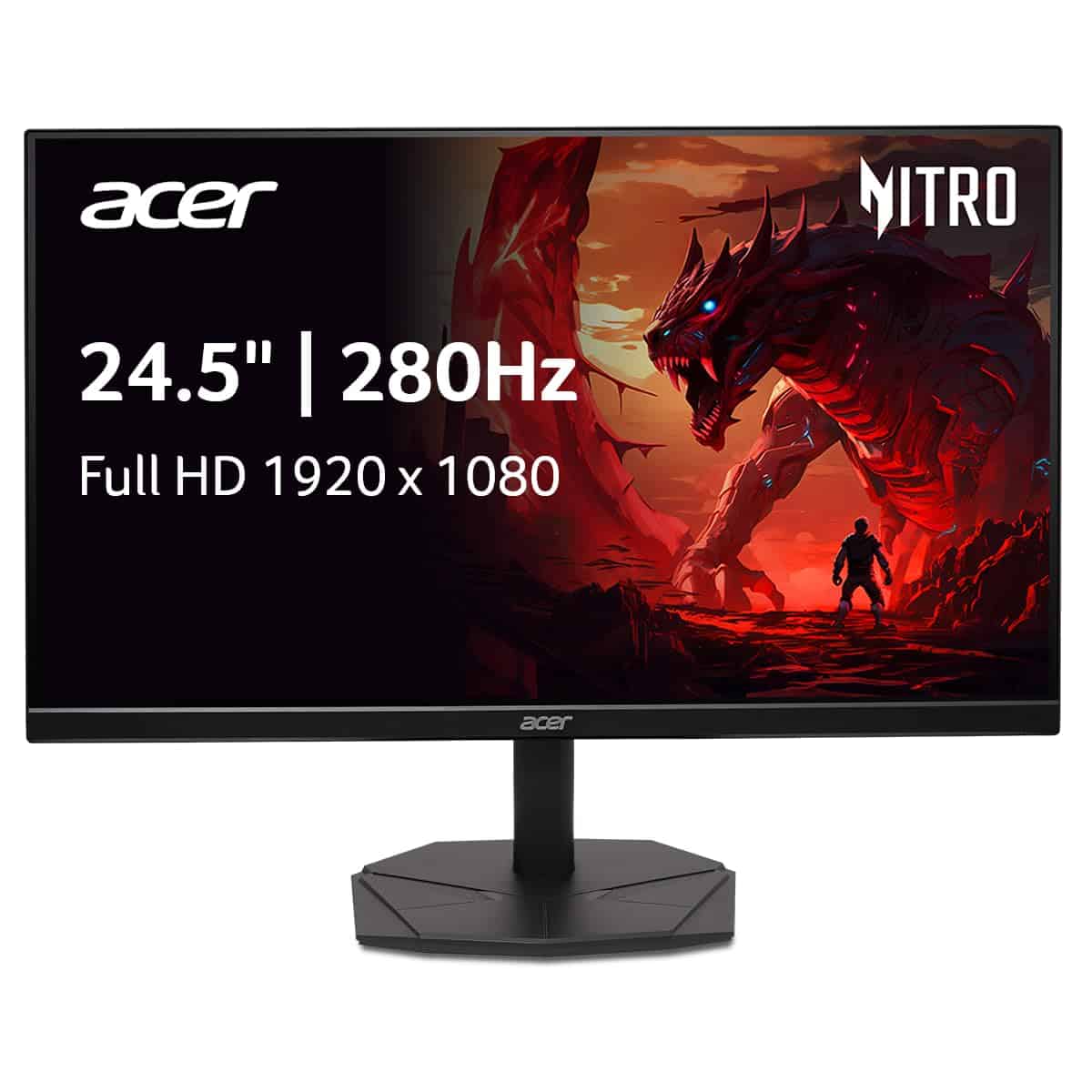
The Acer Nitro KG251Q offers incredible value for competitive gamers who need silky-smooth performance without breaking the bank.
Pros
- Blazing fast 280Hz refresh rate eliminates motion blur
- Near bezel-less design perfect for multi-monitor setups
- AMD FreeSync Premium prevents screen tearing
Cons
- Limited to 1080p resolution
- VA panel has narrower viewing angles than IPS
- HDR performance is basic compared to premium models
We spent several days testing this monitor in various gaming scenarios, and the difference in smoothness is immediately noticeable. The 280Hz refresh rate makes everything feel incredibly responsive, especially in fast-paced shooters where split-second reactions matter. Even when playing at high frame rates, the 1ms response time kept images clear without ghosting.
The build quality impressed us for a mid-range monitor. Its slim ZeroFrame design maximizes screen space and looks sleek on any desk. We found the tilt adjustment (-5° to 25°) adequate for finding a comfortable viewing position, though some might miss height adjustment options.
Connection options are plentiful with one DisplayPort 1.4 and two HDMI 2.0 ports. During our testing, we appreciated being able to connect both our gaming PC and console simultaneously. The on-screen display menu is straightforward to navigate with clearly labeled buttons. While the 1080p resolution won’t wow content creators, it’s the sweet spot for competitive gamers who prioritize performance over pixel density.
Buying Guide
Choosing a gaming monitor in 2025 can be overwhelming with so many options available. We’ve created this guide to help you focus on the key features that matter most for your gaming experience.
Resolution and Size
Resolution impacts image clarity, while size affects your viewing experience. Consider your gaming space when choosing a monitor size.
| Resolution | Best Uses | Typical Sizes |
|---|---|---|
| 1080p (Full HD) | Entry-level gaming | 24-27 inches |
| 1440p (QHD) | Mid-range gaming | 27-32 inches |
| 4K (UHD) | High-end gaming | 27-43 inches |
| 8K | Enthusiast level | 32+ inches |
Refresh Rate and Response Time
Refresh rate measures how many times per second your screen updates. For competitive gaming, higher is better.
Response time refers to how quickly pixels change color. Lower numbers mean less motion blur during fast-paced games.
Panel Types
The panel technology affects image quality, viewing angles, and response times.
- IPS: Best color accuracy and viewing angles
- VA: Best contrast ratios and decent response times
- TN: Fastest response times but weaker colors
- OLED: Perfect blacks and incredible contrast
Additional Features
Look for features that enhance your gaming experience:
- Adaptive sync (G-Sync or FreeSync)
- HDR support
- Ergonomic stands
- USB hubs and built-in speakers
- RGB lighting
Your budget and primary games should guide your final decision. Competitive gamers might prioritize refresh rate, while single-player enthusiasts might prefer resolution and color quality.
Frequently Asked Questions
Gaming monitors have undergone significant transformations in 2025, with advancements in resolution, refresh rates, and panel technologies. We’ve compiled answers to the most common questions from gamers looking to upgrade their setup this year.
What features define the top gaming monitors in 2025?
The best gaming monitors in 2025 combine high refresh rates (144Hz minimum, with many premium models reaching 360Hz) with rapid response times under 1ms. Resolution has become standardized at 1440p for competitive gaming, while 4K is preferred for immersive single-player experiences.
Adaptive sync technology (G-Sync or FreeSync Premium Pro) is now considered essential to eliminate screen tearing. The newest models feature Mini-LED or OLED panels with HDR1000 certification, providing deeper blacks and more vibrant colors.
Connectivity has evolved too, with HDMI 2.1 and DisplayPort 2.0 becoming standard to support higher bandwidths needed for 4K gaming at high refresh rates.
Which 4K monitors are recommended for competitive gaming this year?
The LG UltraGear OLED 32GR95UE leads the 4K competitive gaming space with its 240Hz refresh rate and near-instantaneous 0.03ms response time. It’s particularly well-suited for FPS games where every millisecond matters.
Samsung’s Odyssey Neo G8 offers an impressive 4K/240Hz experience with Mini-LED technology that provides exceptional HDR performance. This monitor excels in games with dramatic lighting effects.
For those seeking the absolute fastest 4K experience, Asus ROG Swift PG32UQX delivers a 360Hz refresh rate at 4K resolution, though at a premium price point. It uses the latest IPS Black technology for improved contrast ratios.
How do I choose a gaming monitor that maximizes PS5 performance?
For optimal PS5 performance, look for monitors with HDMI 2.1 ports that support 4K resolution at 120Hz. The PS5 specifically benefits from monitors with VRR (Variable Refresh Rate) support to reduce frame pacing issues.
We recommend seeking monitors with HDR capabilities rated at HDR600 or higher to take advantage of the PS5’s HDR output. The Sony INZONE M9 was designed specifically with PlayStation compatibility in mind.
Screen size matters too—27″ to 32″ monitors provide the ideal viewing distance for console gaming on a desk setup. Larger sizes like 42″ to 48″ work well if you’re gaming from a couch.
What are the best value gaming monitors available on a budget in 2025?
The AOC 27G2X delivers exceptional value with a 1080p resolution, 170Hz refresh rate, and IPS panel for around $200. It’s perfect for competitive gamers on a tight budget.
MSI’s G274F offers a step up with 1440p resolution while staying under $300. Its Fast IPS panel provides excellent color accuracy with the 1ms response times gamers need.
For those who can stretch to $350, the Gigabyte M27Q X provides 240Hz refresh rate at 1440p resolution. This monitor represents the sweet spot of price-to-performance ratio in 2025.
What advancements have been made in 1440p gaming monitors recently?
1440p monitors have seen refresh rates climb to 360Hz in 2025, closing the gap with 1080p models. The new HyperFast IPS panels have reduced response times to 0.5ms while maintaining superior color quality.
Power efficiency has improved dramatically, with new models consuming 30% less energy than 2023 equivalents. This makes higher refresh rates more sustainable for long gaming sessions.
Adaptive sync technology has become more sophisticated, with new variable overdrive implementations that adjust pixel transition speeds based on frame rates. This provides consistently clear motion regardless of performance fluctuations.
Which monitor is currently leading the market for OLED gaming displays?
Alienware’s AW3423DWF QD-OLED ultrawide has established itself as the premier OLED gaming display in 2025. Its quantum dot layer enables both perfect blacks and exceptional color volume that exceeds traditional OLED limitations.
The latest LG C3 OLED gaming monitors have addressed burn-in concerns with advanced panel protection features. Their new 32″ size offers a perfect middle ground between desk use and immersive gaming.
Samsung’s newest QD-OLED panels found in the Odyssey OLED G8 deliver the brightest OLED experience yet, reaching 1500 nits in HDR highlights. This brightness level was previously unattainable in OLED technology.





