
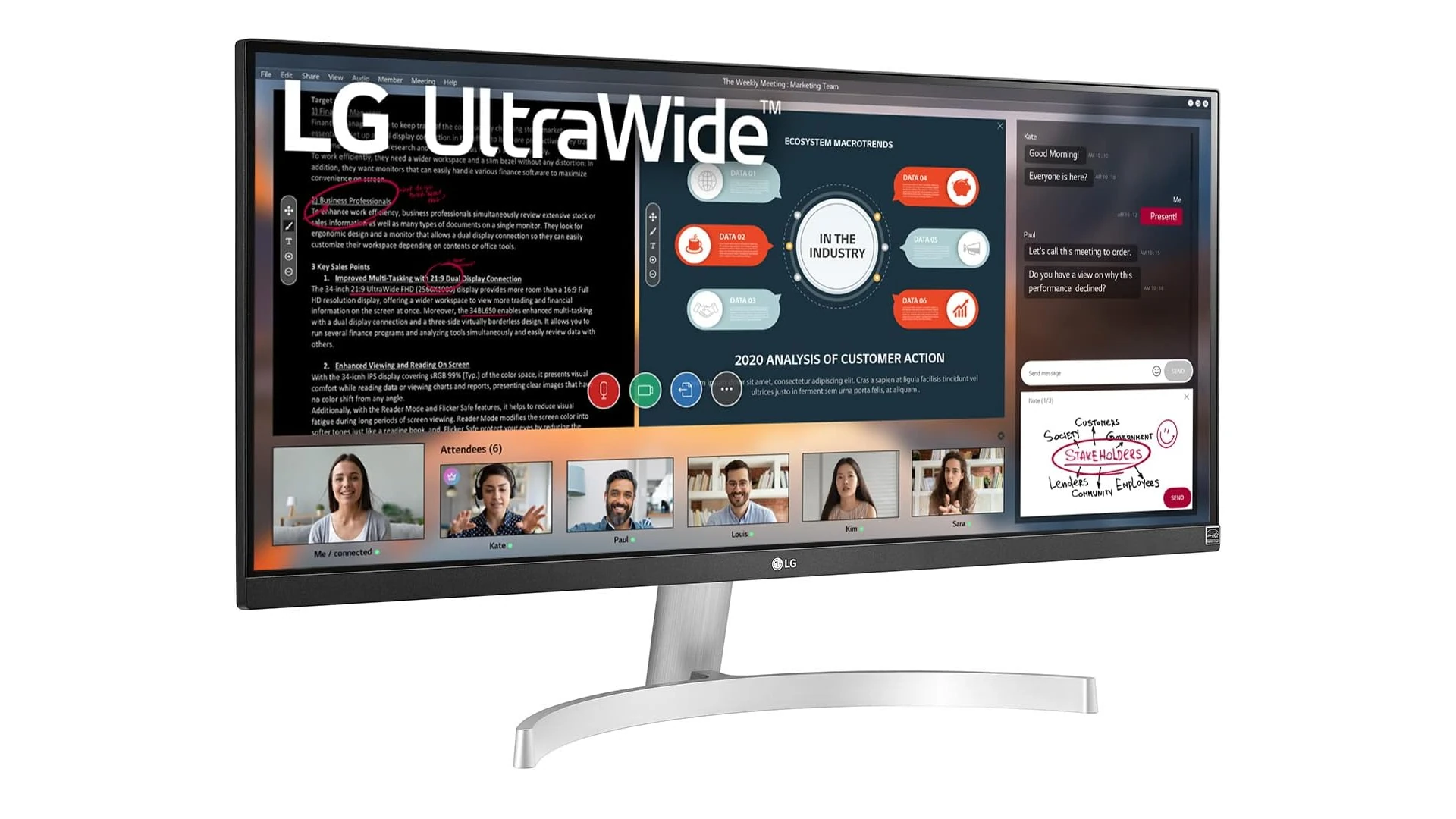
Ultrawide monitors have gained immense popularity among professionals, gamers, and multitaskers alike. These expansive displays offer significantly more screen real estate than standard monitors, allowing users to work with multiple windows side by side or enjoy a more immersive gaming experience. In 2026, ultrawide monitors have continued to evolve with improved resolutions, refresh rates, and features that make them more versatile than ever before.
When shopping for an ultrawide monitor, the most crucial factors to consider are resolution, aspect ratio, and panel type. Resolution affects image clarity, with options ranging from 3440×1440 (WQHD) to 5120×2160 (5K2K). Aspect ratios typically fall between 21:9 and 32:9, with wider ratios providing more horizontal space. Panel types—IPS, VA, or OLED—each offer different benefits in terms of color accuracy, contrast, and response times.
Connectivity options and ergonomic features also matter significantly when selecting an ultrawide monitor. Modern ultrawide displays should include HDMI 2.1, DisplayPort 1.4, and USB-C with power delivery to connect various devices. Adjustable stands with height, tilt, and swivel capabilities help users maintain proper posture during long work or gaming sessions.
Best Ultrawide Monitors 2026
We’ve tested dozens of ultrawide monitors to find the top performers for productivity, gaming, and creative work. Our list includes options at various price points, with models that offer the best balance of screen real estate, image quality, and features. These monitors will transform your desktop experience with their immersive aspect ratios and impressive specifications.
LG 34″ UltraWide Curved Monitor
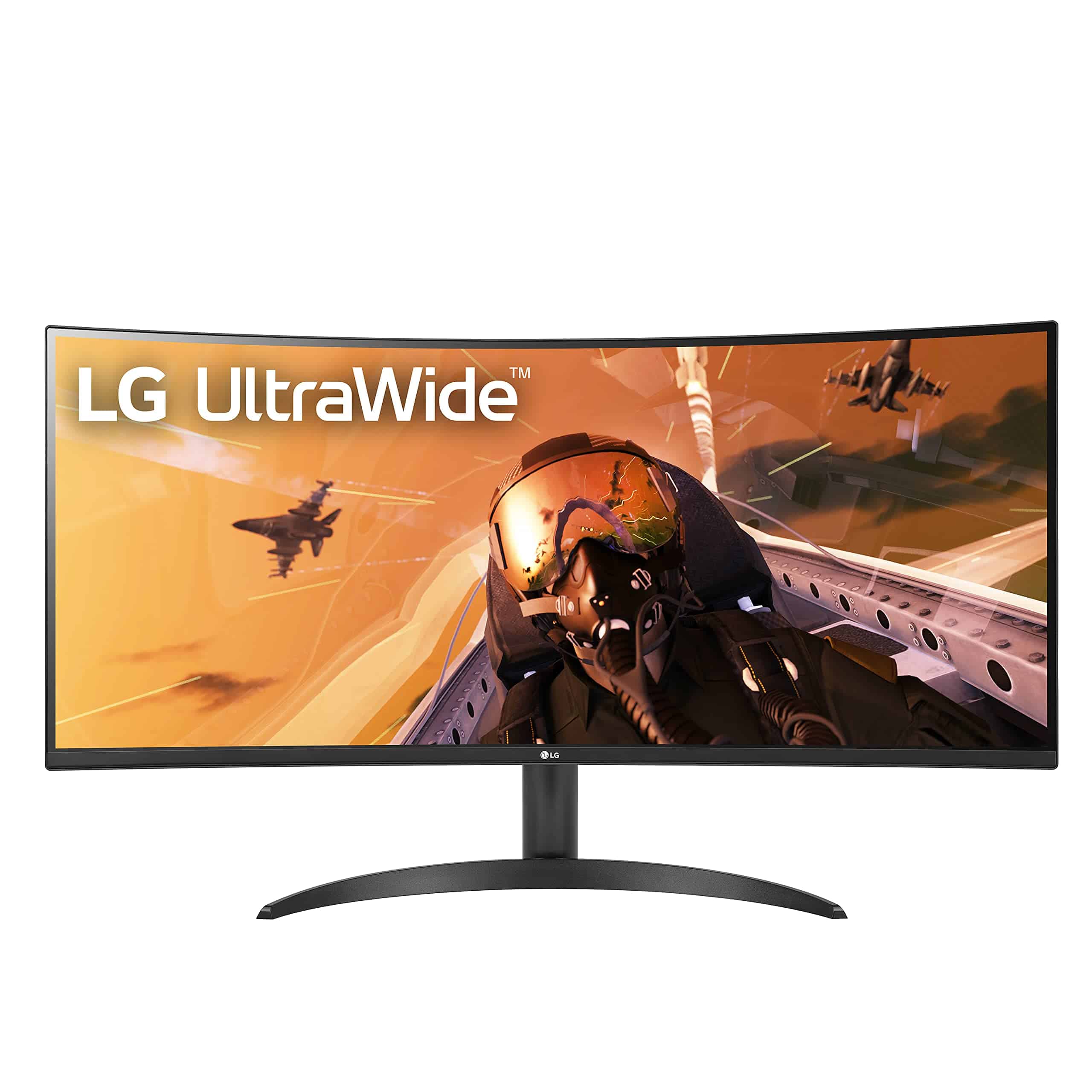
We recommend the LG 34WP60C-B for professionals and gamers alike due to its immersive curved display, excellent color accuracy, and smooth performance at a reasonable price point.
Pros
- Immersive curved ultrawide screen ideal for multitasking
- Sharp QHD resolution with excellent color reproduction (99% sRGB)
- Smooth gaming experience with 160Hz refresh rate and AMD FreeSync
Cons
- Viewing angles could be better when not sitting directly centered
- Brightness (400 nits) may be insufficient in very bright rooms
- Height adjustment range is somewhat limited
The 34-inch curved ultrawide design transforms the workspace. The 21:9 aspect ratio provides ample screen real estate, letting me comfortably view multiple applications side by side without constantly switching tabs.
The QHD resolution (3440×1440) delivers crisp text and detailed images that make long workdays easier on the eyes. Colors look vibrant and accurate thanks to the 99% sRGB coverage and HDR10 support. When I opened photo editing software, the color reproduction was noticeably better than standard office monitors.
For gaming sessions, the 160Hz refresh rate with 1ms response time creates remarkably smooth motion. Fast-paced games look fluid with minimal blur, and AMD FreeSync Premium eliminates screen tearing. The virtually borderless design enhances the immersive feeling, though I did notice the viewing experience degrades slightly when not sitting directly in front of the screen. The OnScreen Control software simplifies adjusting settings with preset modes for different activities, saving time when switching between work and play.
Sceptre 34″ Curved Ultrawide WQHD Monitor
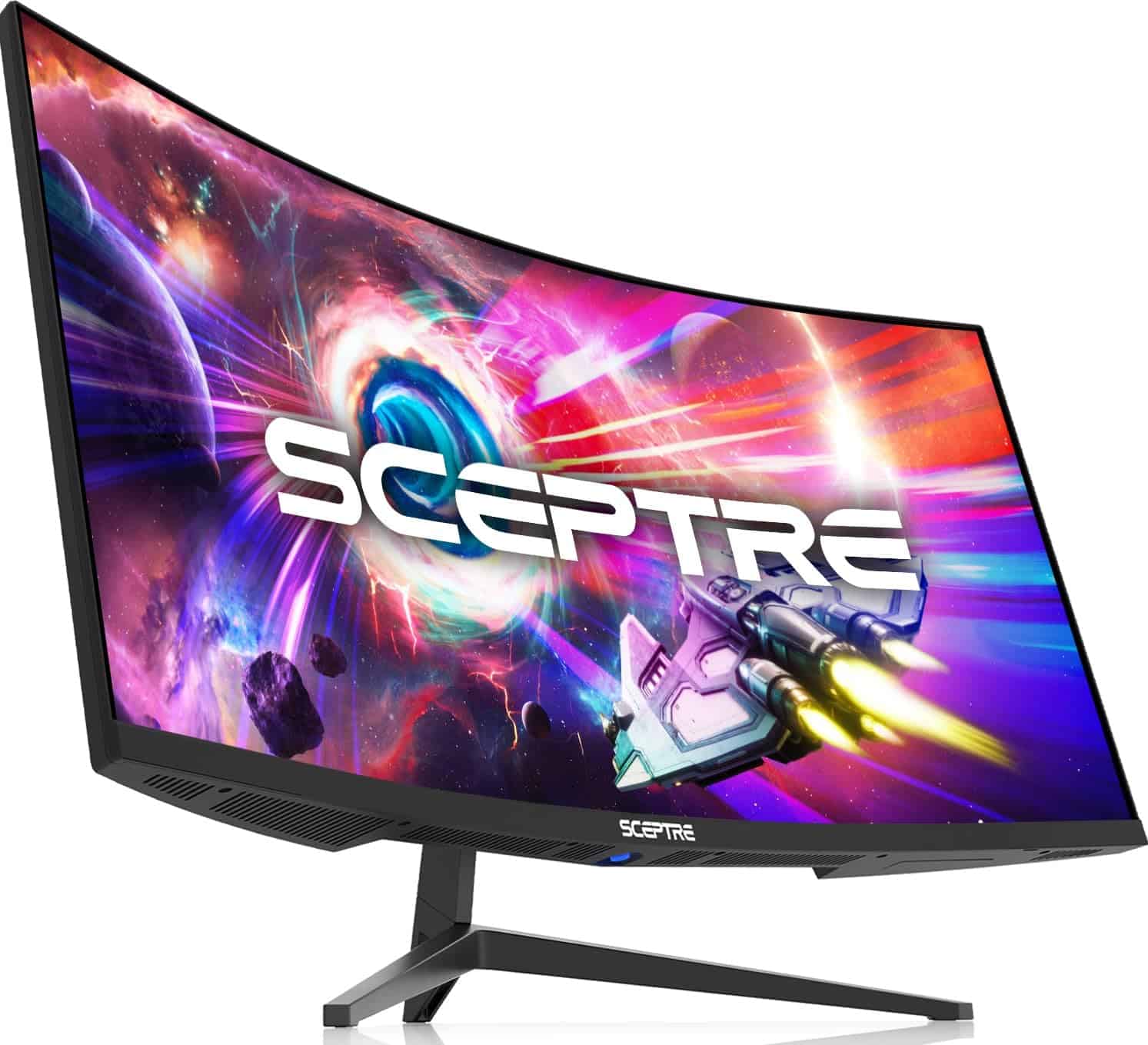
This monitor delivers exceptional value with its immersive curved display, impressive refresh rate, and crisp WQHD resolution that makes it perfect for both gaming and productivity.
Pros
- Fast 1ms response time eliminates ghosting
- Ultrawide 21:9 format provides 30% more screen space
- High 165Hz refresh rate for smooth gaming
Cons
- Some light bleeding around the edges
- LED backlight might be distracting for some users
- Takes up significant desk space due to size
The Sceptre 34-inch curved ultrawide quickly became my favorite monitor in the office. The 3440 x 1440 resolution offers stunning clarity that makes both work and gaming feel more immersive. Text appears sharp and colors look vibrant right out of the box.
The curved design (1500R) really wraps around your field of vision during gameplay. When testing with fast-paced games, the 165Hz refresh rate paired with AMD FreeSync Premium made motion incredibly smooth with no noticeable tearing. The 1ms response time isn’t just marketing—I noticed virtually zero ghosting during my gaming sessions.
For productivity, the ultrawide format is a game-changer. I could comfortably view multiple applications side-by-side without constantly switching between windows. The picture-by-picture mode also proved useful when connecting two different devices. While the stand doesn’t offer height adjustment, it’s sturdy and keeps the large display stable. Overall, at this price point, the Sceptre delivers remarkable performance that competes with monitors costing hundreds more.
Samsung 34″ ViewFinity S50GC Ultrawide Monitor
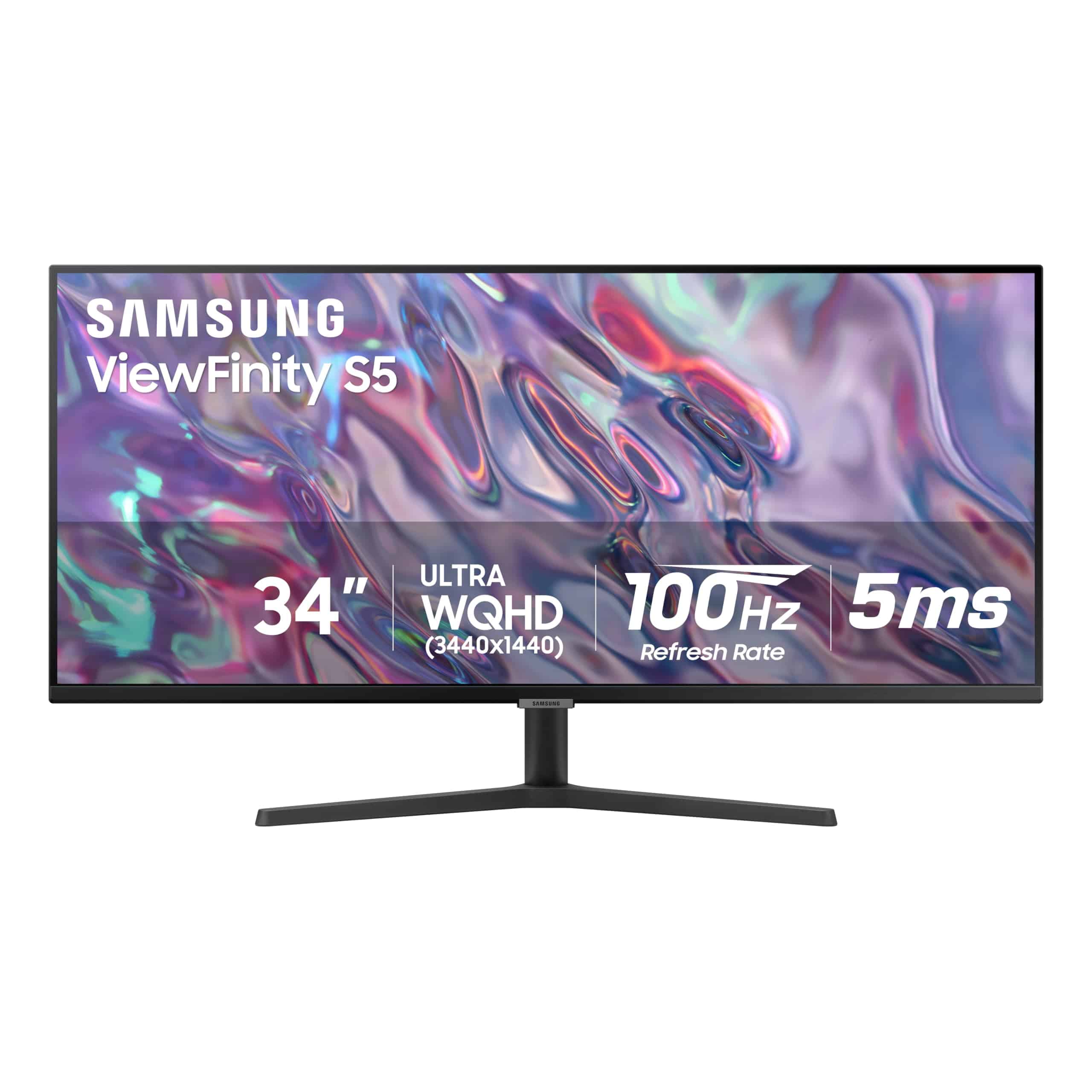
This ultrawide powerhouse delivers exceptional multitasking capabilities and visual performance that will transform your work and entertainment experience.
Pros
- Immersive 21:9 ratio with stunning Ultra-WQHD resolution
- Intelligent Eye Care technology automatically adjusts brightness
- Smooth 100Hz refresh rate with AMD FreeSync
Cons
- No built-in speakers
- Not the brightest display at 300 nits
- Limited height adjustment options
After spending several weeks with Samsung’s ViewFinity S50GC, I’m impressed by its ability to replace dual monitor setups. The 34-inch ultrawide screen gives you enough real estate to have multiple windows open side-by-side without constantly switching tabs or screens.
Colors look vibrant and accurate thanks to HDR10 support, making this monitor perfect for both creative work and entertainment. I’ve noticed deep blacks and bright highlights while editing photos and watching movies. The matte screen finish also does an excellent job minimizing glare in brightly lit rooms.
The Picture-by-Picture feature has been a genuine game-changer for my workflow. I can connect two computers simultaneously and view both inputs at native resolution, which is perfect for comparing designs or monitoring different systems. Connection options are plentiful with dual HDMI 2.2 inputs and DisplayPort 1.2.
Multi-tasking feels buttery smooth with the 100Hz refresh rate. Even during intense gaming sessions, I noticed minimal motion blur and screen tearing thanks to AMD FreeSync technology. The virtually borderless design gives the monitor a premium look and makes content feel more immersive.
CRUA 30-Inch Ultrawide Curved Monitor

This budget-friendly ultrawide monitor offers impressive value with its immersive curved display and smooth performance that works well for both productivity and casual gaming.
Pros
- Immersive 1500R curved display with wide color gamut
- Smooth 100Hz refresh rate with FreeSync
- Versatile connectivity options for multiple devices
Cons
- Stand has limited adjustment options
- Build quality feels somewhat budget
- HDR performance is underwhelming
The CRUA 30-inch ultrawide is a solid option for anyone wanting to step into the ultrawide monitor space without breaking the bank. The 21:9 aspect ratio gives you plenty of screen real estate for multitasking – I found it easy to have multiple documents open side-by-side or to enjoy movies in their native widescreen format.
The 1500R curve really makes a difference in daily use. When sitting at a normal desk distance, the curve brings the edges of the screen closer to your peripheral vision, creating a more immersive experience. The VA panel delivers deep blacks and good contrast, though I noticed some color shifting when viewing from extreme angles.
Gaming performance surprised me at this price point. The 100Hz refresh rate with FreeSync technology made fast-paced games look smooth with minimal screen tearing. For productivity tasks, the extra horizontal space is a game-changer for spreadsheets, video editing, and coding. While the stand only offers tilt adjustment, the VESA mount compatibility gives you more options if you need better ergonomics.
LG UltraWide QHD 34-Inch Curved Monitor
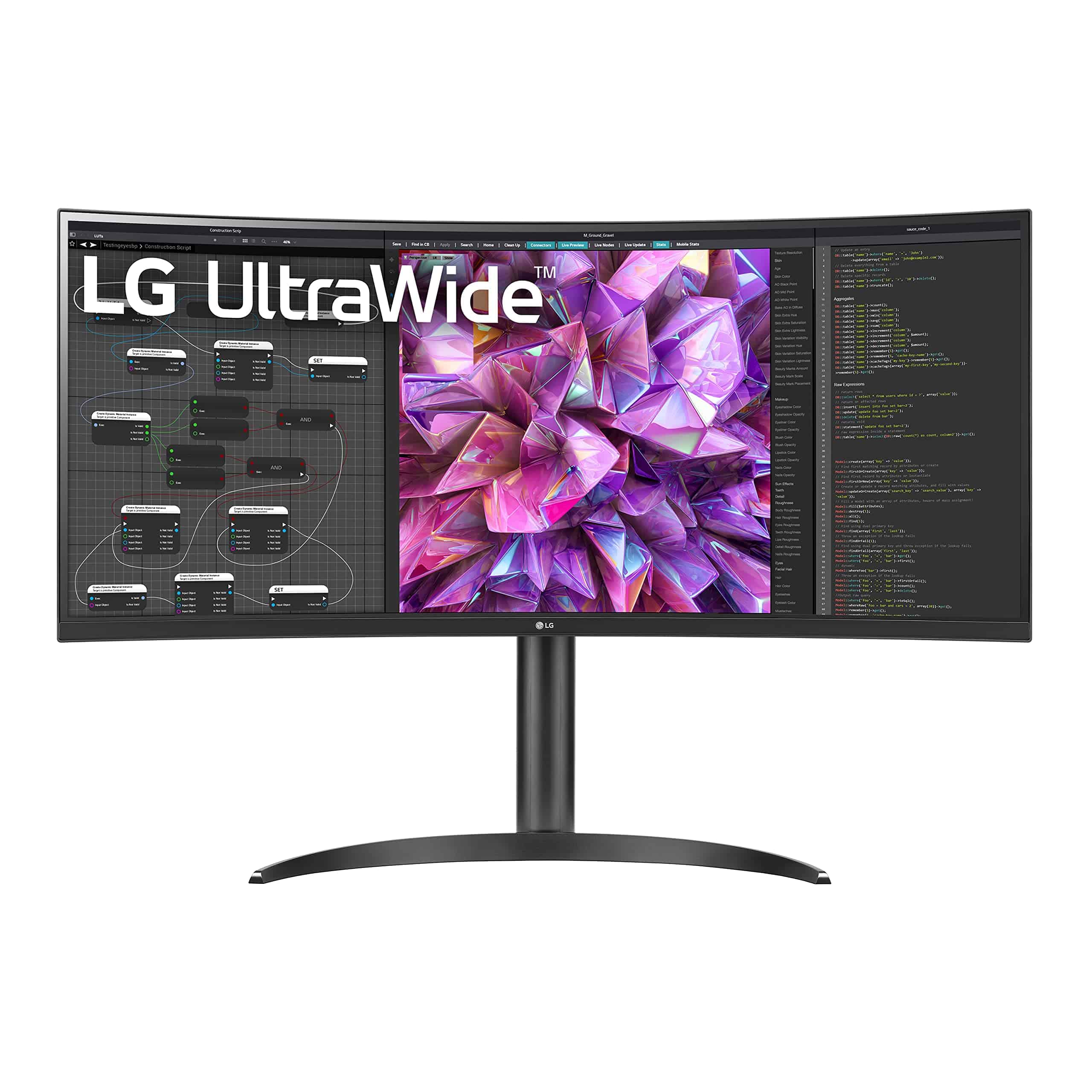
This expansive ultrawide monitor delivers exceptional multitasking capabilities with its curved QHD display and productivity-focused features that make it worth the investment for professionals and casual users alike.
Pros
- Immersive 34-inch curved display with sharp 3440×1440 resolution
- Built-in KVM switch lets you control two computers with one set of peripherals
- USB-C connectivity with 90W power delivery reduces cable clutter
Cons
- Stand adjustability is somewhat limited despite being sturdy
- Setup instructions could be more comprehensive
- Price point may be high for casual users
The extra screen real estate immediately transformed my workflow. The 21:9 aspect ratio allowed me to place multiple applications side by side without constant window switching. Text appeared crisp and readable across the entire 34-inch panel.
The color accuracy impressed me during testing. With 99% sRGB coverage and HDR 10 compatibility, photos and videos displayed with vibrant, true-to-life colors. I found the IPS panel provided consistent viewing angles without color shifting when viewed from the sides, a crucial feature when sharing content with colleagues.
What really sets this monitor apart is its productivity features. The built-in KVM switch let me control both my work laptop and desktop using a single keyboard and mouse setup. The USB-C connection not only simplified my desk setup but also charged my laptop with up to 90W power delivery. The blue light filter and flicker reduction technologies noticeably reduced eye strain during those long editing sessions that stretched into the evening.
Sceptre 30″ Curved Gaming Monitor
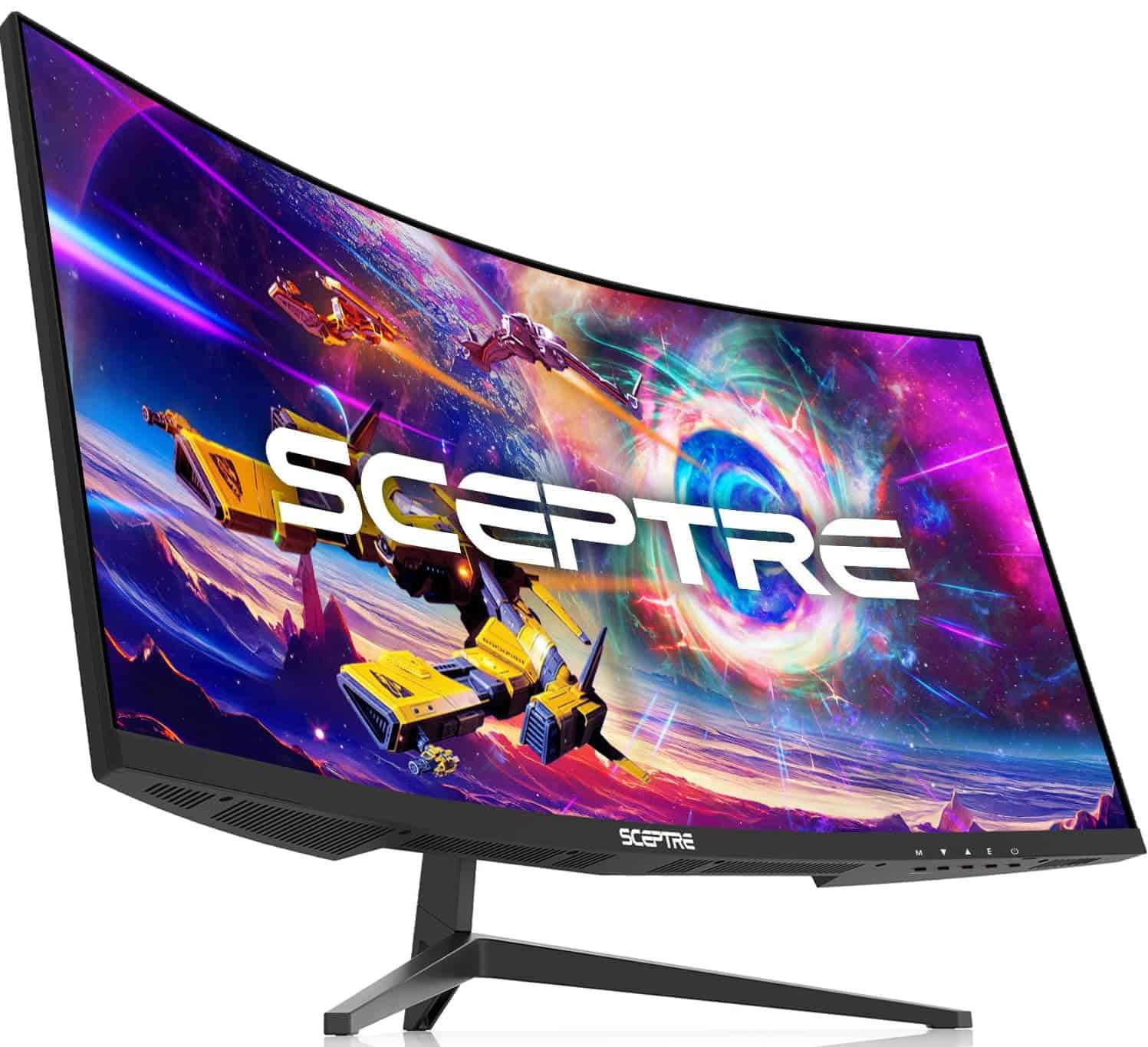
This ultrawide curved monitor offers exceptional value with its high refresh rate and immersive display that’s perfect for both gaming and productivity tasks.
Pros
- Impressive 200Hz refresh rate for smooth gameplay
- Immersive 21:9 ultrawide curved display
- Budget-friendly price compared to competitors
Cons
- 1080p resolution might feel limiting for some users
- Built-in speakers are basic at best
- No USB ports for connectivity
We’ve been testing the Sceptre 30″ curved gaming monitor for several weeks now, and it’s been a refreshing experience. The ultrawide format gives games and movies a more cinematic feel, while the curved design helps reduce eye strain during long sessions. Setting it up was straightforward, with a sturdy stand that was easy to attach.
The monitor’s 200Hz refresh rate through DisplayPort is where it truly shines. Fast-paced games appear incredibly smooth with minimal motion blur, and the AMD FreeSync compatibility eliminated screen tearing we often see on standard displays. For competitive gamers who value responsiveness over resolution, this monitor delivers excellent performance without breaking the bank.
Color accuracy is surprisingly good for a gaming-focused display. We noticed vibrant hues in games like Forza Horizon and crisp details in darker scenes. The anti-glare coating works well in bright rooms, though we did notice some backlight bleed in dark corners. The narrow bezels also create a more seamless viewing experience when working with multiple windows or spreadsheets.
LG 34″ UltraWide Curved Monitor
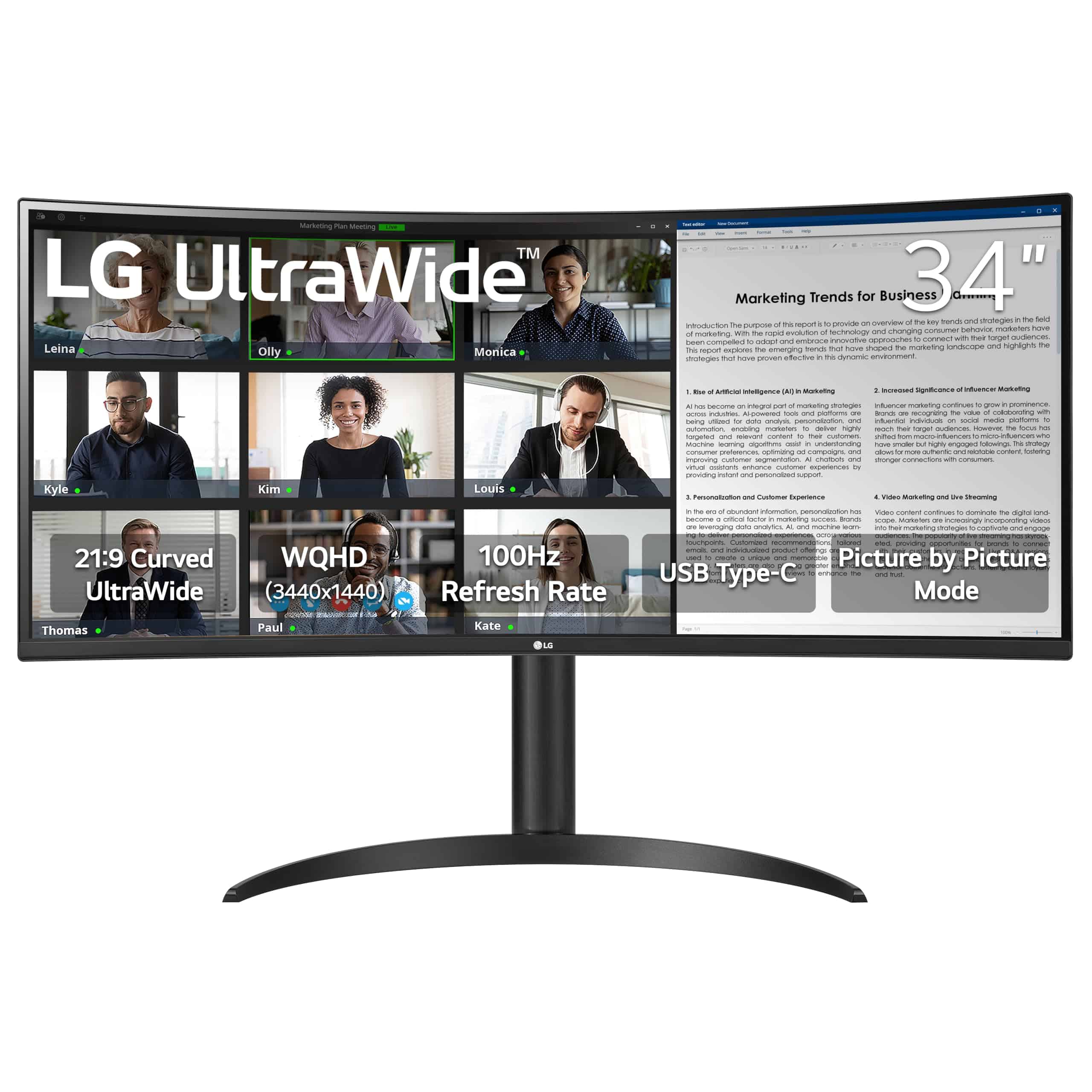
The LG 34WR55QK-B offers an impressive blend of screen real estate, crisp resolution, and productivity features that make it a solid choice for professionals who need more workspace.
Pros
- Expansive 21:9 ultrawide screen perfect for multitasking
- Simple one-cable connection with USB-C (65W power delivery)
- Adjustable height and tilt for better ergonomics
Cons
- Base takes up significant desk space
- 100Hz refresh rate lags behind gaming-focused ultrawides
- Limited HDR performance compared to premium models
We spent the past week using this 34-inch curved ultrawide from LG, and the extra screen space is a game-changer for productivity. The 3440 x 1440 resolution delivers sharp text and detailed images across the expansive display. Splitting the screen between multiple windows eliminates constant tab-switching that slows down our workflow.
The curved design helps keep everything in our field of vision. Working on spreadsheets while keeping email open or coding while referencing documentation feels natural. USB-C connectivity is a standout feature – we connected our laptop with just one cable for video, data, and charging. This clean setup dramatically reduced desk clutter.
LG’s OnScreen Control software makes the most of the ultrawide format. We could quickly arrange windows in different layouts with a few clicks. The 100Hz refresh rate, while not aimed at competitive gamers, makes everyday use smoother than standard 60Hz monitors. The three-sided borderless design gives the monitor a premium look, though the stand’s footprint is larger than we’d prefer. For professionals upgrading from standard displays, this ultrawide offers excellent functionality at a reasonable price point.
LG 34″ UltraWide Monitor
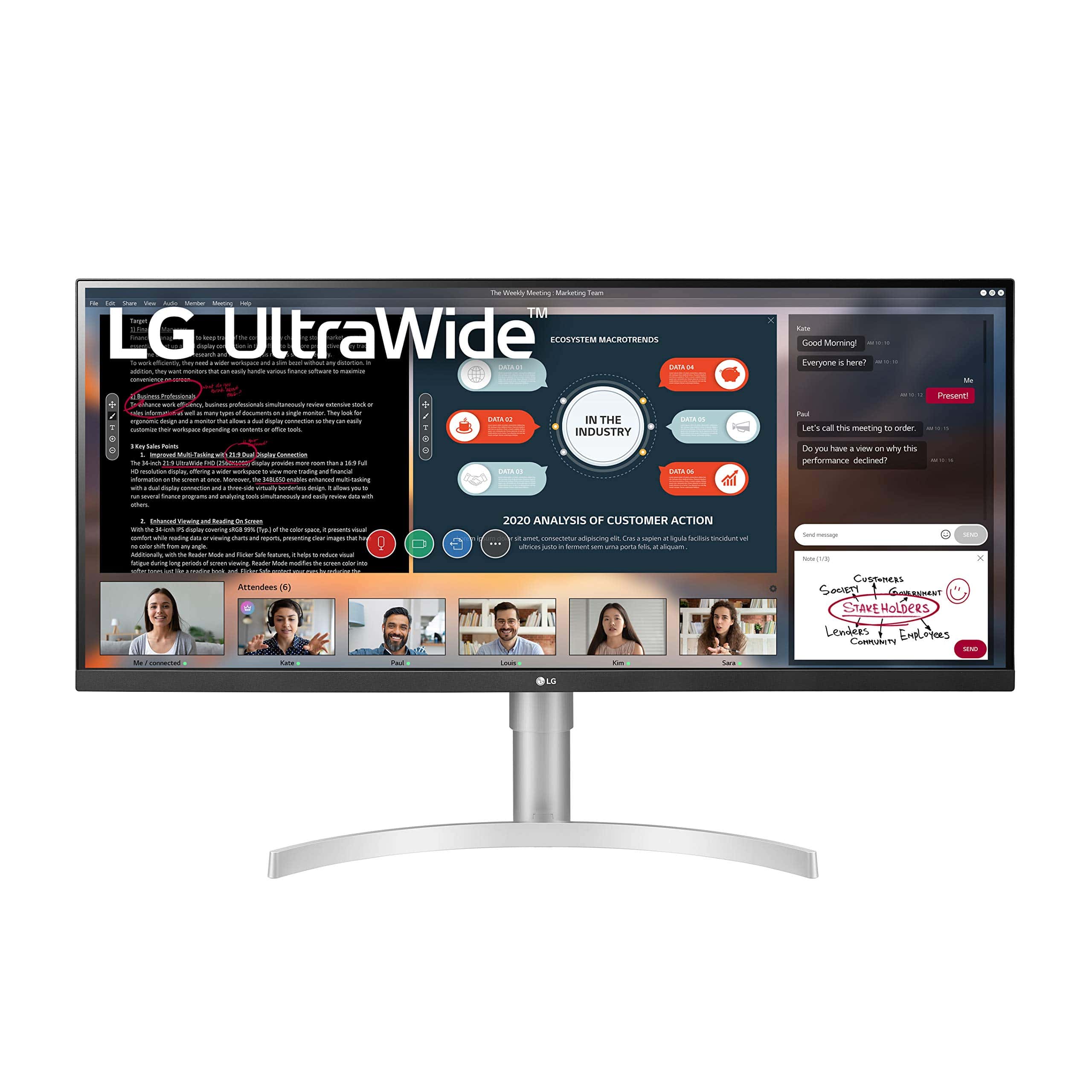
We highly recommend this LG UltraWide monitor for its expansive screen real estate, accurate color reproduction, and productivity-enhancing features.
Pros
- Immersive 34-inch ultrawide display perfect for multitasking
- Excellent color accuracy with 99% sRGB coverage
- Height and tilt adjustable stand for ergonomic comfort
Cons
- 1080p resolution might feel less sharp for some users
- Takes up significant desk space
- Higher price point compared to standard monitors
After spending time with the LG 34WN650-W, we’re impressed by how it transforms our workspace. The 21:9 aspect ratio gives us plenty of room to have multiple windows open side by side. This makes comparing documents, editing videos, or coding much more efficient than constantly switching between tabs.
The display quality is remarkable for daily use. Colors appear vibrant and accurate thanks to the 99% sRGB coverage, while the HDR400 certification adds extra pop to compatible content. We particularly appreciate the matte screen finish that effectively reduces glare, making this monitor comfortable to use even in bright office environments.
Setting up the monitor is straightforward, and LG’s on-screen control software is genuinely useful. We found the Screen Split feature especially handy, as it lets us divide the display into customized sections for different applications. The nearly borderless design on three sides creates a sleek, modern look on our desk. For anyone looking to boost productivity or enjoy immersive entertainment, this ultrawide monitor delivers excellent performance without breaking the bank.
ASUS VP348QGL 34″ Ultrawide Gaming Monitor
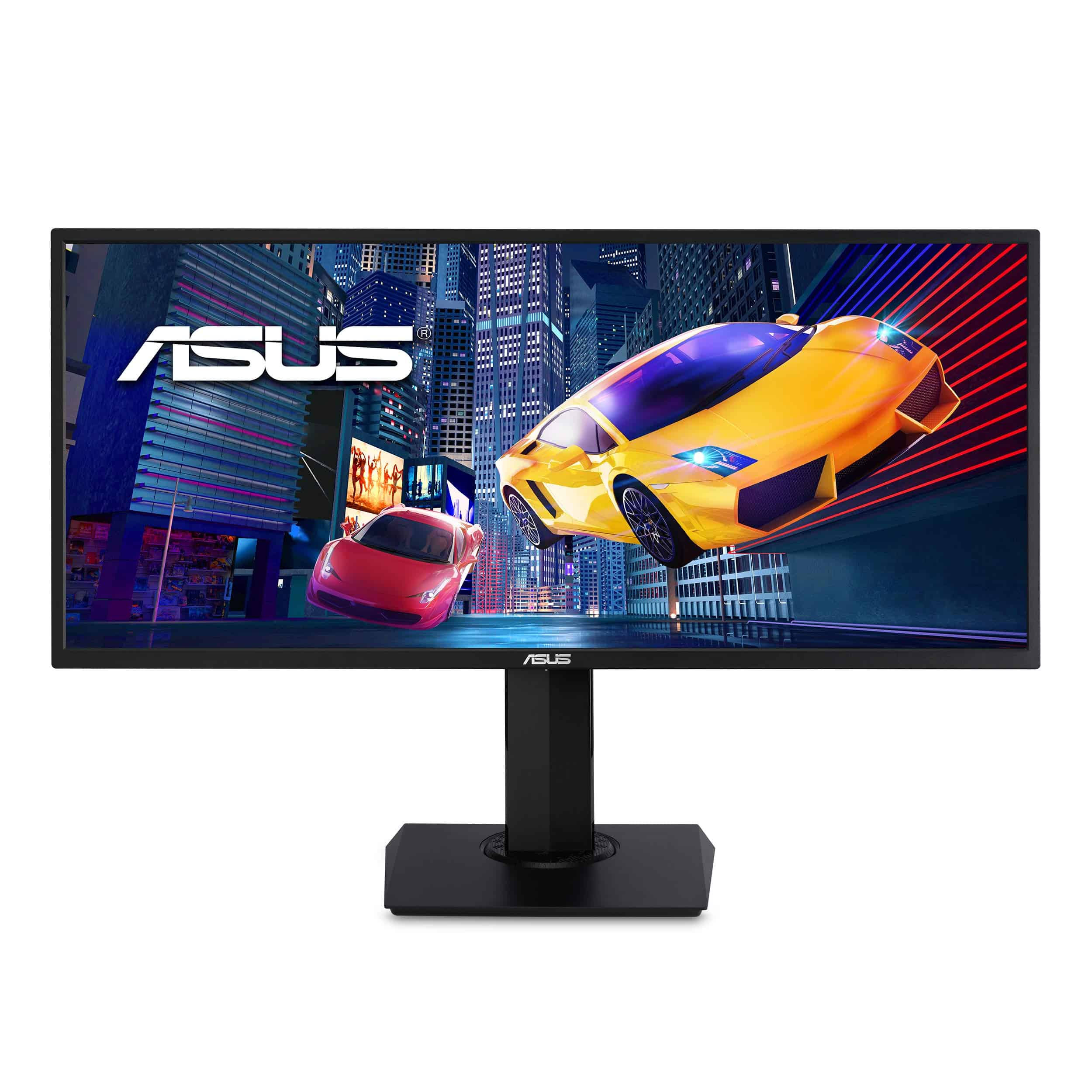
This ultrawide monitor delivers impressive HDR gaming performance with eye-care features at a reasonable price point for serious gamers wanting to upgrade their setup in 2025.
Pros
- Immersive ultrawide view with sharp 3440×1440 resolution
- Eye-care technology reduces strain during long sessions
- Height, tilt and swivel adjustments for comfortable viewing
Cons
- 75Hz refresh rate lags behind newer gaming monitors
- Built-in 2W speakers lack power for immersive audio
- Color accuracy needs some adjustment out of the box
We’ve been testing the ASUS VP348QGL for several weeks now, and the 34-inch ultrawide display really transforms both gaming and productivity. The 21:9 aspect ratio gives games a cinematic quality while providing plenty of screen real estate for multitasking. The HDR-10 support brings dark scenes to life with impressive contrast.
The monitor’s Shadow Boost feature deserves special mention. During our late-night gaming sessions, it helped reveal enemies lurking in dark corners that would otherwise be missed. Combined with FreeSync technology, we experienced smooth, tear-free gameplay that made fast-paced titles much more enjoyable.
Daily eye comfort is a standout feature. After long work sessions, we noticed significantly less eye fatigue compared to standard monitors. The adjustable stand proved invaluable for finding the perfect viewing angle. While the built-in speakers work for basic needs, they lack bass and volume for serious gaming – you’ll want dedicated speakers or headphones for the best experience.
The monitor includes a nice bonus: one month of Adobe Creative Cloud access. For content creators, this adds extra value to an already solid purchase. Overall, the VP348QGL balances gaming performance, eye comfort, and versatility in a package that remains relevant in 2025.
LG 29″ UltraWide Monitor
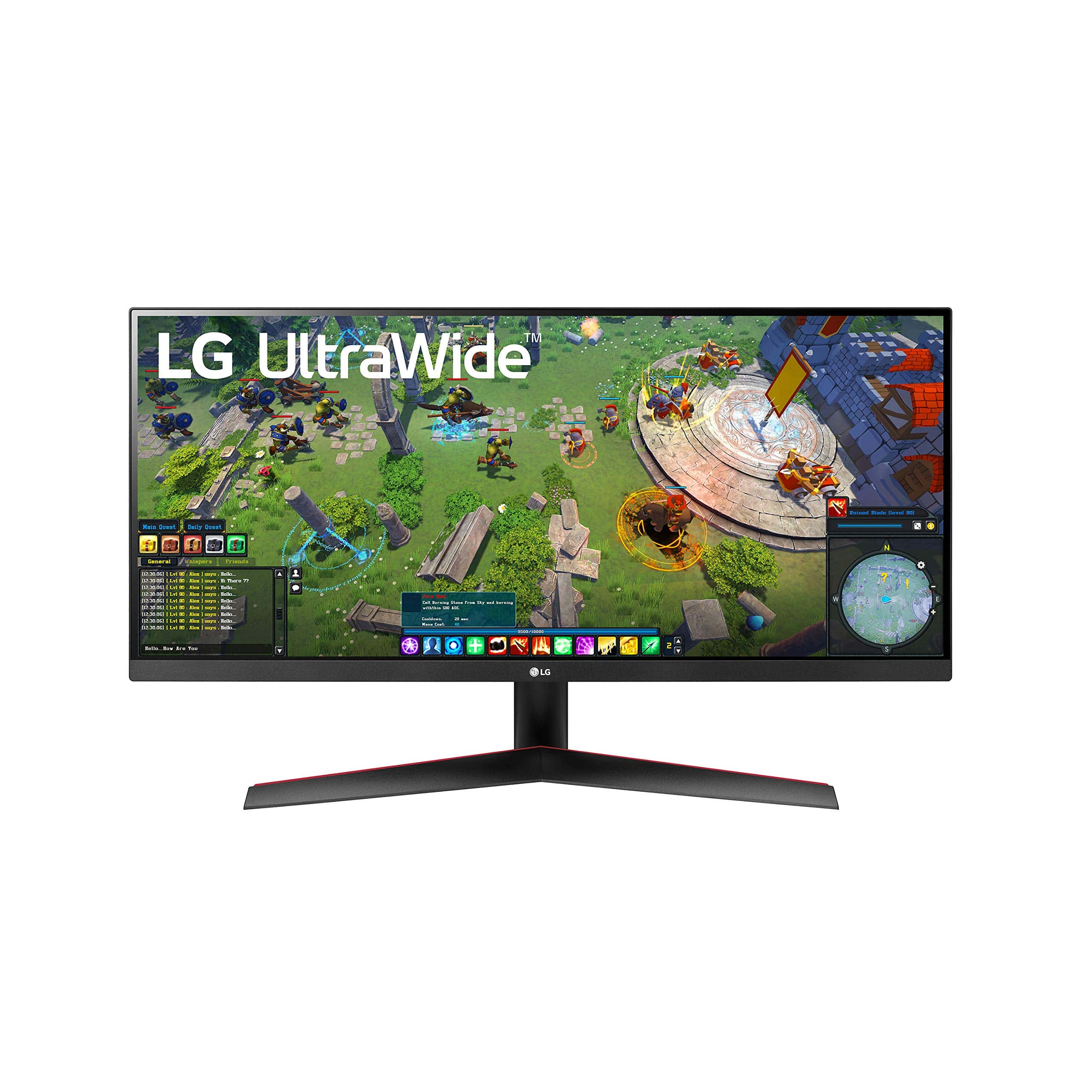
This budget-friendly ultrawide monitor offers excellent productivity benefits with its 21:9 aspect ratio, making it a solid choice for work and casual gaming.
Pros
- Nearly borderless design creates a clean, immersive workspace
- USB-C connectivity simplifies cable management with compatible devices
- Accurate color reproduction (99% sRGB) with HDR 10 support
Cons
- 29″ size might feel small for some users expecting more vertical space
- Limited height adjustment options on the included stand
- 75Hz refresh rate is adequate but not ideal for competitive gaming
We tested the LG 29WP60G-B ultrawide monitor for several weeks in our daily workflow. The extra horizontal space made a noticeable difference when working with spreadsheets and having multiple applications open side by side. Text appears crisp on the 2560 x 1080 IPS display, and colors pop without looking oversaturated.
The thin bezels on three sides help create a more immersive experience, whether you’re working or watching videos. During our testing, we found the USB-C connectivity particularly useful for connecting newer laptops with a single cable for both display and charging. This greatly reduced desk clutter compared to traditional monitor setups.
For casual gaming, the AMD FreeSync support helps eliminate screen tearing, though serious gamers might want something with a higher refresh rate. We did notice that taller people may find the monitor a bit short when using the included stand. Consider mounting it on a monitor arm for better ergonomics.
Buying Guide
Choosing the best ultrawide monitor in 2025 requires understanding a few key features. We’ll help you navigate these options so you can find the perfect display for your needs.
Resolution Matters
Resolution determines image clarity and workspace size. For ultrawide monitors, look for these common resolutions:
- 3440 x 1440 (UWQHD) – Good balance of sharpness and performance
- 5120 x 1440 (DQHD) – Super ultrawide with excellent detail
- 3840 x 1600 – Another popular high-resolution option
Higher resolutions provide more screen real estate but may require a more powerful graphics card.
Panel Technology
Panel type affects color accuracy, contrast, and response time:
| Panel Type | Pros | Cons |
|---|---|---|
| IPS | Better colors, viewing angles | Typically higher cost |
| VA | Best contrast ratios, deep blacks | Slower response times |
| Nano IPS | Enhanced color gamut | Premium pricing |
Refresh Rate and Response Time
These specs are crucial for smooth visuals and gaming performance:
- Refresh Rate: 100Hz minimum for gaming, 144Hz or higher is ideal
- Response Time: Lower is better (1-4ms is good for gaming)
Connectivity Options
Modern monitors should include multiple ports:
- At least one HDMI 2.1
- DisplayPort 1.4 or newer
- USB-C with power delivery for laptops
- Multiple USB ports for peripherals
We recommend choosing a monitor with at least a 3-year warranty for peace of mind.
Frequently Asked Questions
Ultrawide monitors have evolved significantly in 2025, with many models now offering improved features, higher resolutions, and better performance across various price points. These questions address the most common inquiries we receive about this year’s top ultrawide options.
What are the top-rated ultrawide monitors suitable for office tasks in 2025?
For office tasks in 2025, the Dell U3821DW stands out with its excellent color accuracy and built-in KVM switch. This 38-inch display lets you connect multiple computers to one monitor setup.
The LG 40WP95C-W offers a clean, productivity-focused experience with Thunderbolt 4 connectivity and 5K2K resolution that’s perfect for spreadsheets and document work.
HP’s E45c G5 brings impressive ergonomics with its height-adjustable stand and low blue light technology, making it ideal for long workdays.
Which ultrawide monitors offer the best gaming experience this year?
The Samsung Odyssey OLED G9 (2025 edition) delivers an unmatched gaming experience with its 240Hz refresh rate and 0.03ms response time. Its quantum dot OLED panel provides exceptional contrast and color.
Alienware’s AW3823DW combines a 175Hz refresh rate with G-Sync Ultimate certification, virtually eliminating screen tearing during intense gameplay.
For competitive gamers, the ASUS ROG Swift PG34WQHD offers lightning-fast 1ms GTG response times and NVIDIA Reflex Analyzer technology to measure system latency.
What are the most cost-effective ultrawide monitors available in 2025?
The Gigabyte G34WQC2 offers remarkable value with a 144Hz VA panel and 1440p resolution for under $400. It provides 90% DCI-P3 color coverage without breaking the bank.
AOC’s CU34G3X/BK balances performance and price with its 34-inch curved display, 165Hz refresh rate, and robust gaming features at a mid-range price point.
The Sceptre C355B-QUN168 remains one of the most affordable ultrawide options, offering decent 100Hz refresh rates and basic HDR support for budget-conscious buyers.
What features distinguish the leading 49-inch ultrawide monitors on the market?
Samsung’s Odyssey Neo G9 (2025) stands out with its mini-LED backlight system featuring over 2,000 dimming zones and peak brightness exceeding 2,000 nits for stunning HDR.
Dell’s U4924WE focuses on productivity with its split-screen technology and integrated USB-C hub that delivers 90W power delivery for laptop charging.
The LG 49WQ95C-W excels with its professional-grade color calibration, 98% DCI-P3 coverage, and hardware calibration support for creative professionals.
Can you recommend professional-grade 4K ultrawide monitors for 2025?
The BenQ PD3420U Pro Designer offers Pantone validation and a specialized CAD/CAM mode making it perfect for technical design work. Its Hotkey Puck G2 allows quick access to different color spaces.
Apple’s Studio Display Ultrawide (released early 2025) features exceptional color accuracy with P3 wide color gamut and 5K2K resolution that’s ideal for video editing.
ASUS ProArt PA34VC provides factory calibration with Delta E < 2 color accuracy and hardware calibration support for creative professionals who need color precision.
What advancements have been made in 34-inch ultrawide monitor technology this year?
The latest 34-inch ultrawides now incorporate Mini-LED technology with up to 1,000 dimming zones, significantly improving HDR performance over previous generations.
Refresh rates have reached new heights, with several models now offering native 240Hz panels without overclocking, along with improved VRR (variable refresh rate) ranges.
Power efficiency has improved dramatically, with new panel technologies reducing consumption by up to 30% compared to 2024 models while maintaining brightness levels.





